 OnlyLoader
How to Use Kiego to Download OnlyFans Videos?

As subscription-based platforms continue to grow, OnlyFans has become one of the most popular spaces for creators to share exclusive videos and photos with their subscribers. Many users prefer watching their purchased content offline for convenience, smoother playback, or long-term access. While OnlyFans allows streaming inside its platform, it does not provide a built-in bulk download option for media files.
As a result, third-party tools have emerged to help users download videos they have legally purchased. One of these tools is Kiego OnlyFans Downloader. In this guide, we’ll explain what Kiego is, how to use it to download OnlyFans videos, as well as compare its advantages and disadvantages.
1. What Is Kiego OnlyFans Downloader?
Kigo (Kiego) OnlyFans Downloader is a desktop software designed to help users download streaming videos from various websites, including OnlyFans. It is primarily marketed as a streaming video downloader rather than an OnlyFans-exclusive tool.
Key Features of Kigo video downloader:
- Download streaming videos from multiple platforms
- Save videos in MP4 format
- HD video quality support
- Built-in browser for media detection
- Simple and beginner-friendly interface
If you’ve decided to try Kiego, here’s a step-by-step guide on how to use it to download OnlyFans videos.
2. How to Use Kigo to Download OnlyFans Videos
If you’ve decided to try the Kigo downloader, here’s a step-by-step guide on how to use it to download OnlyFans videos.
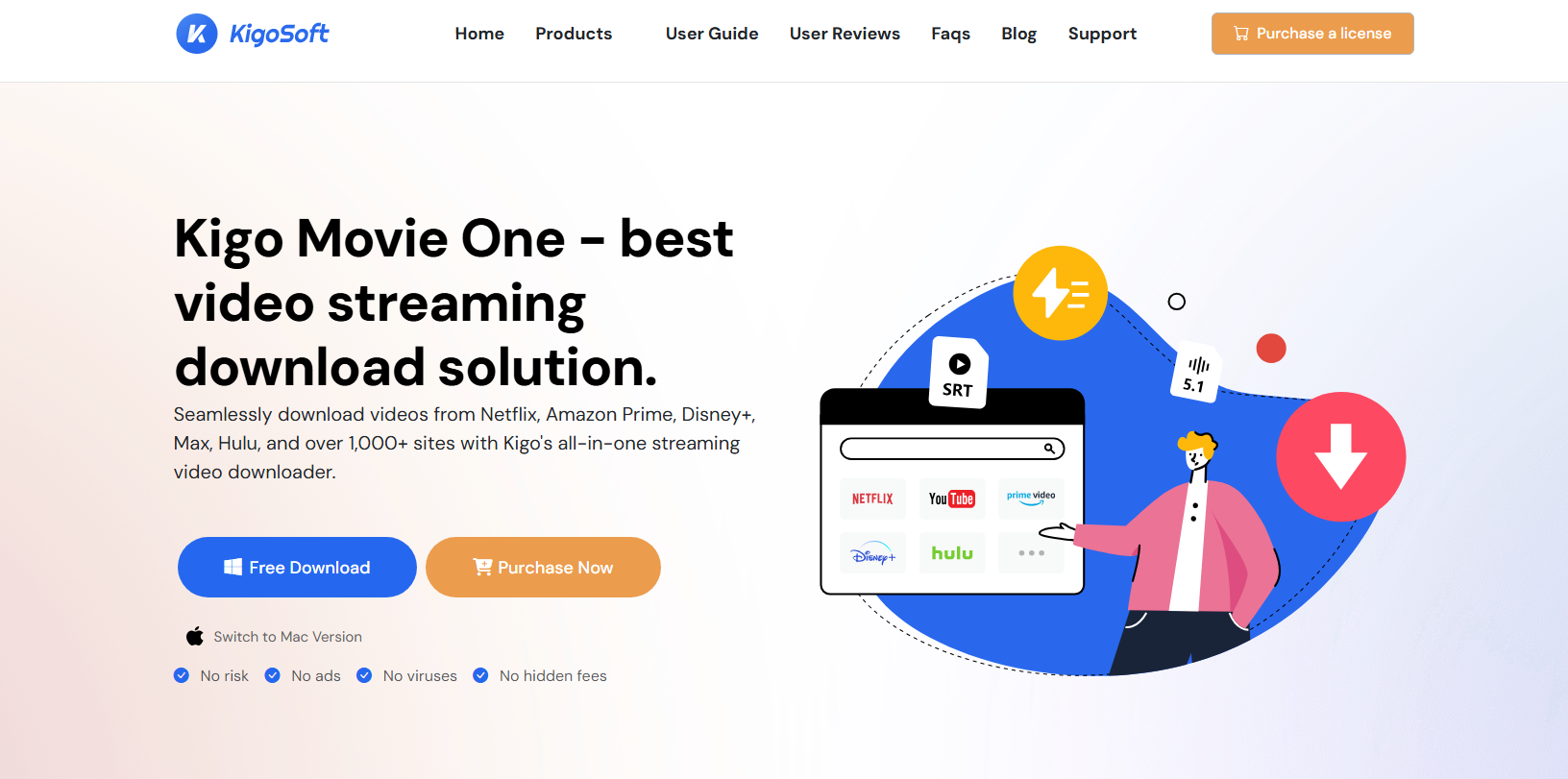
Step 1: Download and install the Kigo software from its official website.
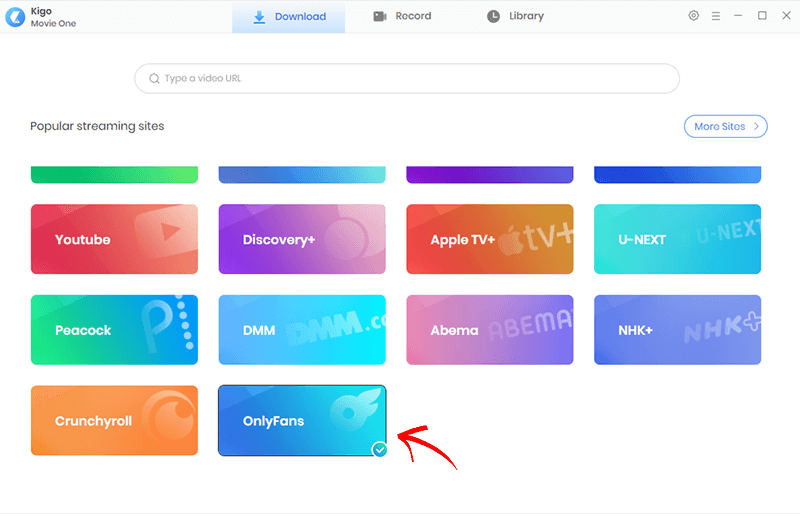
Step 2: After installation, launch Kigo and complete any required sign-in or activation steps, then click “OnlyFans” on the main interface and log in with your account.
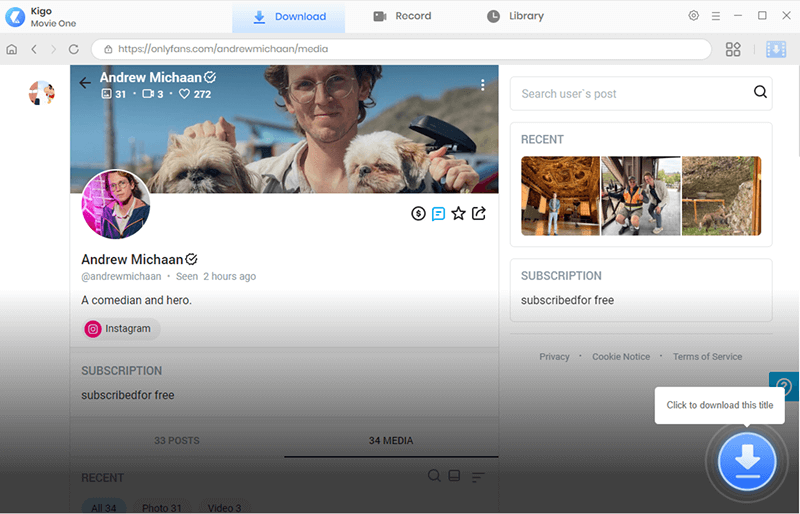
Step 3: Locate and play the OnlyFans video you want to download, then click the download button provided by Kigo.
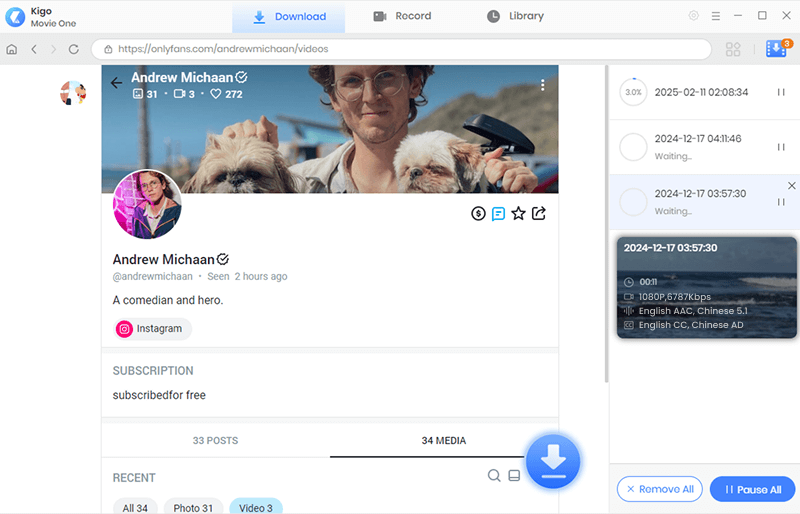
Step 4: Kigo will automatically scan the OnlyFans page and identify the available media. It will then display the downloadable content for you to review. Simply choose the videos you want and press the Download button to begin batch downloading your OnlyFans content.
3. Pros and Cons of Kiego OnlyFans Downloader
Like any third-party tool, Kigo has its strengths and weaknesses.
Pros:
- Kiego has a clean and user-friendly layout, making it accessible even for beginners.
- It supports downloading from various streaming platforms, not just OnlyFans.
- Users can download high-definition videos, depending on the original stream quality.
- The integrated browser makes it convenient to log in and access streaming content.
Cons:
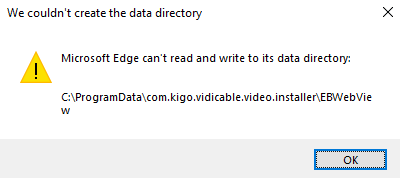
- The software may fail to install on your computer.
- Kigo is a general streaming downloader, not specifically built for OnlyFans. This can result in inconsistent detection or limited compatibility.
- Kigo can not automatically detect and extract photos from a creator’s page.
- Some streaming updates may temporarily break compatibility, requiring software updates.
4. Try the Ultimate OnlyFans Media Downloader – OnlyLoader
If you’re looking for a faster, more reliable, and bulk-friendly solution, OnlyLoader stands out as a dedicated OnlyFans media downloader.
Unlike general streaming tools, OnlyLoader is specifically designed for downloading videos and photos from OnlyFans accounts that you subscribe to.
Key features of OnlyLoader:
- Download multiple videos and images from a creator’s profile.
- Download videos and photos in original resolution whenever possible.
- Filter desired OnlyFans photos by choosing their types and sizes.
- Export videos and photos in MP4, PNG/JPG or more popular formats.
- Work on both Windows and Mac.
How does OnlyLoader work:
- Install OnlyLoader on your PC or Mac and open the program.
- Log into OnlyFans through the OnlyLoader built-in browser and access the creator profile (subscription required).
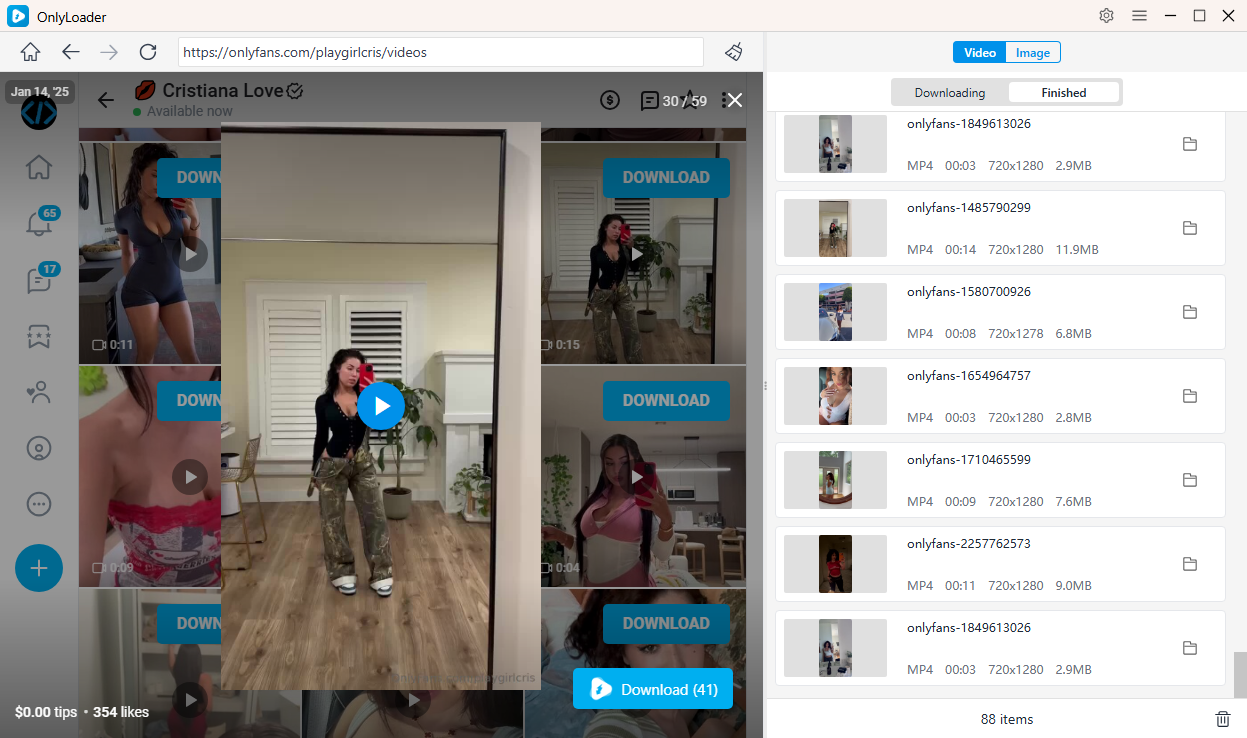
- Play any video you want, click Download to add it to the queue, and OnlyLoader will automatically download all selected videos in batch.
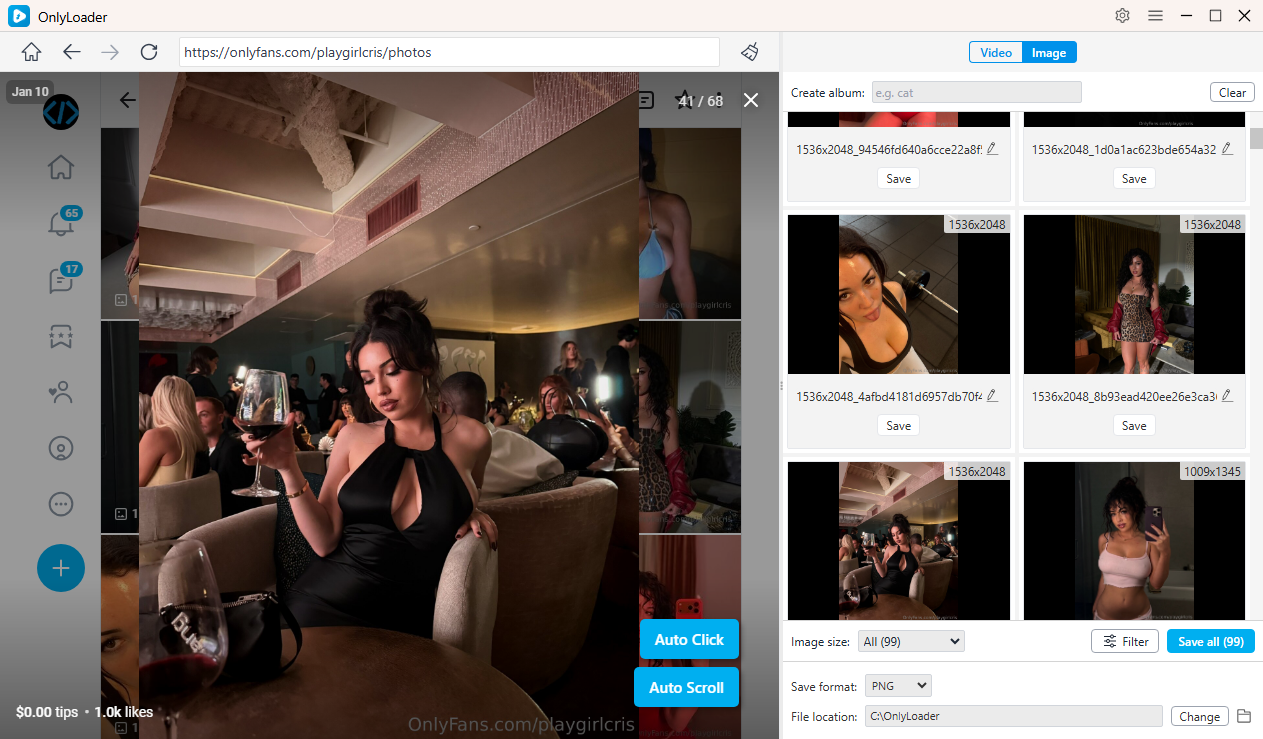
- To download OnlyFans photos, enable OnlyLoader’s auto-click feature to automatically open the profile photos. Once the images are loaded, you can filter the photos you want and download them all at once with a single click.
5. Conclusion
Kiego OnlyFans Downloader is a basic streaming video downloader that can be used to save OnlyFans videos for offline viewing. It offers a simple interface, HD quality downloads, and support for multiple streaming sites. However, it is not specifically designed for OnlyFans, which limits its efficiency—especially for users who want to download multiple videos or entire creator libraries.
If your goal is occasional single-video downloads, Kiego may work. But if you’re a serious subscriber who wants to bulk download videos and photos quickly, reliably, and in an organized way, OnlyLoader is the superior choice.
With automatic media detection, and bulk downloading capabilities, OnlyLoader delivers a complete solution for managing your legally purchased OnlyFans content offline.
For the best balance of speed, convenience, and functionality, OnlyLoader is the ultimate OnlyFans media downloader to try.