 OnlyLoader
Kaip rasti ką nors „OnlyFans“ neturint vartotojo vardo?

„OnlyFans“ tapo viena iš pirmaujančių prenumeratos pagrindu veikiančių platformų, skirtų kūrėjams dalytis išskirtiniu turiniu, įskaitant nuotraukas, vaizdo įrašus ir tiesiogines transliacijas. Dauguma vartotojų gali pasiekti kūrėjo profilį tik per savo vartotojo vardą arba tiesioginę nuorodą, o tai gali būti varginantis procesas, jei norite ką nors rasti, bet nežinote jo vartotojo vardo.
Šis vadovas padės jums išsiaiškinti efektyviausius būdus, kaip rasti ką nors „OnlyFans“ svetainėje neturint vartotojo vardo.
1. Kaip rasti ką nors „OnlyFans“ neturint vartotojo vardo
Net ir neturėdami vartotojo vardo, galite naudoti kelis metodus, kad surastumėte „OnlyFans“ kūrėją. Žemiau pateikiamos patikimiausios strategijos.
1.1 Paieška pagal vardą arba slapyvardį „Google“ sistemoje
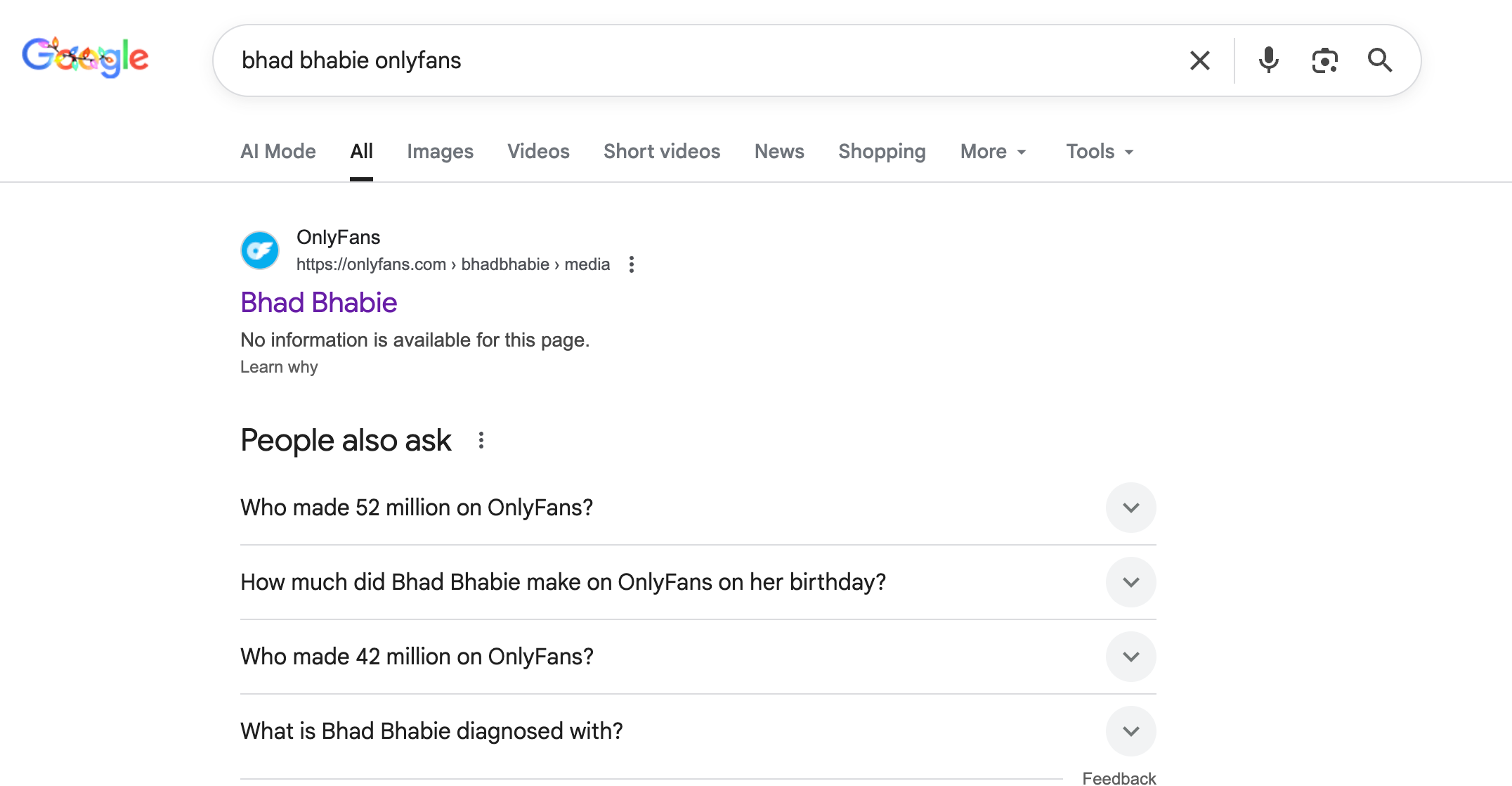
Daugelis kūrėjų reklamuoja savo „OnlyFans“ per kitas platformas, dažnai naudodami tą patį tikrąjį vardą arba sceninį vardą. „Google“ stebėtinai efektyviai atranda nuorodas, kai žinote dalį kūrėjo tapatybės.
Ieškokite naudodami tokius derinius kaip:
- [kūrėjo vardas] + OnlyFans
- [slapyvardis] + OF
- [slapyvardis] + „OnlyFans“ nuoroda
1.2 Naršykite socialinės žiniasklaidos platformas
Dauguma „OnlyFans“ kūrėjų savo turinį reklamuoja už platformos ribų. Socialinių tinklų paieška dažnai yra greičiausias būdas rasti profilį nežinant vartotojo vardo.
- „Twitter“ / X: Daugelis kūrėjų dalijasi tiesioginėmis „OnlyFans“ nuorodomis arba skelbia apie naują turinį. Ieškokite pagal tikrąjį vardą, slapyvardį arba su niša susijusius raktinius žodžius.
- Instagramas: Peržiūrėkite biografijas, istorijų santraukas ir įrašus, ar nėra nuorodų į „OnlyFans“ ar paminėjimų.
- TikTok: Daugelis kūrėjų savo biografijose skelbia cenzūruotas nuorodas arba naudoja nuorodų agregavimo įrankius.
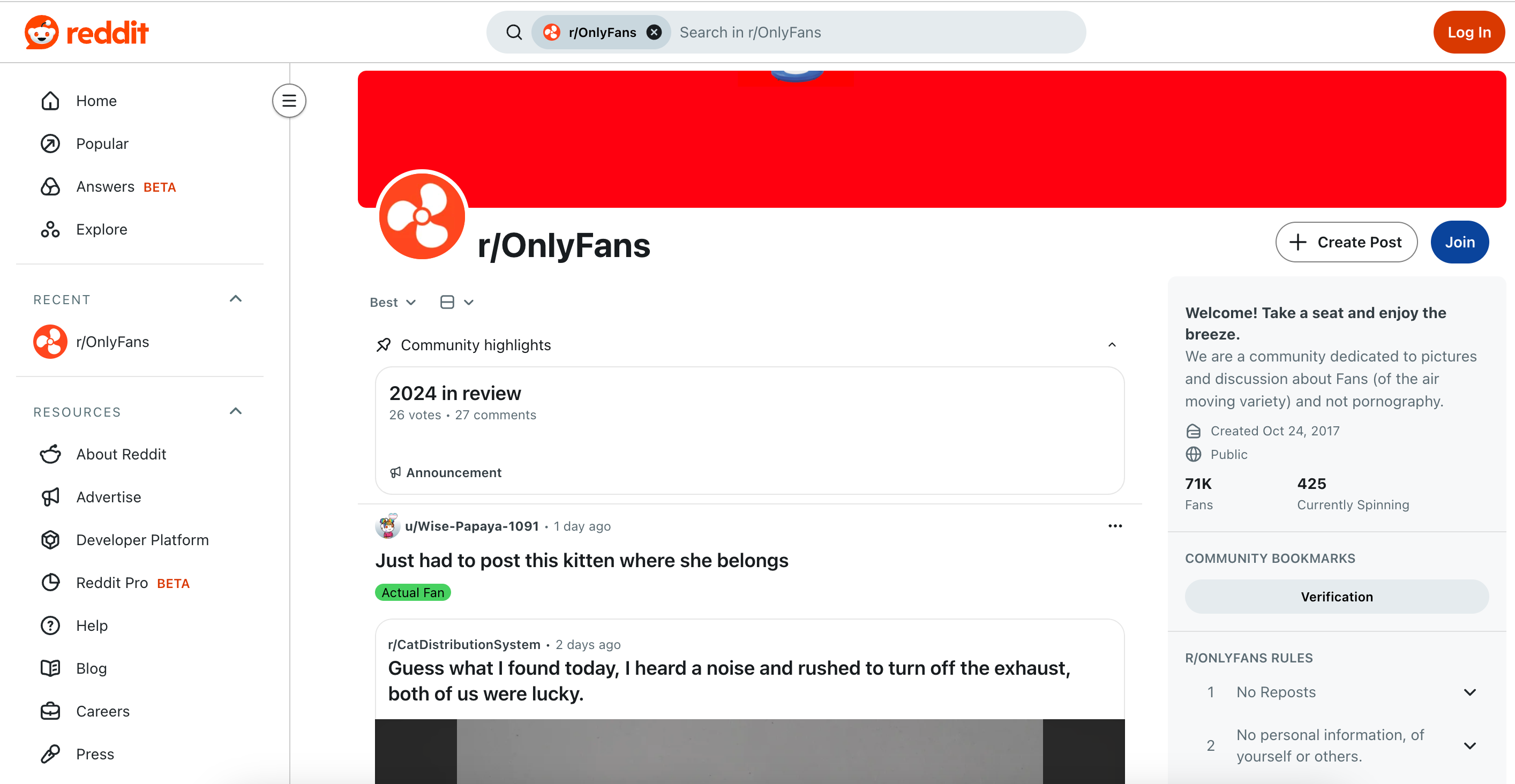
- Reddit: Subredditai, tokie kaip „r/OnlyFans“, „r/OnlyFansGirls“ ir nišinės bendruomenės, dažnai dalijasi kūrėjų reklamomis.
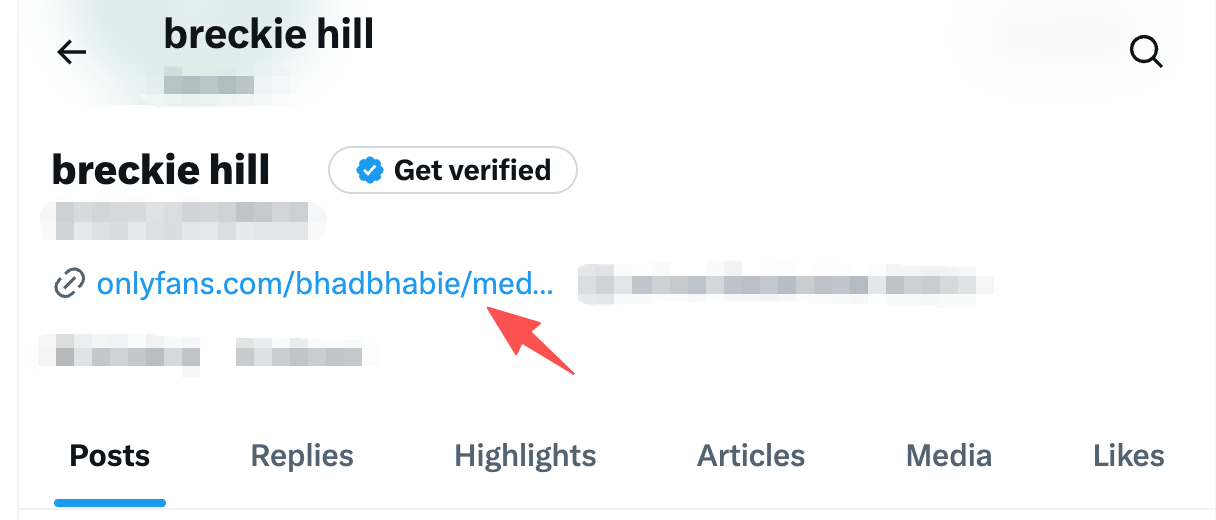
Ieškodami įtraukite kūrėjo slapyvardį, nišą (fitnesas, kosplejus, žavesys) arba vietovę, kad susiaurintumėte rezultatus.
1.3 Naudokite „OnlyFans“ paieškos įrankius
Kelios trečiųjų šalių paieškos sistemos leidžia vartotojams rasti „OnlyFans“ profilius naudojant raktinius žodžius, o ne vartotojo vardus. Šios priemonės indeksuoja viešas nuorodas iš socialinės žiniasklaidos ir reklaminių puslapių.
Populiarūs „OnlyFans“ paieškos įrankiai:
- Tik ieškiklis: Leidžia ieškoti pagal tikrąjį vardą, sceninį vardą, raktinius žodžius, vietą arba nišą. Taip pat galite filtruoti rezultatus pagal nemokamus arba mokamus profilius.
- JuicySearch: Apima viešai prieinamą „OnlyFans“ turinį ir padeda rasti kūrėjus pagal išvaizdą, nišą ar reklaminius įrašus.
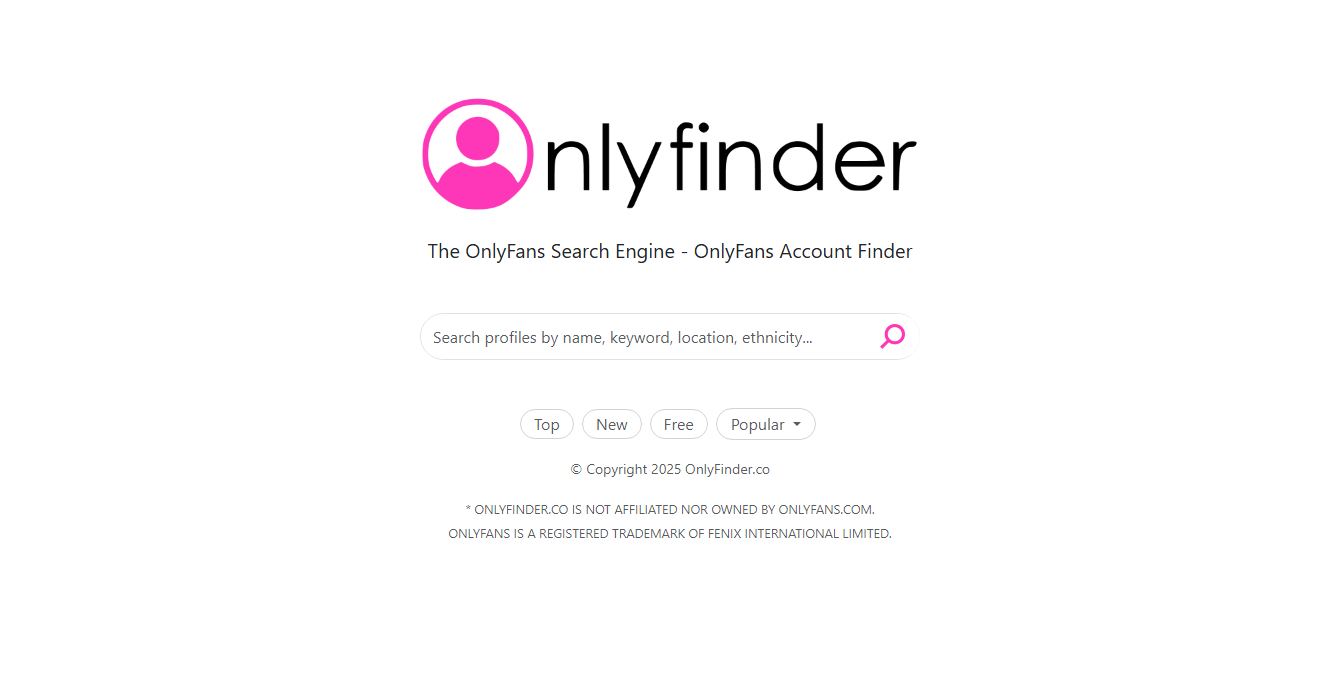
Šie įrankiai yra labai naudingi, jei žinote kūrėjo išvaizdą, nišą ar bendrą vietą, bet ne jo vartotojo vardą.
1.4 Atvirkštinė vaizdų paieška
Jei turite kūrėjo nuotrauką, atvirkštinė vaizdų paieška gali padėti rasti jo socialinių tinklų profilius, kurie dažnai nukreipia į „OnlyFans“.
- „Google“ atvirkštinė vaizdų paieška: Įkelkite nuotrauką, kad pamatytumėte, ar ji rodoma kur nors internete.
- „Yandex“ vaizdų paieška: Geriau atpažįsta veidus ir suderina vaizdus skirtingose platformose.
- Reikalas tas: Dainos pakartotinai paskelbti vaizdai ir gerbėjų puslapiai.
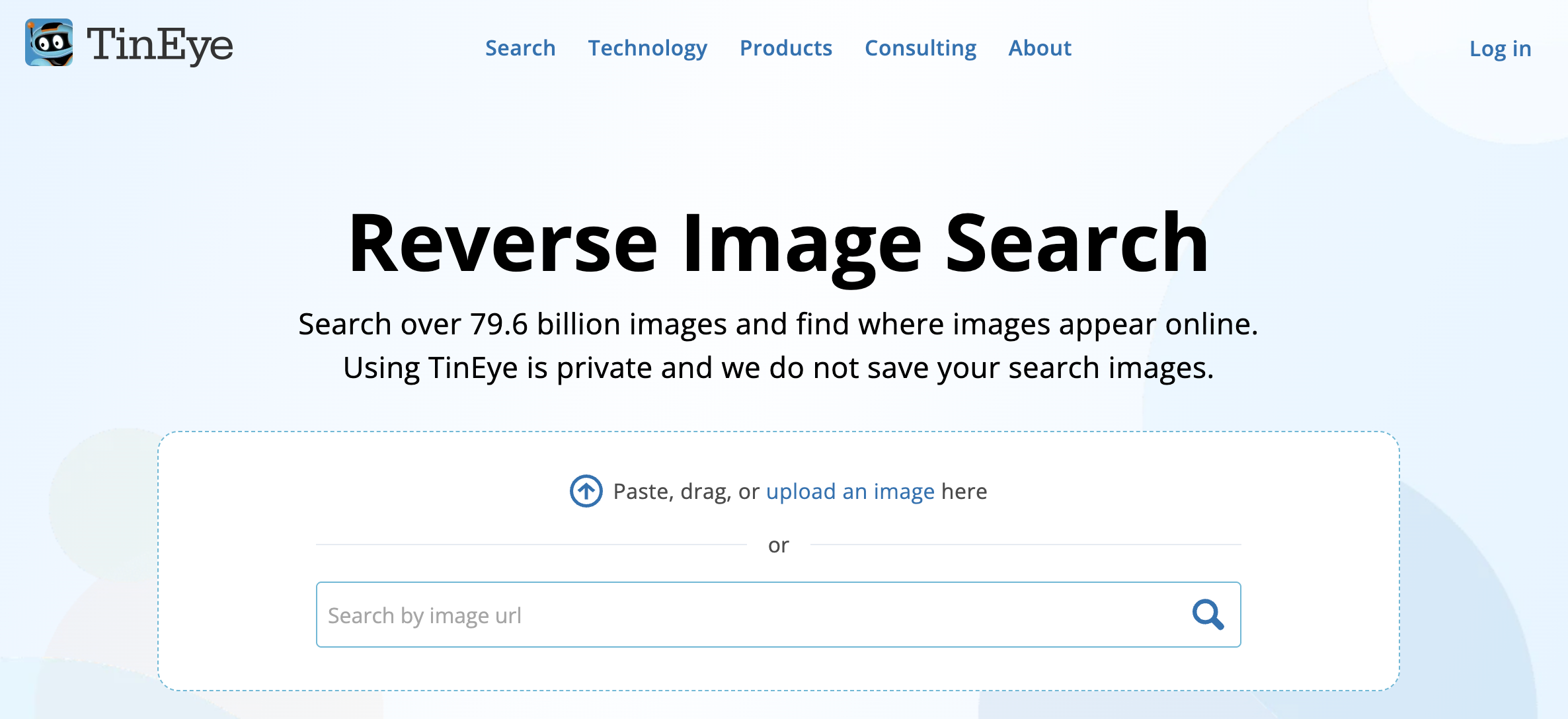
Radę susietą socialinės žiniasklaidos paskyrą, kūrėjo „OnlyFans“ profilį dažnai galite rasti per biografijos nuorodas arba reklaminius įrašus.
1.5 Patikrinkite nuorodų agregatorius
Daugelis kūrėjų sujungia visas savo internetines nuorodas per daugiasaites platformas, tokias kaip:
- Linktree
- Švyturiai
- VisosManoNuorodos
- Linkme
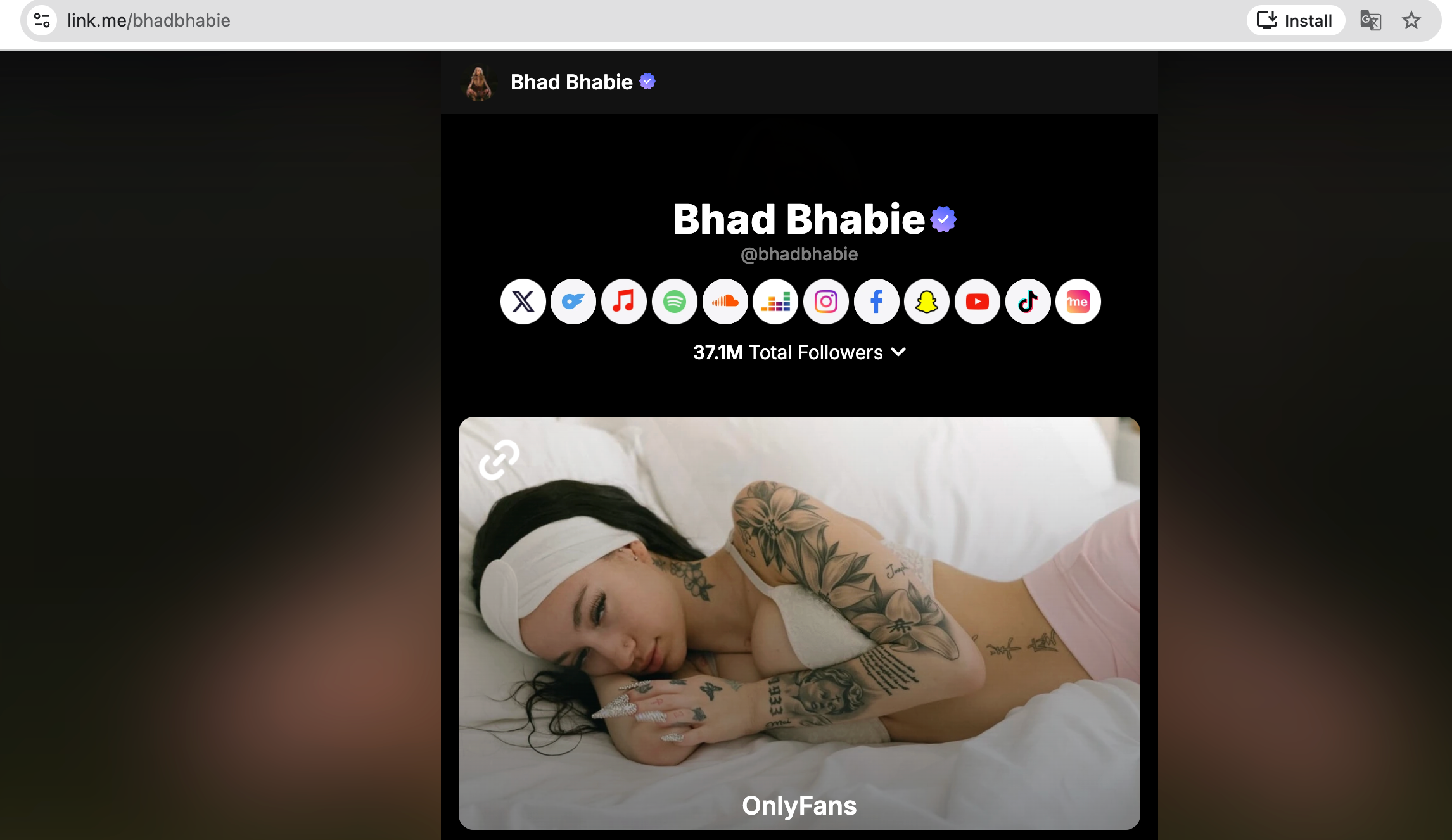
Ieškokite šiose platformose naudodami kūrėjo tikrąjį vardą, slapyvardį arba slapyvardį. Dažnai ten pateikiama nuoroda į jų „OnlyFans“.
1.6 Ieškoti „Reddit“ bendruomenėse
„Reddit“ platformoje veikia kelios bendruomenės, kuriose kūrėjai reklamuoja save, o gerbėjai dalijasi informacija apie nemokamus arba reklaminius įrašus.
- Pagrindiniai subredditai apima:
- r/OnlyFans
- r/OnlyFansGirls
- r/OnlyFansFree
- Ieškokite naudodami raktinius žodžius, tokius kaip kūrėjo slapyvardis, niša ar vieta.
- Dažnai galite rasti „OnlyFans“ paskyrą naudodamiesi nuorodomis į kitus socialinės žiniasklaidos profilius „Reddit“ įrašuose.
1.7 Naršykite nišinius raktinius žodžius
Jei žinote kūrėjo nišą, išvaizdą ar miestą, galite naudoti raktinių žodžių paiešką „OnlyFans“ paieškos įrankiuose arba socialiniuose tinkluose. Pavyzdžiai:
- „Kosplejaus raudonplaukė“
- „Blondinė fitneso modelis“
- „Tatuiruotėmis pasidabinusi lotynų amerikietė Majamyje“
Nišinės paieškos padidina jūsų galimybes rasti tinkamą profilį nežinant vartotojo vardo.
2. Premija: Atsisiųskite „OnlyFans Media“ su OnlyLoader
Radę kūrėjo „OnlyFans“ profilį, galite atsisiųsti jo medijos failus peržiūrai neprisijungus, archyvavimui arba atsarginėms kopijoms kurti. OnlyLoader yra profesionali „OnlyFans“ atsisiuntimo programa, leidžianti išsaugoti vaizdo įrašus ir nuotraukas dideliais kiekiais, išsaugant originalią kokybę.
Pagrindinės savybės OnlyLoader :
- Atsisiųskite kelias „OnlyFans“ nuotraukas ir vaizdo įrašus masiškai vienu metu
- Išlaiko originalią skiriamąją gebą ir kokybę
- Konvertuoja turinį į populiarius formatus
- Integruota naršyklė saugiam prisijungimui
- Lengvai naudojami filtrai konkrečioms nuotraukoms pasirinkti
- Veikia gerai tiek „Windows“, tiek „Mac“ sistemose
„OnlyFans Media“ atsisiuntimo veiksmai naudojant OnlyLoader :
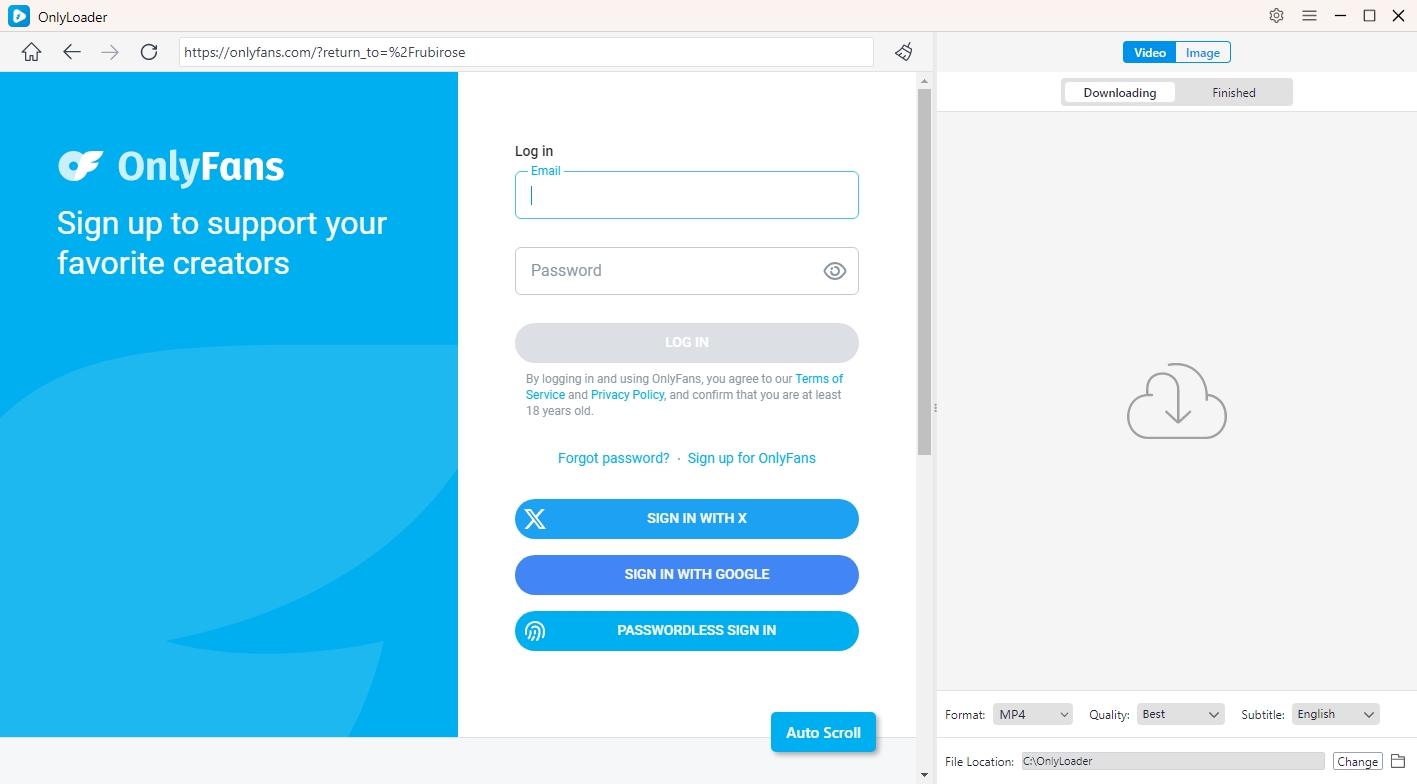
- Įdiegti OnlyLoader kompiuteryje, tada atidarykite OnlyLoader integruotą naršyklę ir prisijunkite prie „OnlyFans“.
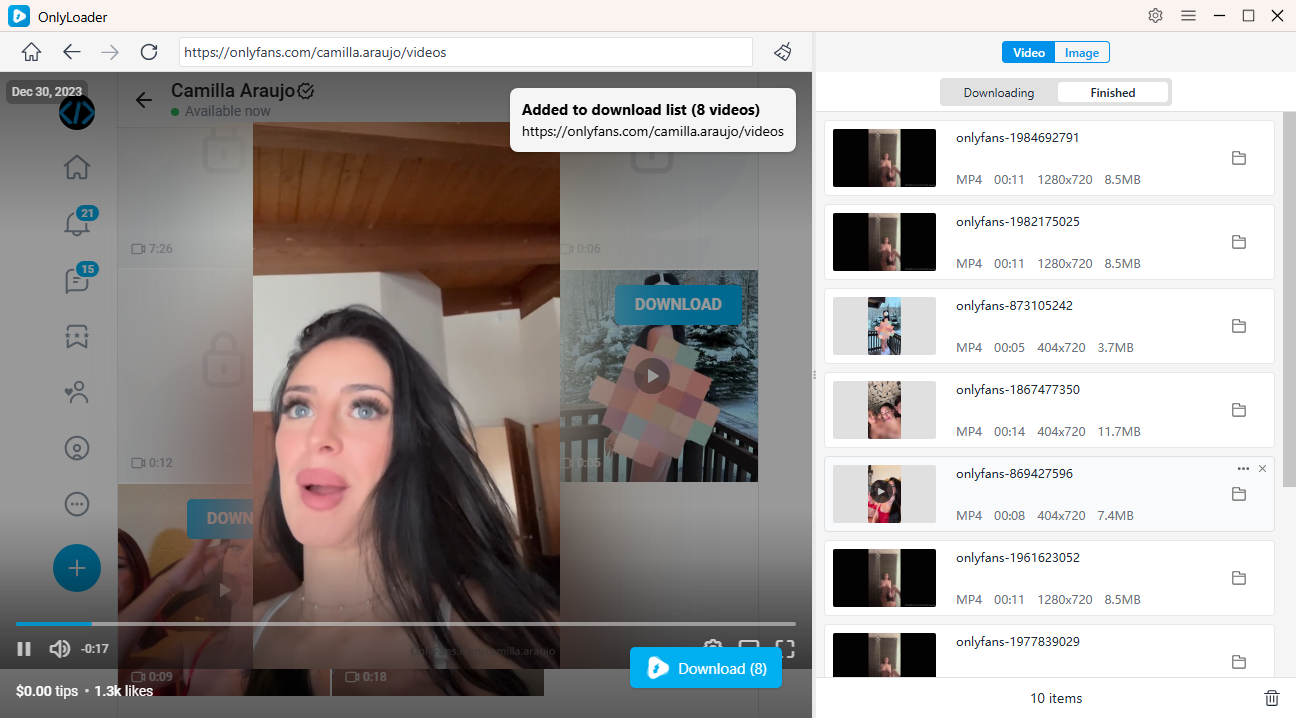
- Norėdami atsisiųsti vaizdo įrašus, eikite į kūrėjo profilį ir raskite skirtuką „Vaizdo įrašai“, pasirinkite ir paleiskite vaizdo įrašą, spustelėkite atsisiuntimo mygtuką ir OnlyLoader leis jums urmu atsisiųsti visus vaizdo įrašus iš „cteator“ profilio.
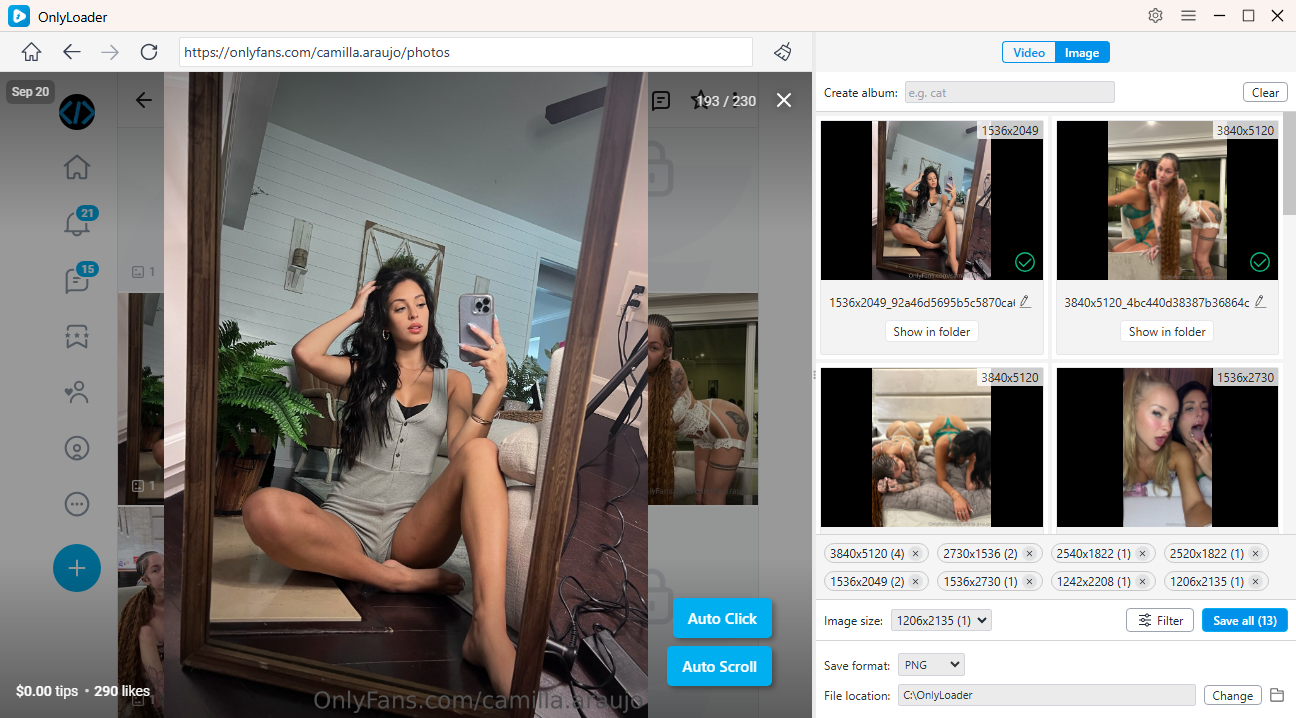
- Norėdami atsisiųsti nuotraukas, atidarykite skirtuką „Nuotraukos“ ir leiskite OnlyLoader automatiškai spustelėkite nuotraukas, kad išgautumėte visus originalius failus, tada galite filtruoti nuotraukas ir išsaugoti vienu spustelėjimu.
3. Išvada
Rasti ką nors „OnlyFans“ svetainėje be vartotojo vardo gali atrodyti sunku, tačiau tai visiškai įmanoma naudojant išmaniąsias paieškos strategijas. Naudodamiesi „Google“, socialiniais tinklais, atvirkštine vaizdų paieška, nuorodų agregatoriais ir „OnlyFans“ paieškos įrankiais, tokiais kaip „OnlyFinder“ ir „JuicySearch“, galite rasti kūrėjus net nežinodami tikslaus jų vartotojo vardo.
Radę profilį, OnlyLoader yra geriausias sprendimas efektyviam turinio atsisiuntimui. Dėl masinio atsisiuntimo galimybių ir aukštos kokybės išsaugojimo jis yra būtinas gerbėjams, norintiems mėgautis „OnlyFans“ turiniu ir saugiai kurti jo atsargines kopijas.
- Kaip „OnlyFans“ veikia žiūrovams?
- Kaip atsisiųsti Aishah Sofey „OnlyFans“ vaizdo įrašus ir nuotraukas?
- Kaip rasti ką nors „OnlyFans“ pagal telefono numerį?
- Kaip tapti kūrėju „OnlyFans“ platformoje?
- Kur reklamuoti „OnlyFans“?
- Kaip atsisiųsti „OnlyFans“ vaizdo įrašus į „iPhone“?
- Kaip atsisiųsti „OnlyFans“ vaizdo įrašus „Android“ įrenginyje?