 OnlyLoader
How to Use Cat-Catch to Download DRM OnlyFans Videos

Downloading online videos can be useful when you have permission to save the content for offline viewing. However, DRM-protected videos are different from ordinary web videos because they are specifically designed to prevent unauthorized copying or downloading. If you are trying to save OnlyFans videos that you are authorized to download, choosing the right tool can make the process easier.
In this guide, we’ll introduce Cat-Catch, explain what it does, discuss how it can be used with accessible OnlyFans media, and look at its advantages and limitations. We’ll also introduce an alternative for users who need a more convenient OnlyFans media downloading workflow.
1. What Is Cat-Catch?
Cat-Catch is a browser-based media detection and downloading extension designed to help users identify media resources loaded by websites. It can detect certain video, audio, image, and other media requests made by a webpage and provide options for saving supported content.
Unlike a conventional downloader that works only with a direct video URL, Cat-Catch works by monitoring media resources loaded in the browser. This can make it useful for websites where the actual media URL is not immediately visible.
Cat-Catch is particularly useful for technically inclined users who want to inspect webpage media without installing a separate desktop application. Depending on the website and how its media is delivered, it may detect formats such as MP4, HLS streams, or other browser-accessible resources.
2. How to Use Cat-Catch to Download OnlyFans Videos
If you have legitimate permission to download an OnlyFans video, you can use Cat-Catch to check whether the video is exposed to the browser as a downloadable media resource.
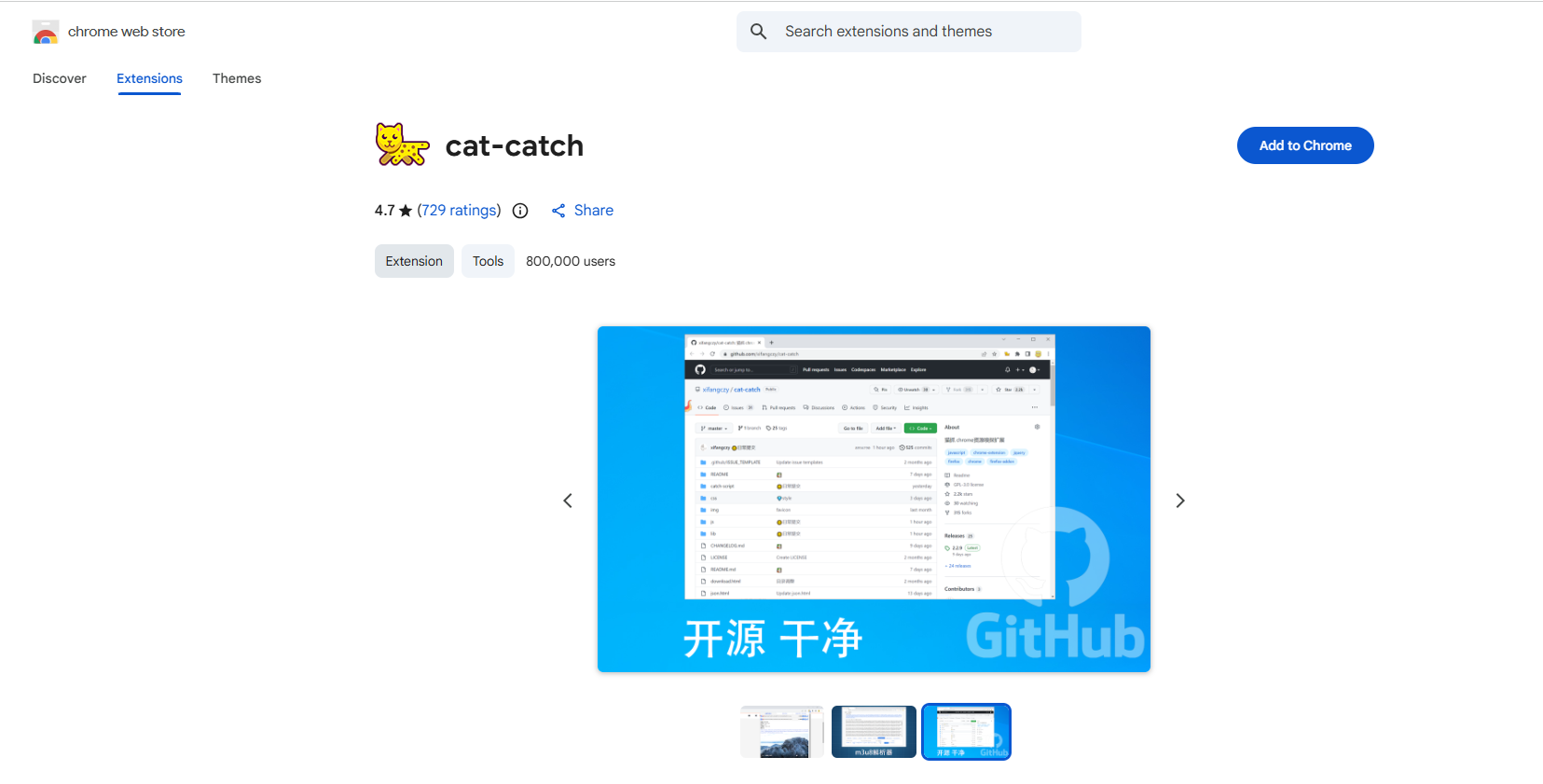
Step 1: Install Cat-Catch
First, install the Cat-Catch extension in a supported browser. After installation, make sure the extension is enabled and available from the browser’s extension toolbar.
Step 2: Open OnlyFans and Click Cat-Catch
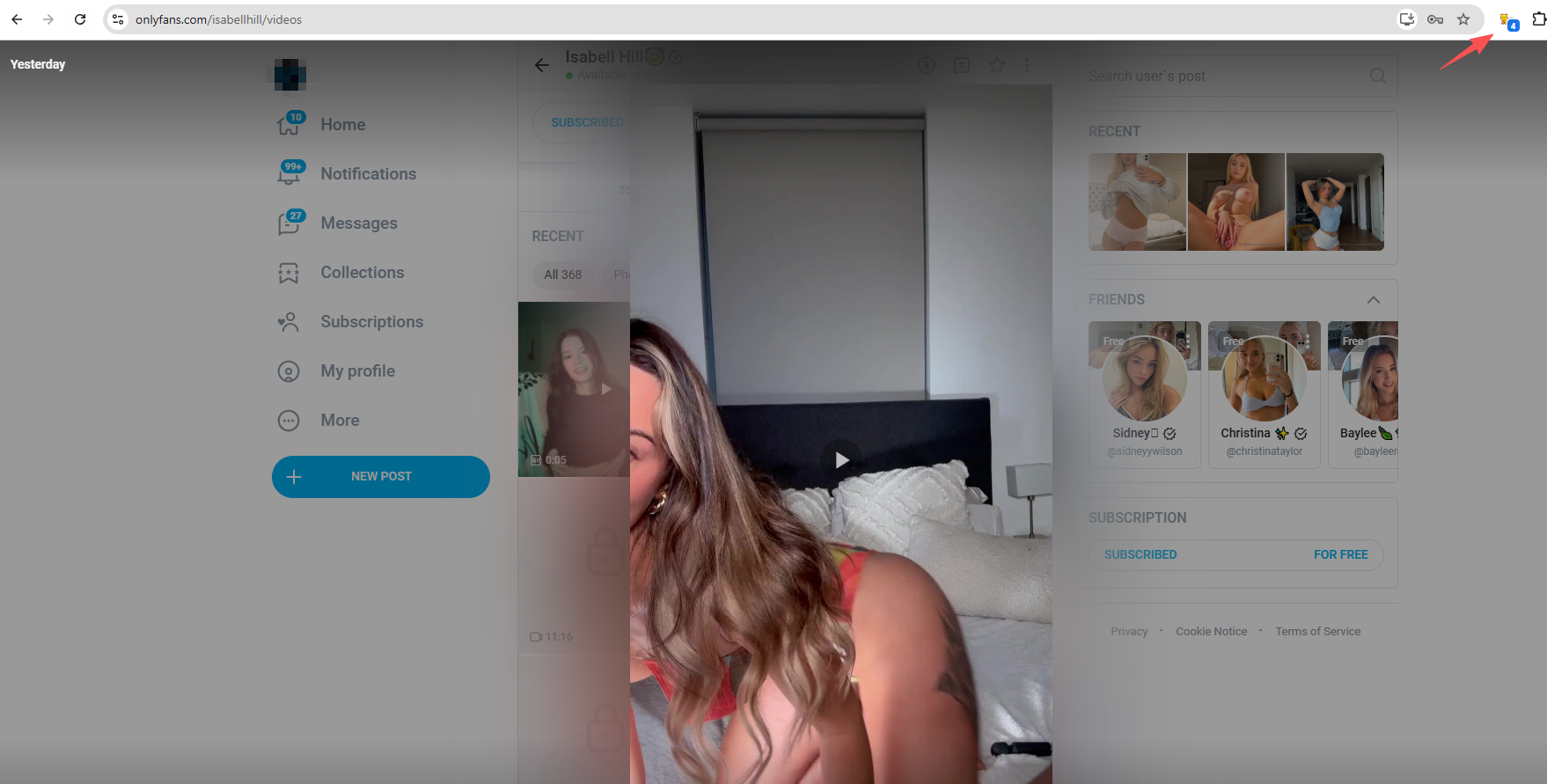
Sign in to your OnlyFans account and navigate to the creator’s post containing the video you are authorized to save. Play the video normally and click the Cat-Catch icon.
Step 3: Download the Detected Media
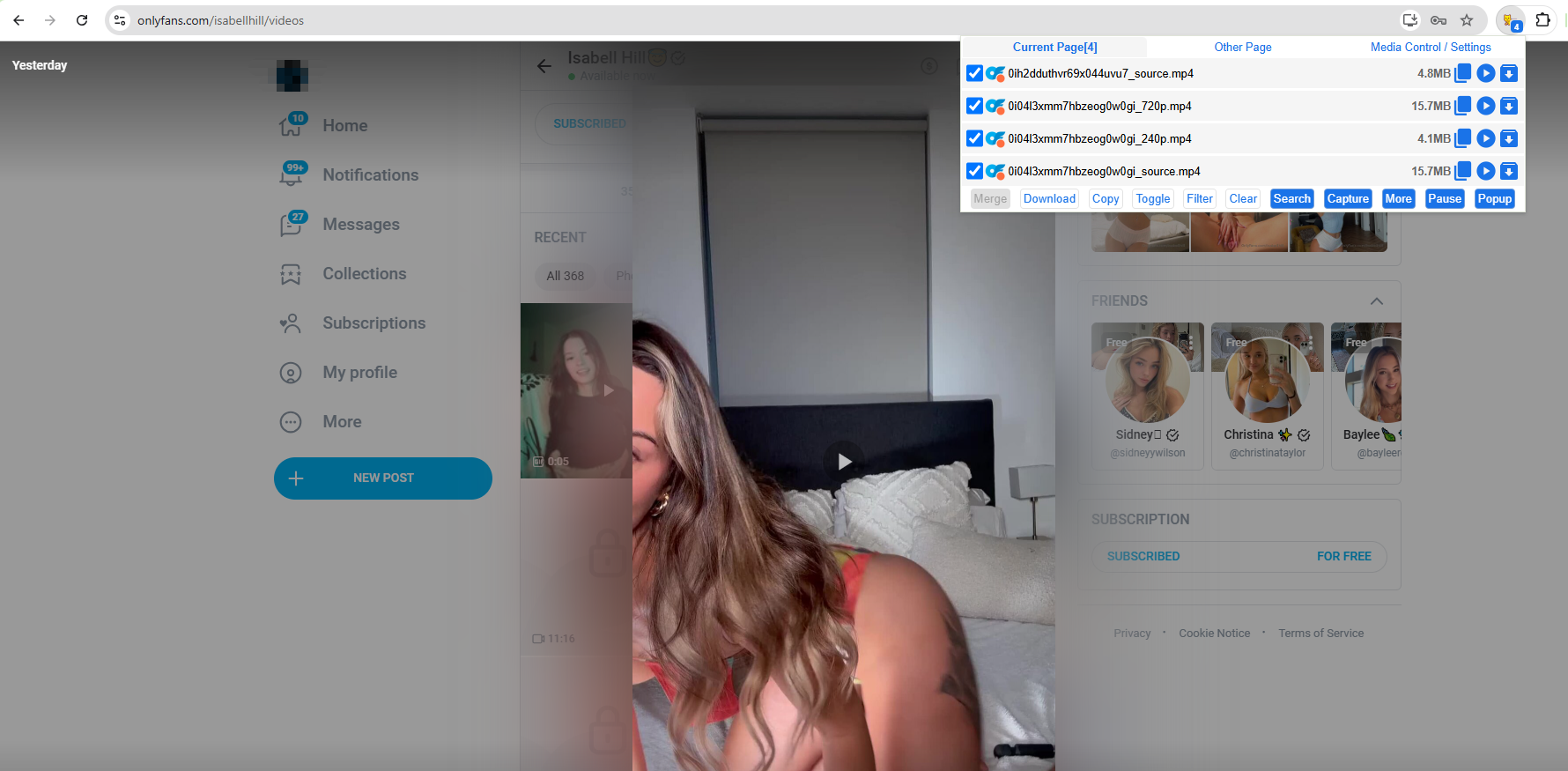
Review the detected video resources, choose an appreciate quality and download the video on your device.
3. Pros and Cons of Cat-Catch
prednosti:
- Easy to use directly in the browser
- Detects various media resources
- Supports multiple media formats
- No separate desktop software required
Slabosti:
- Cannot bypass all OnlyFans DRM protection
- Requires some technical knowledge
- Results vary depending on the website
- Not specifically designed for OnlyFans
4. Try the Ultimate OnlyFans DRM Downloader – OnlyLoader
If Cat-Catch fails to grab OnlyFans videos, OnlyLoader can be a more convenient alternative for downloading OnlyFans content that you are authorized to save.
Rather than relying entirely on manual browser media inspection, OnlyLoader is designed specifically around OnlyFans media downloading. This can provide a more straightforward experience for users who regularly save authorized photos and videos.
How to download OnlyFans drm protected content with OnlyLoader :
- Prenesi in namesti OnlyLoader on your Windows or Mac computer, then open the application to access its main interface.
- Log in using your authorized OnlyFans account so that OnlyLoader can access content available to you.
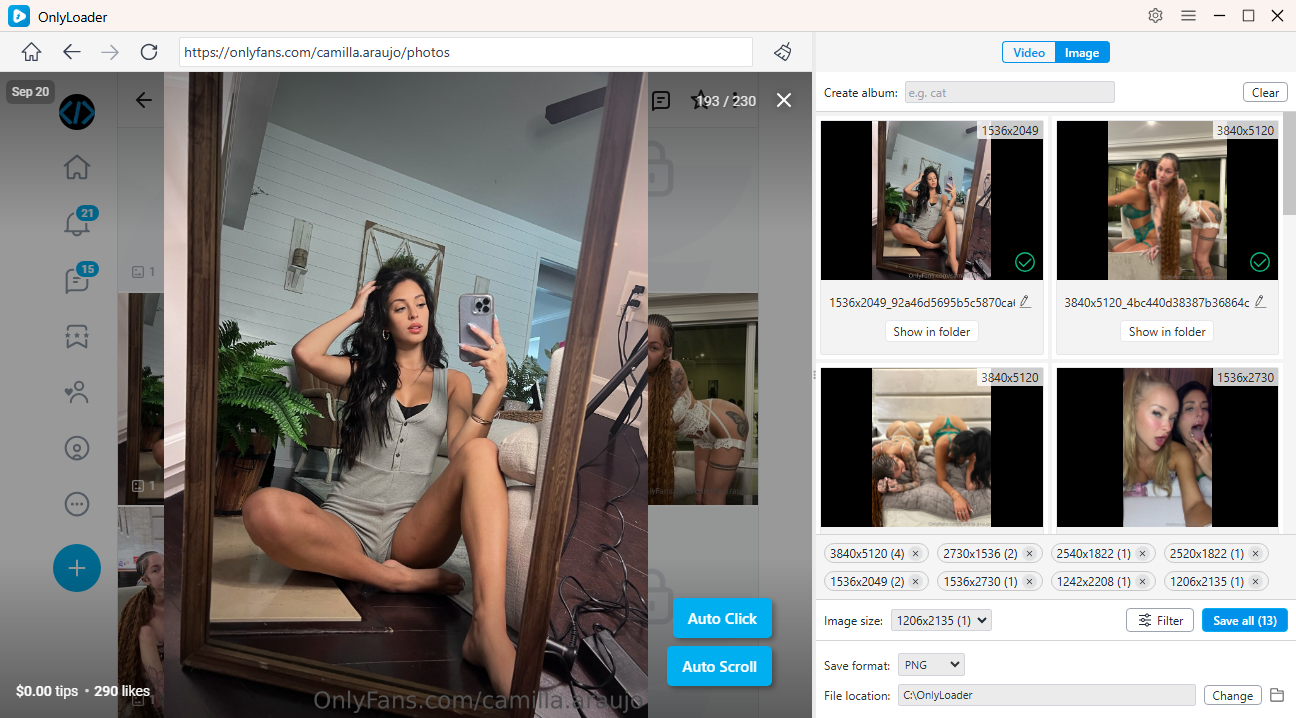
- To download OnlyFans videos, navigate to Videos and start playing your desired video. OnlyLoader quickly detects the available media, letting you choose multiple videos and download them in a single batch.
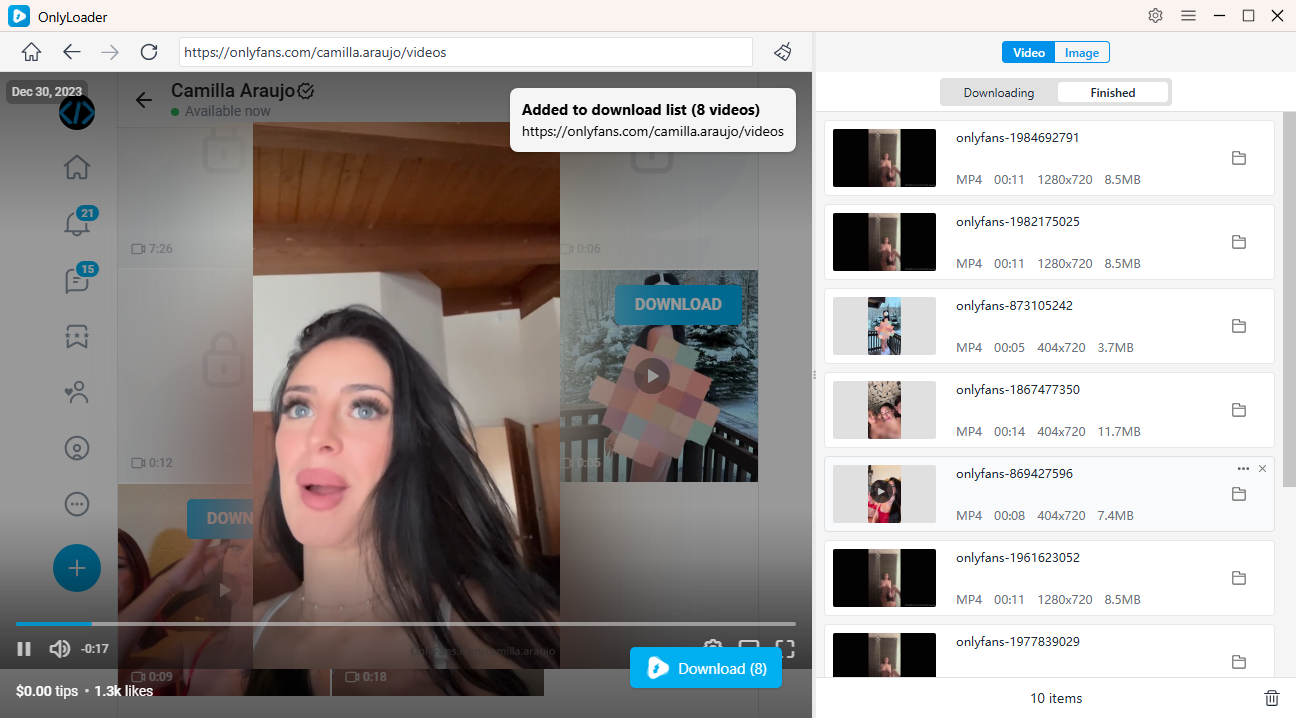
- For images, use Auto-Click to automatically scan for photos on the page, then select your desired images and save them together with one quick click.
5. Cat-Catch vs. OnlyLoader
The biggest difference is their intended purpose. Cat-Catch is a general-purpose browser media detector , while OnlyLoader is designed as a dedicated OnlyFans downloader .
Cat-Catch may be suitable when you simply want to inspect media resources loaded by a webpage. However, the process can become complicated when websites use modern streaming technologies or DRM.
OnlyLoader focuses more directly on the OnlyFans downloading workflow. For users who regularly download authorized OnlyFans videos and images, a dedicated application can be easier to manage than manually examining browser requests.
6. Zaključek
Cat-Catch can be a useful browser extension for detecting media resources, but it is not a magic solution for downloading DRM-protected OnlyFans videos. When DRM, encryption, segmented streaming, or authentication mechanisms are involved, simply detecting a media request may not produce a usable video file.
For users looking for a simpler way to manage authorized OnlyFans downloads, OnlyLoader is a more convenient alternative to consider. Its dedicated workflow, media detection, and batch-oriented downloading capabilities can make saving available OnlyFans videos and photos much easier than manually inspecting browser resources.
If you regularly need to manage authorized OnlyFans media, OnlyLoader is worth trying as an alternative to Cat-Catch.