 OnlyLoader
รายชื่อโปรแกรมดาวน์โหลด OnlyFans สำหรับ Firefox ทั้งหมด

OnlyFans กลายเป็นหนึ่งในแพลตฟอร์มเนื้อหาแบบสมัครสมาชิกที่ได้รับความนิยมมากที่สุด โดยอนุญาตให้ครีเอเตอร์แบ่งปันวิดีโอ รูปภาพ และสื่อดิจิทัลอื่นๆ สุดพิเศษกับผู้ติดตามของตน ในขณะที่แพลตฟอร์มนี้ให้การเข้าถึงเนื้อหาที่ซื้อทางออนไลน์ แต่ผู้ใช้จำนวนมากชอบดาวน์โหลดสื่อเพื่อดูแบบออฟไลน์ สำรองข้อมูล หรือเพื่อการจัดการเนื้อหาที่ง่ายขึ้น
ผู้ใช้ Firefox มักมองหาโปรแกรมเสริมสำหรับเบราว์เซอร์ที่ช่วยให้การดาวน์โหลดง่ายขึ้น เครื่องมือเหล่านี้สามารถช่วยตรวจจับไฟล์มีเดีย บันทึกวิดีโอสตรีม หรือบันทึกภาพโดยตรงจากหน้า OnlyFans ได้ อย่างไรก็ตาม โปรแกรมดาวน์โหลดสำหรับ Firefox ไม่ได้ให้ฟังก์ชันการทำงานเหมือนกันทั้งหมด บางตัวทำงานได้ดีกว่าสำหรับวิดีโอ ในขณะที่บางตัวมีประสิทธิภาพมากกว่าสำหรับการดาวน์โหลดรูปภาพ
ในคู่มือนี้ เราจะสำรวจโปรแกรมดาวน์โหลด OnlyFans สำหรับ Firefox ที่ดีที่สุดสำหรับวิดีโอและรูปภาพ พูดคุยเกี่ยวกับข้อดีและข้อจำกัดของแต่ละโปรแกรม และแนะนำทางเลือกที่มีประสิทธิภาพมากกว่าสำหรับผู้ใช้ที่ต้องการความสามารถในการดาวน์โหลดจำนวนมาก
1. โปรแกรมดาวน์โหลด OnlyFans ที่ดีที่สุดสำหรับ Firefox เพื่อดาวน์โหลดวิดีโอ
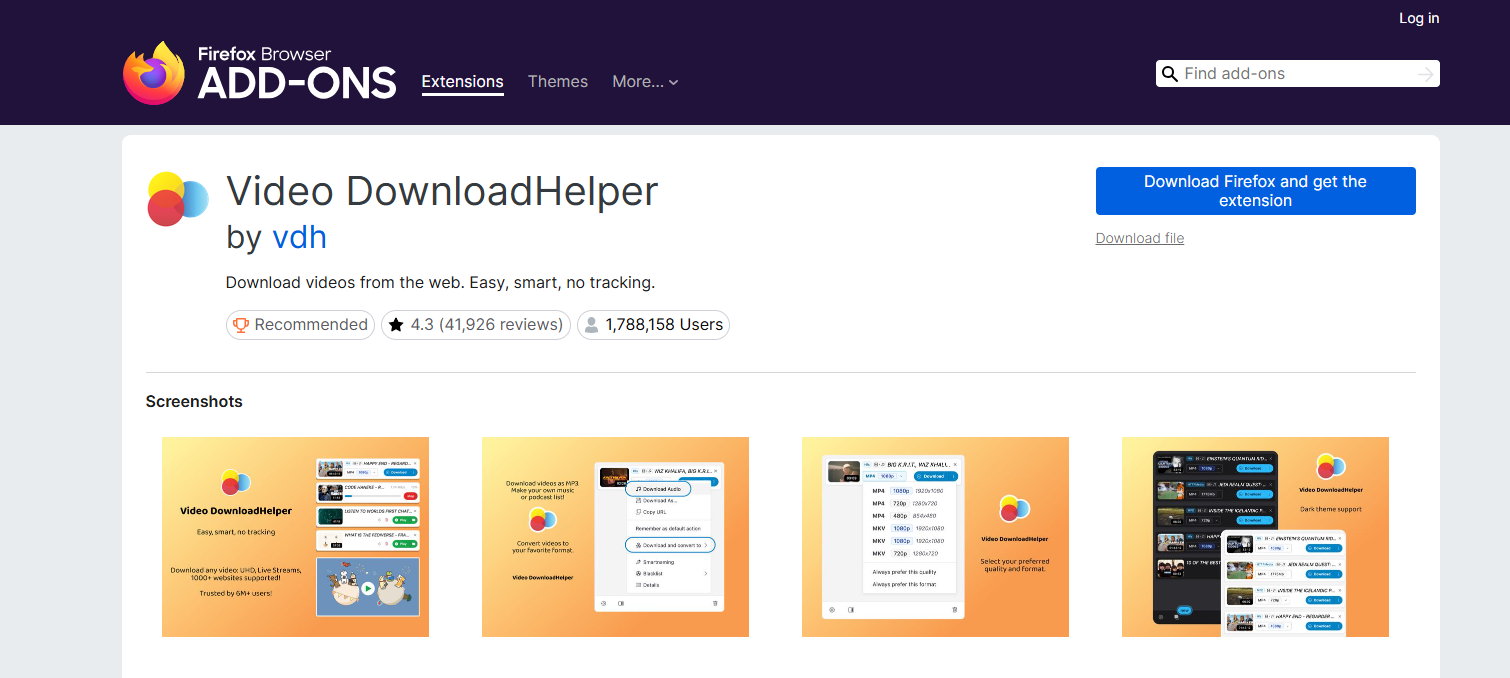
1.1 ตัวช่วยดาวน์โหลดวิดีโอ
Video DownloadHelper เป็นหนึ่งในส่วนเสริมของ Firefox ที่ใช้กันอย่างแพร่หลายที่สุดสำหรับการดาวน์โหลดวิดีโอออนไลน์ มันสามารถตรวจจับสตรีมสื่อบนหน้าเว็บและแสดงตัวเลือกการดาวน์โหลดโดยตรงภายในเบราว์เซอร์ได้
คุณสมบัติหลัก:
- ตรวจจับสตรีมวิดีโอโดยอัตโนมัติ
- รองรับรูปแบบวิดีโอหลายรูปแบบ
- อินเทอร์เฟซที่ใช้งานง่าย
- ใช้งานได้กับเว็บไซต์หลายแห่งนอกเหนือจาก OnlyFans
1.2 โปรแกรมดาวน์โหลดวิดีโอระดับมืออาชีพ
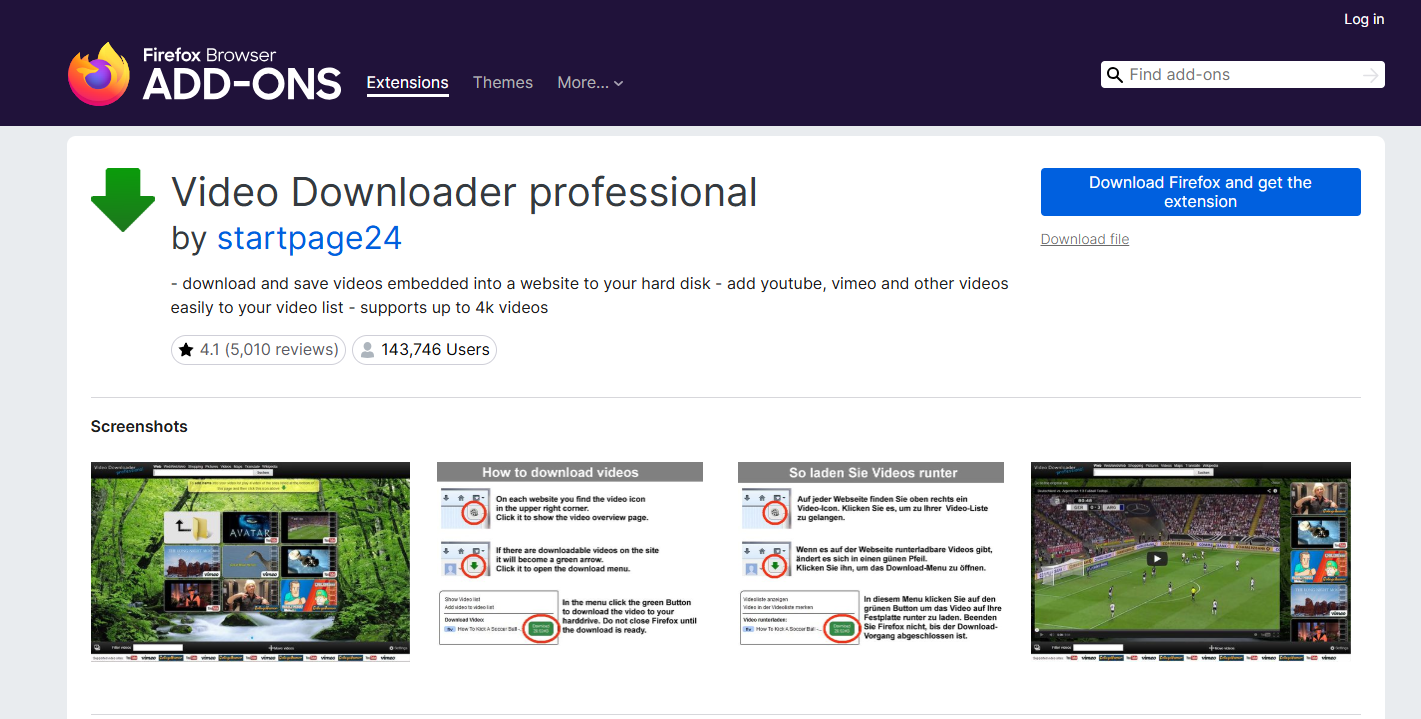
Video Downloader Professional เป็นส่วนเสริมอีกตัวหนึ่งของ Firefox ที่ออกแบบมาเพื่อบันทึกวิดีโอออนไลน์ สามารถตรวจจับวิดีโอที่เล่นได้และอนุญาตให้ผู้ใช้ดาวน์โหลดลงอุปกรณ์ของตนได้โดยตรง
คุณสมบัติหลัก:
- ดาวน์โหลดได้ง่ายดายเพียงคลิกเดียว
- รองรับการดาวน์โหลดวิดีโอระดับ HD
- ส่วนขยายน้ำหนักเบา
1.3 ดาวน์โหลดวิดีโอและแฟลช
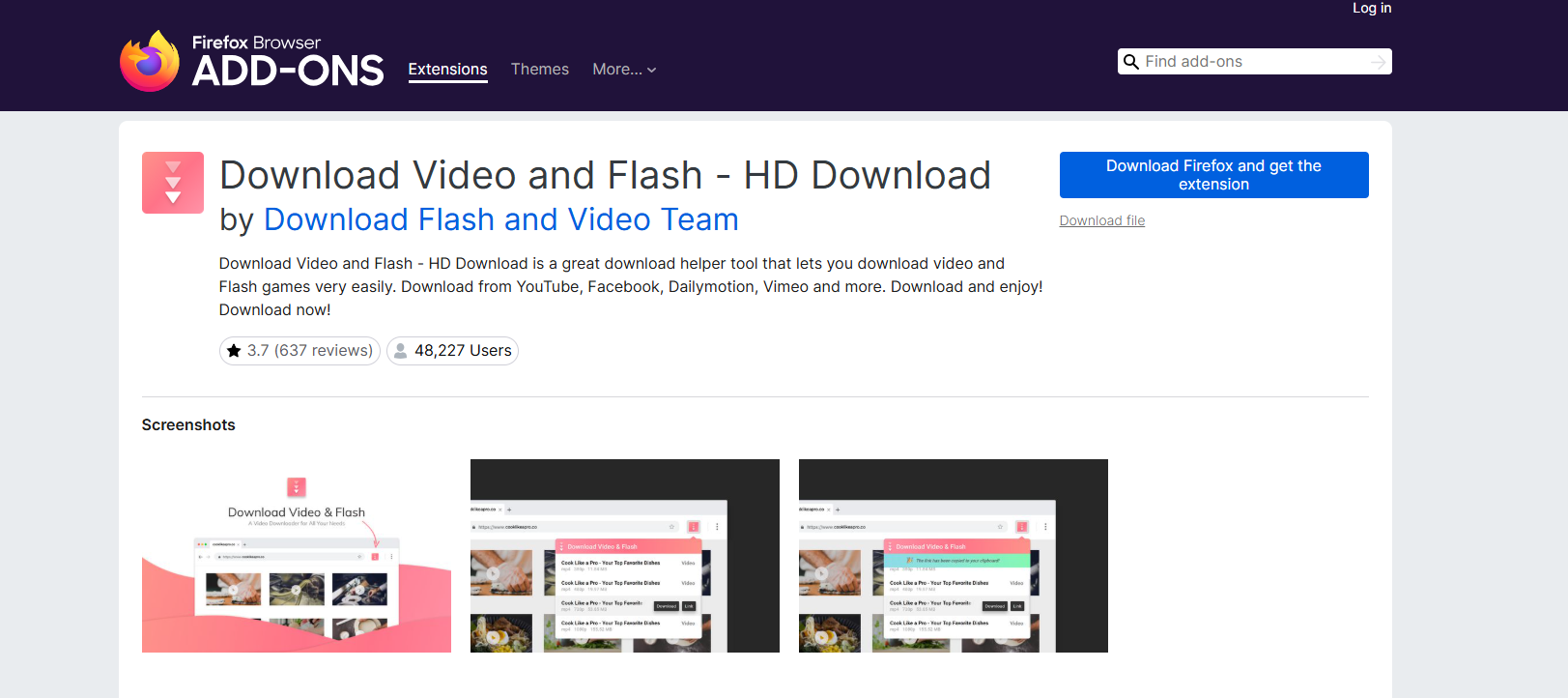
แอป Download Video and Flash รองรับรูปแบบวิดีโอสมัยใหม่มากมาย และช่วยให้ผู้ใช้สามารถจับภาพสื่อที่ฝังอยู่ในเว็บไซต์ได้
คุณสมบัติหลัก:
- ตรวจจับไฟล์มีเดียที่ดาวน์โหลดได้
- รองรับความละเอียดวิดีโอหลากหลายระดับ
- เวิร์กโฟลว์ที่ผสานรวมเข้ากับเบราว์เซอร์
1.4 โปรแกรมดาวน์โหลดสื่อจำนวนมาก
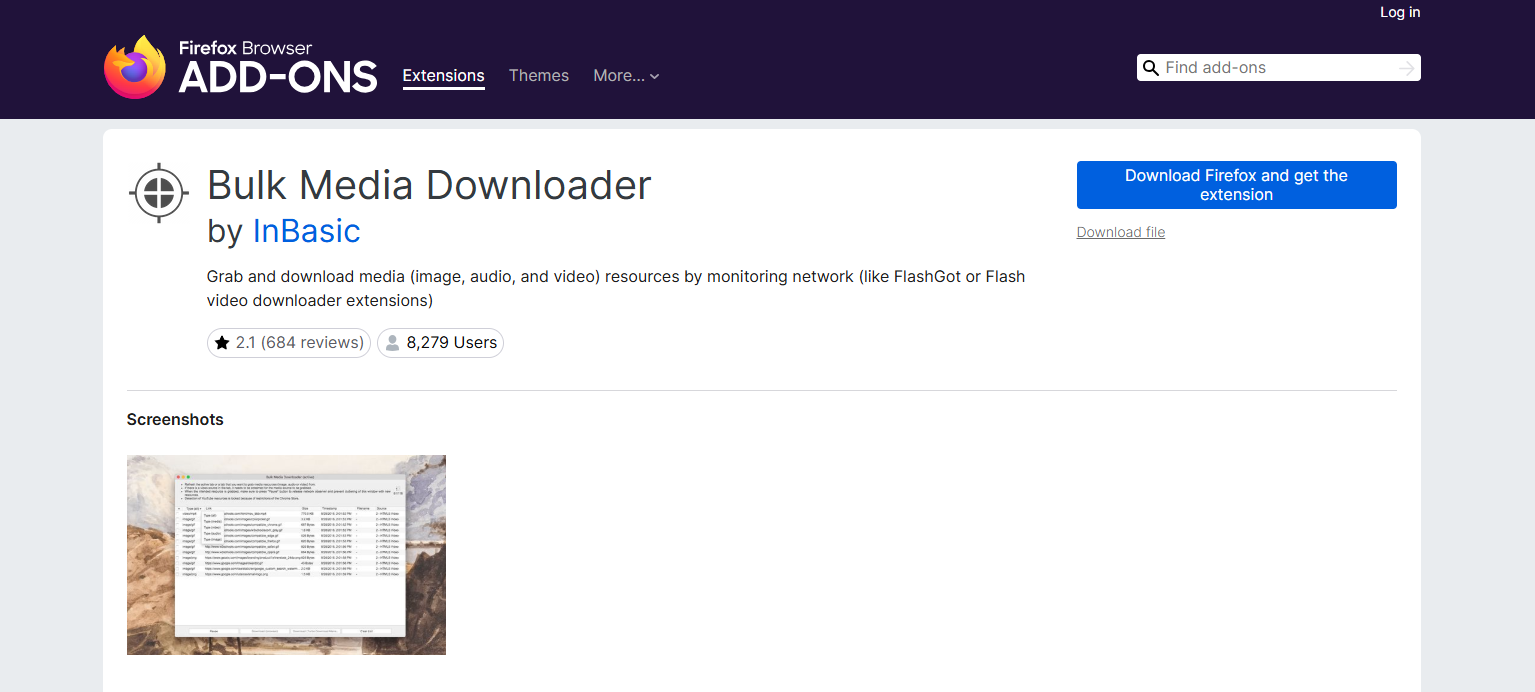
โปรแกรม Bulk Media Downloader ออกแบบมาเพื่อระบุและดาวน์โหลดไฟล์มีเดียหลายไฟล์จากหน้าเว็บพร้อมกัน
คุณสมบัติหลัก:
- ตรวจจับไฟล์มีเดียหลายไฟล์
- รองรับการดาวน์โหลดแบบกลุ่ม
- รองรับวิดีโอและรูปภาพ
2. โปรแกรมดาวน์โหลด OnlyFans ที่ดีที่สุดสำหรับ Firefox เพื่อดาวน์โหลดรูปภาพ
2.1 ตัวเลือกรูปภาพ
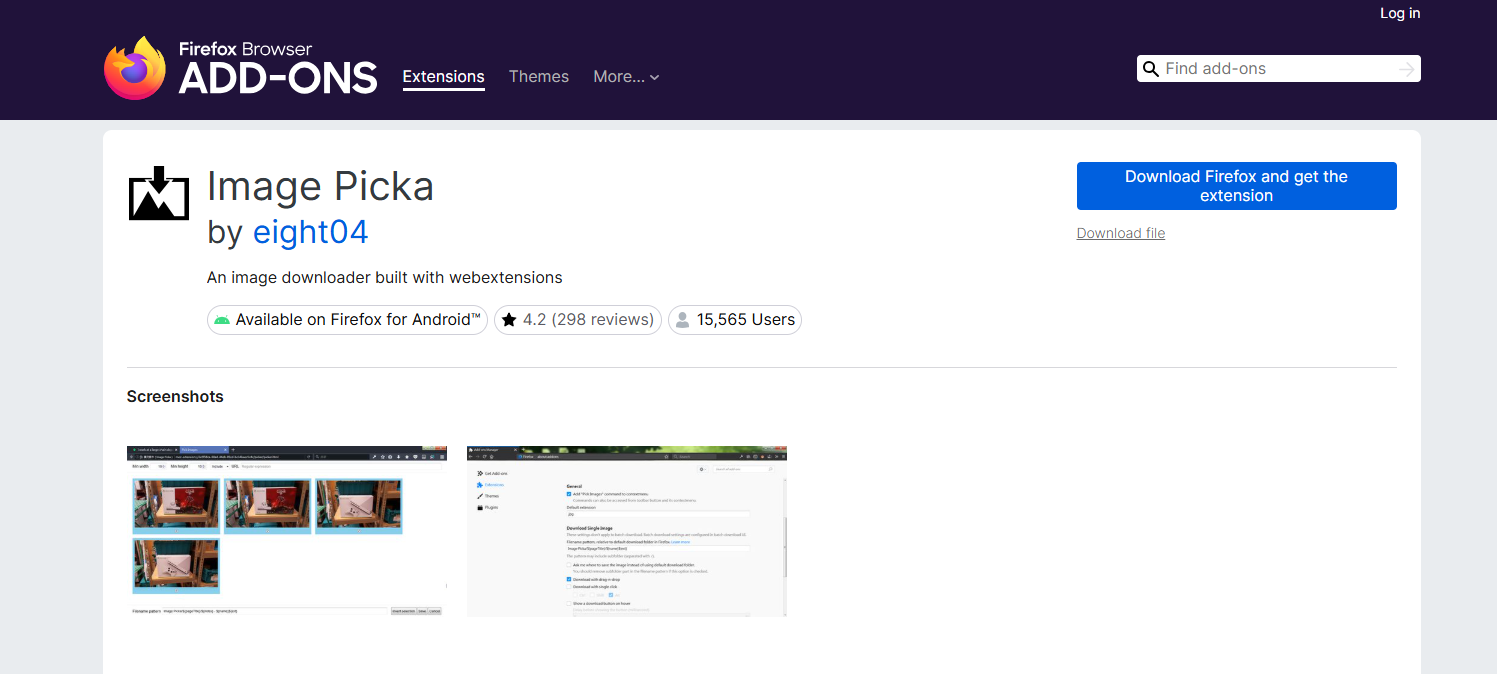
Image Picka เป็นส่วนเสริมของ Firefox ที่ช่วยให้ผู้ใช้สามารถรวบรวมและดาวน์โหลดรูปภาพจากเว็บไซต์ได้อย่างรวดเร็ว
คุณสมบัติหลัก:
- ตรวจจับรูปภาพทั้งหมดบนหน้าเว็บ
- การดาวน์โหลดรูปภาพจำนวนมาก
- ดูตัวอย่างก่อนดาวน์โหลด
2.2 การดับเบิ้ลคลิกเพื่อดาวน์โหลดรูปภาพ
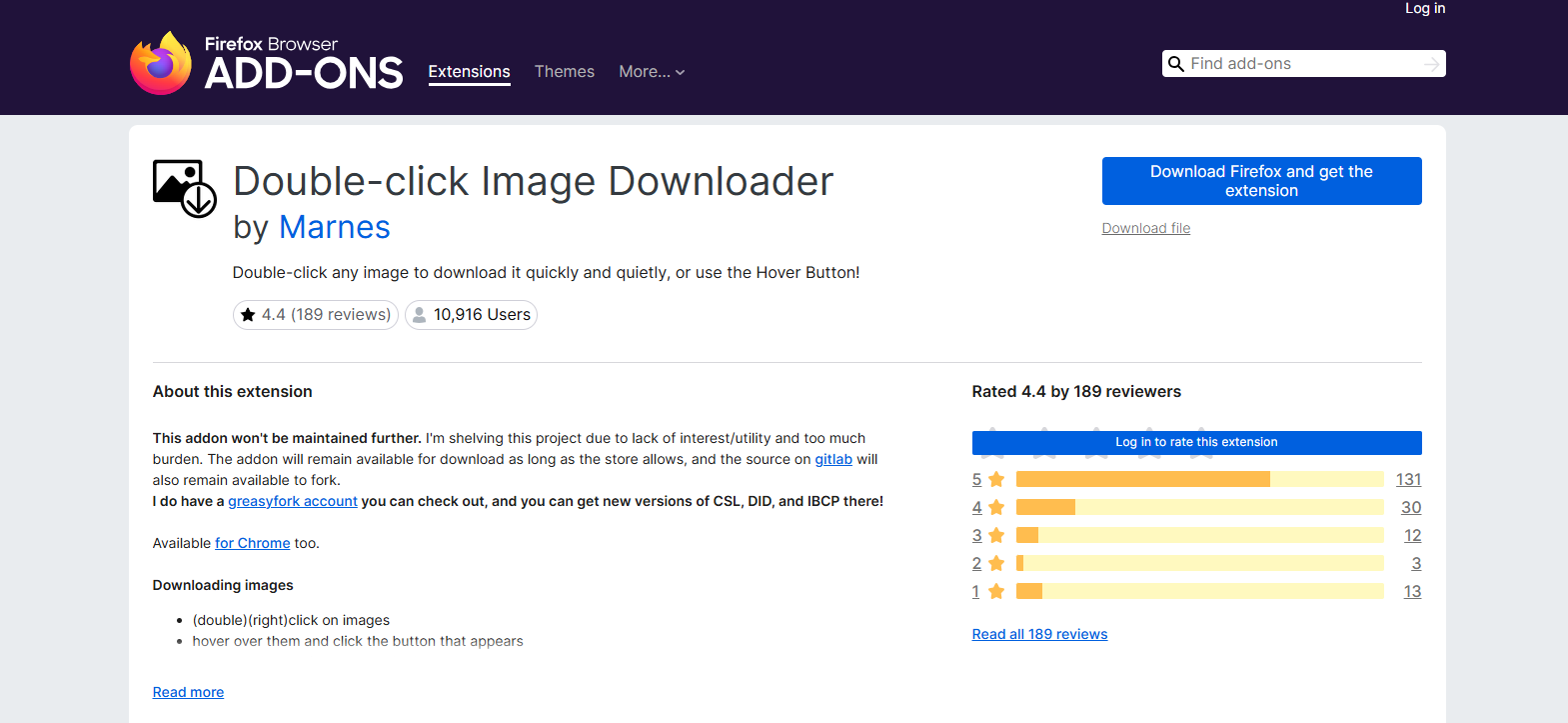
ส่วนขยายขนาดเล็กนี้ช่วยให้ผู้ใช้บันทึกรูปภาพได้ง่ายๆ เพียงแค่ดับเบิ้ลคลิกที่รูปภาพ
คุณสมบัติหลัก:
- การบันทึกภาพอย่างรวดเร็ว
- ประสิทธิภาพที่เบา
- ไม่จำเป็นต้องตั้งค่าอะไรมาก
2.3 บันทึกภาพลงในโฟลเดอร์
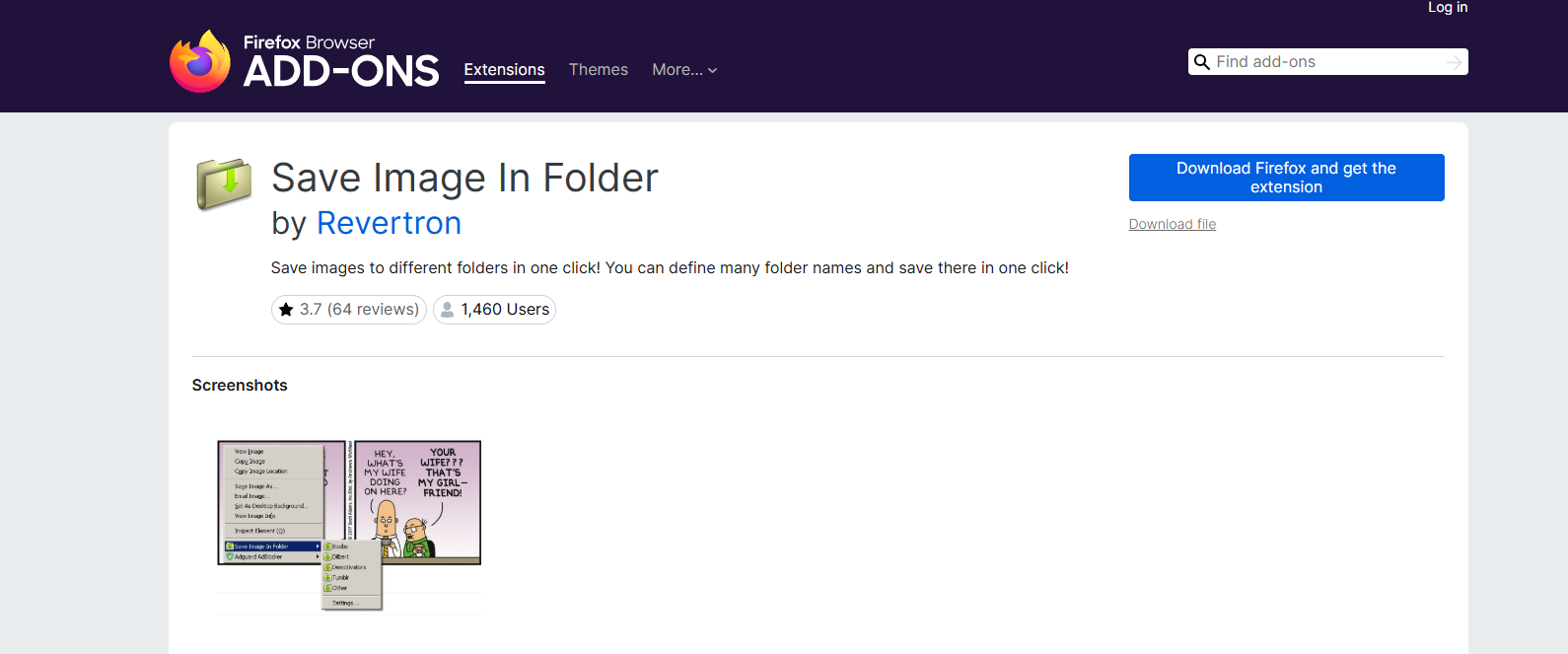
ฟังก์ชัน "บันทึกภาพลงในโฟลเดอร์" ช่วยให้กระบวนการบันทึกภาพง่ายขึ้น โดยอนุญาตให้ผู้ใช้บันทึกภาพลงในโฟลเดอร์ที่กำหนดไว้ล่วงหน้าได้โดยตรง
คุณสมบัติหลัก:
- โฟลเดอร์ดาวน์โหลดแบบกำหนดเอง
- การจัดการไฟล์ที่รวดเร็วยิ่งขึ้น
- ขั้นตอนการทำงานที่สะดวกสบาย
2.4 Fatkun Batch Download Image
Fatkun เป็นที่นิยมในหมู่ผู้ใช้ที่ต้องการดาวน์โหลดรูปภาพจำนวนมากจากเว็บไซต์ต่างๆ
คุณสมบัติหลัก:
- ดาวน์โหลดรูปภาพจำนวนมาก
- การกรองภาพตามขนาดและความละเอียด
- การสนับสนุนการแสดงตัวอย่าง
3. ข้อดีและข้อเสียของโปรแกรมดาวน์โหลด OnlyFans สำหรับ Firefox
ข้อดี:
- ติดตั้งและใช้งานได้ง่ายโดยตรงภายใน Firefox
- ส่วนเสริมหลายตัวนั้นฟรีหรือมีเวอร์ชันทดลองใช้ฟรีให้ใช้งาน
- ไม่จำเป็นต้องติดตั้งซอฟต์แวร์บนเดสก์ท็อปแยกต่างหาก
- โดยทั่วไปแล้วจะรองรับการดาวน์โหลดสื่อจากหลายเว็บไซต์
ข้อเสีย:
- ความสามารถในการดาวน์โหลดจำนวนมากมีจำกัด
- อาจใช้งานไม่ได้เมื่อ OnlyFans อัปเดตเว็บไซต์
- ส่วนขยายบางตัวมีปัญหาในการจัดการกับเนื้อหาที่ได้รับการป้องกันหรือเนื้อหาที่โหลดแบบไดนามิก
- ความเร็วและความเสถียรในการดาวน์โหลดอาจไม่สม่ำเสมอ
- ขาดคุณสมบัติขั้นสูง เช่น การจัดระเบียบอัตโนมัติ การกรอง และการจัดการแบบกลุ่ม
4. ลองใช้ Ultimate OnlyFans Media Downloader – OnlyLoader แทนที่จะใช้ Firefox OnlyFans Downloaders
แม้ว่าส่วนขยายของ Firefox จะมีประโยชน์สำหรับการดาวน์โหลดเป็นครั้งคราว แต่ผู้ใช้ที่บันทึกเนื้อหาจาก OnlyFans เป็นประจำมักต้องการโซลูชันที่มีประสิทธิภาพมากกว่านั้น
OnlyLoader เป็นโปรแกรมดาวน์โหลดสื่อ OnlyFans โดยเฉพาะที่สร้างขึ้นเพื่อดาวน์โหลดวิดีโอและรูปภาพจากหน้าเพจของครีเอเตอร์ได้อย่างมีประสิทธิภาพ แตกต่างจากส่วนขยายของเบราว์เซอร์ที่เน้นการตรวจจับสื่อแบบง่ายๆ OnlyLoader มอบประสบการณ์การดาวน์โหลดและการจัดการที่สมบูรณ์แบบ
ทำไม OnlyLoader ดีกว่า:
- ดาวน์โหลดรูปภาพและวิดีโอจำนวนมากจากโปรไฟล์ของผู้สร้าง
- ดึงและรักษาคุณภาพของสื่อต้นฉบับไว้
- มีเบราว์เซอร์ในตัวสำหรับเข้าถึงเนื้อหาจากผู้สร้างที่สมัครสมาชิกไว้
- เลือกรูปภาพตามขนาดและประเภทไฟล์
- ส่งออกไฟล์มีเดียในรูปแบบ MP4/PNG ที่นิยมใช้ หรือรูปแบบดั้งเดิม
โดยใช้ OnlyLoader มันง่ายมาก:
- ติดตั้งและเปิดใช้งาน OnlyLoader บนพีซีหรือ Mac ของคุณ จากนั้นเข้าสู่ระบบ OnlyFans ผ่านเบราว์เซอร์ในตัว
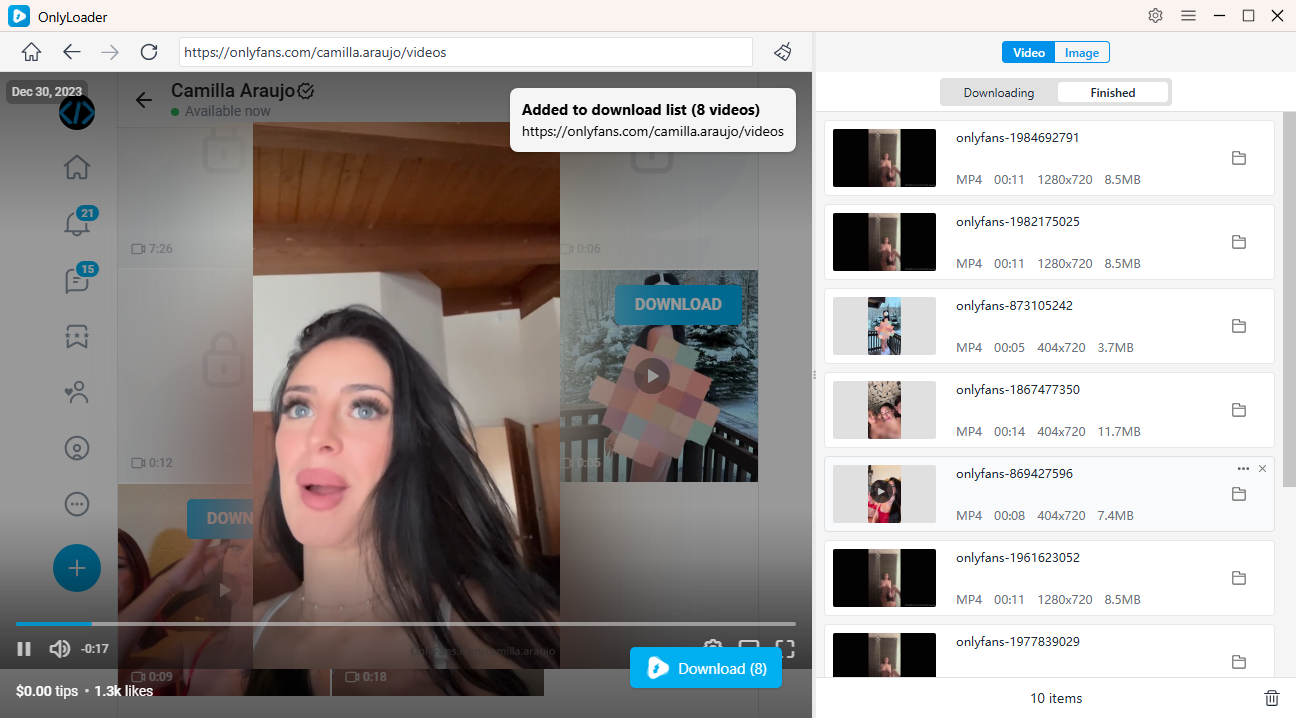
- เปิดโปรไฟล์ของครีเอเตอร์ แล้วไปที่แท็บ “วิดีโอ” เล่นวิดีโอ จากนั้นคลิก ดาวน์โหลด - OnlyLoader จะตรวจจับวิดีโอทั้งหมดที่มีให้ดาวน์โหลดเป็นจำนวนมาก
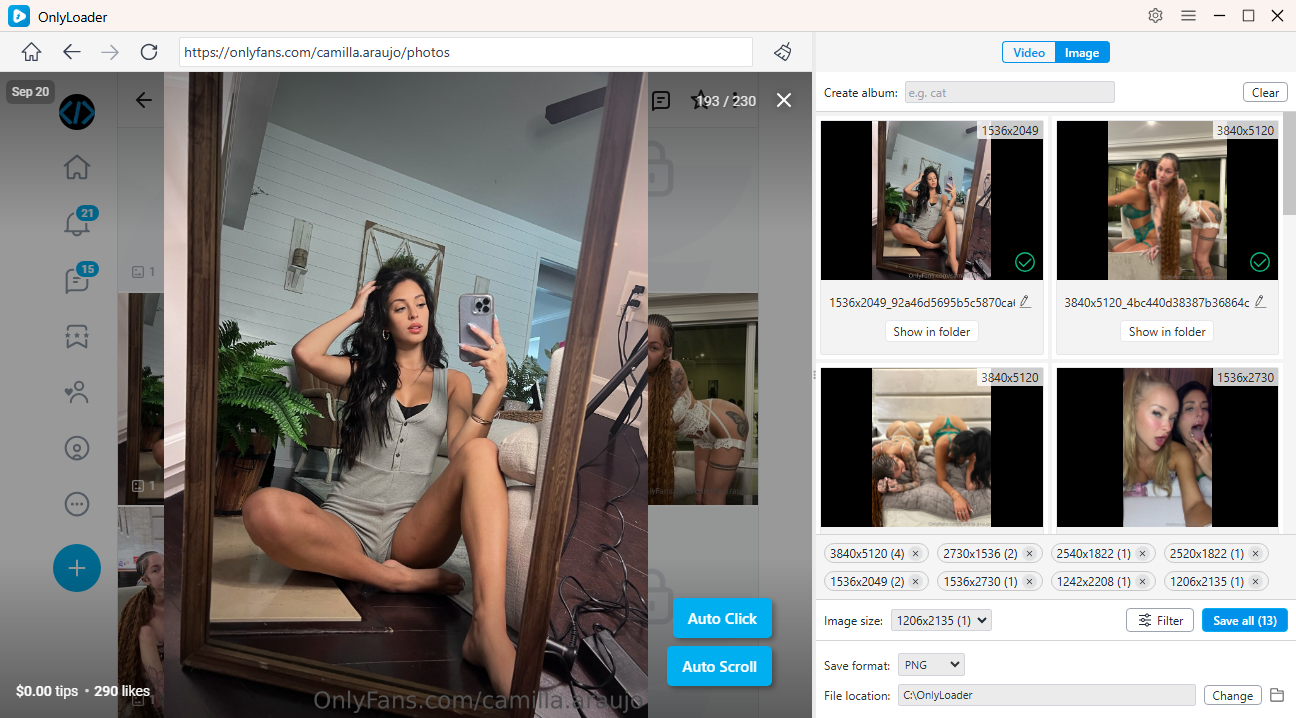
- เปิดใช้งานฟีเจอร์คลิกอัตโนมัติเพื่อโหลดรูปโปรไฟล์ กรองรูปภาพที่คุณต้องการ และบันทึกทั้งหมดพร้อมกันโดยอัตโนมัติ
5. บทสรุป
Firefox มีส่วนขยายที่มีประโยชน์หลายตัวสำหรับการดาวน์โหลดวิดีโอและรูปภาพจาก OnlyFans อย่างไรก็ตาม โปรแกรมดาวน์โหลดของ Firefox โดยทั่วไปแล้วเหมาะสำหรับการดาวน์โหลดเป็นครั้งคราวมากกว่า มักจะทำงานได้ไม่ดีกับคอลเลกชันสื่อขนาดใหญ่ ขาดคุณสมบัติขั้นสูง และอาจต้องใช้ความพยายามด้วยตนเองอย่างมากเมื่อดาวน์โหลดไฟล์จำนวนมาก
สำหรับผู้ใช้งานที่มองหาโซลูชันที่รวดเร็ว เชื่อถือได้ และเป็นมืออาชีพยิ่งขึ้น OnlyLoader โดดเด่นในฐานะทางเลือกที่เหนือกว่า ด้วยคุณสมบัติการดาวน์โหลดจำนวนมาก การเก็บรักษาไฟล์มีเดียคุณภาพสูง รองรับทั้งวิดีโอและภาพถ่าย และความสามารถในการจัดการไฟล์ที่ได้รับการปรับปรุง OnlyLoader นำเสนอวิธีการดาวน์โหลดและจัดระเบียบเนื้อหา OnlyFans ที่มีประสิทธิภาพมากกว่า หากคุณบันทึกสื่อจาก OnlyFans เป็นประจำ OnlyLoader เป็นวิธีแก้ปัญหาที่แนะนำเพื่อให้ได้ผลลัพธ์ที่ดีที่สุด
- How to Use Cat-Catch to Download DRM OnlyFans Videos
- Best OnlyFans Finders by Image to Search Profiles
- How to Download Kirstentoosweet OnlyFans Media?
- OnlyFans จะปรากฏเป็นอะไรในใบแจ้งยอดบัญชีธนาคาร?
- คู่มือฉบับสมบูรณ์เกี่ยวกับวิธีการให้ทิปบน OnlyFans
- วิธีหาเงิน 100 ดอลลาร์ต่อวันจาก OnlyFans?
- วิธีชำระค่าบริการ OnlyFans แบบไม่เปิดเผยตัวตน?