 OnlyLoader
Ireo mpitadiavana OnlyFans tsara indrindra araka ny sary mba hikaroka piraofilina

Mety ho sarotra ny mikaroka mombamomba ny OnlyFans rehefa fantatrao ny endriky ny mpamorona iray nefa tsy fantatrao ny anaran'ny mpampiasa azy, ny URL-n'ny mombamomba azy, na ny mombamomba azy hafa. Amin'ity toe-javatra ity, ny fitaovana fikarohana mifototra amin'ny sary dia afaka manome fomba fanombohana mety. Amin'ny alàlan'ny fandefasana sary, ireo serivisy ireo dia mety hanampy anao hahita sary mitovy endrika, mombamomba mifanaraka, na pejy azon'ny daholobe ampiasaina mifandraika amin'ny sary iray ihany.
Eto ambany, hojerentsika ireo fitaovana fitadiavana OnlyFans maromaro araka ny sary, ary hampiditra fitaovana mety tsara hanaovana backup sy fampidinana ireo rakitra mpamorona OnlyFans azonao tehirizina.
1. Ireo mpitadiavana OnlyFans tsara indrindra araka ny sary mba hikaroka mombamomba anao
Samy hafa ny fomba fiasan'ny fitaovana fikarohana sary samihafa. Indraindray ny fampiasana serivisy mihoatra ny iray dia mety hanome vokatra mivelatra kokoa.
1.1 Ilay Kely
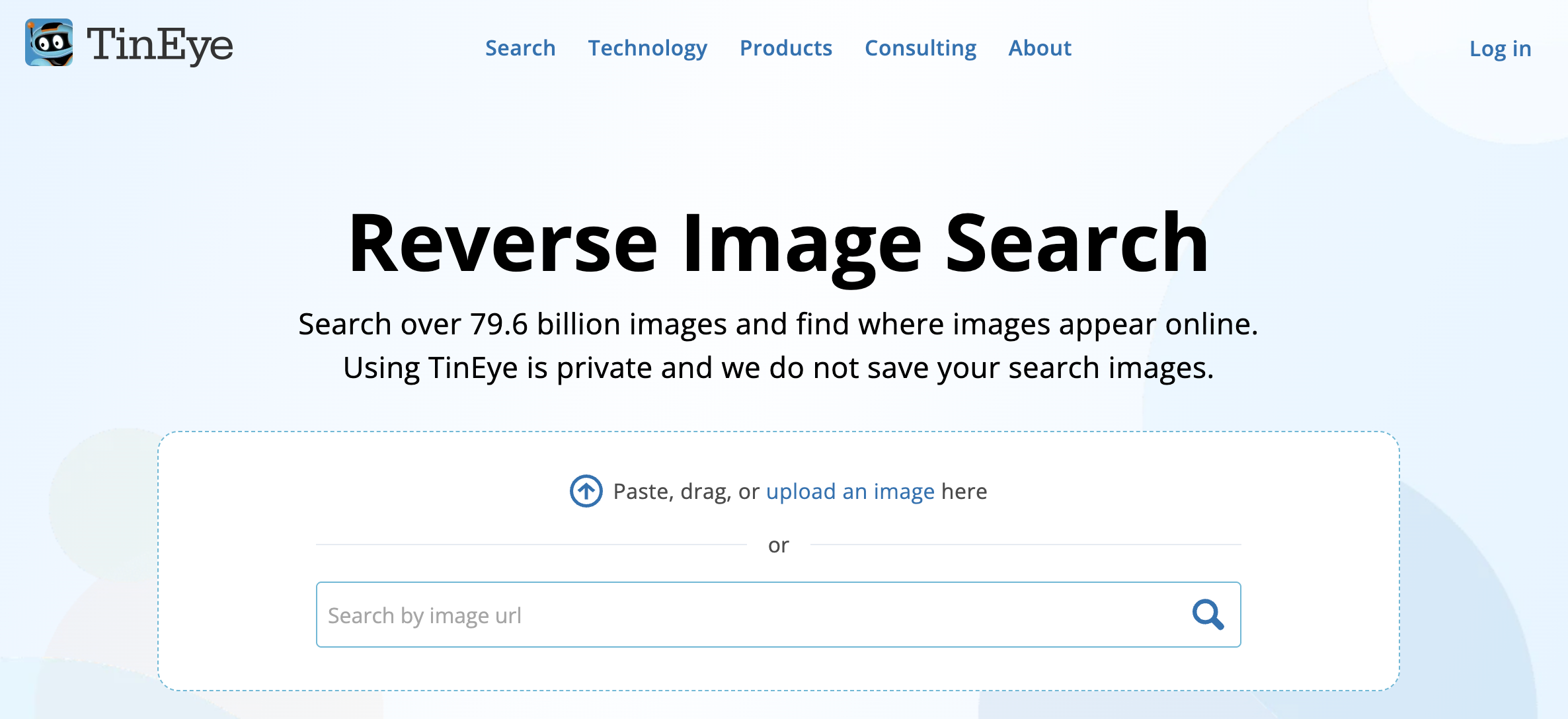
Milina fikarohana sary mivadika ny TinEye izay manampy ny mpampiasa hahita ny toerana nisehoan'ny sary an-tserasera. Tsy mikaroka amin'ny teny fanalahidy ianao, fa mampakatra sary ary mamela ny serivisy hitady ny dikan-teny mifanaraka na novaina.
Ohatra, raha manana sary fampiroboroboana an'ny mpamorona ianao dia azonao ampidirina ao amin'ny TinEye izany ary jerena raha toa ka miseho amin'ny tranonkala azon'ny daholobe idirana ilay sary mitovy. Mety hampiseho ireo pejy namoahana ilay sary ny valiny, ahafahanao mamantatra ny sary hatrany amin'ny loharanony.
Tombony iray amin'ny TinEye ny fahafahany mampiasa azy amin'ny fitadiavana dika mitovy amin'ny sary marina, na dia efa novaina na novaina aza ny haben'ny sary. Na izany aza, tsy motera fikarohana manokana ho an'ny OnlyFans izy io, ka mety tsy hamerina foana ny mombamomba ny OnlyFans.
1.2 Fikarohana Joice
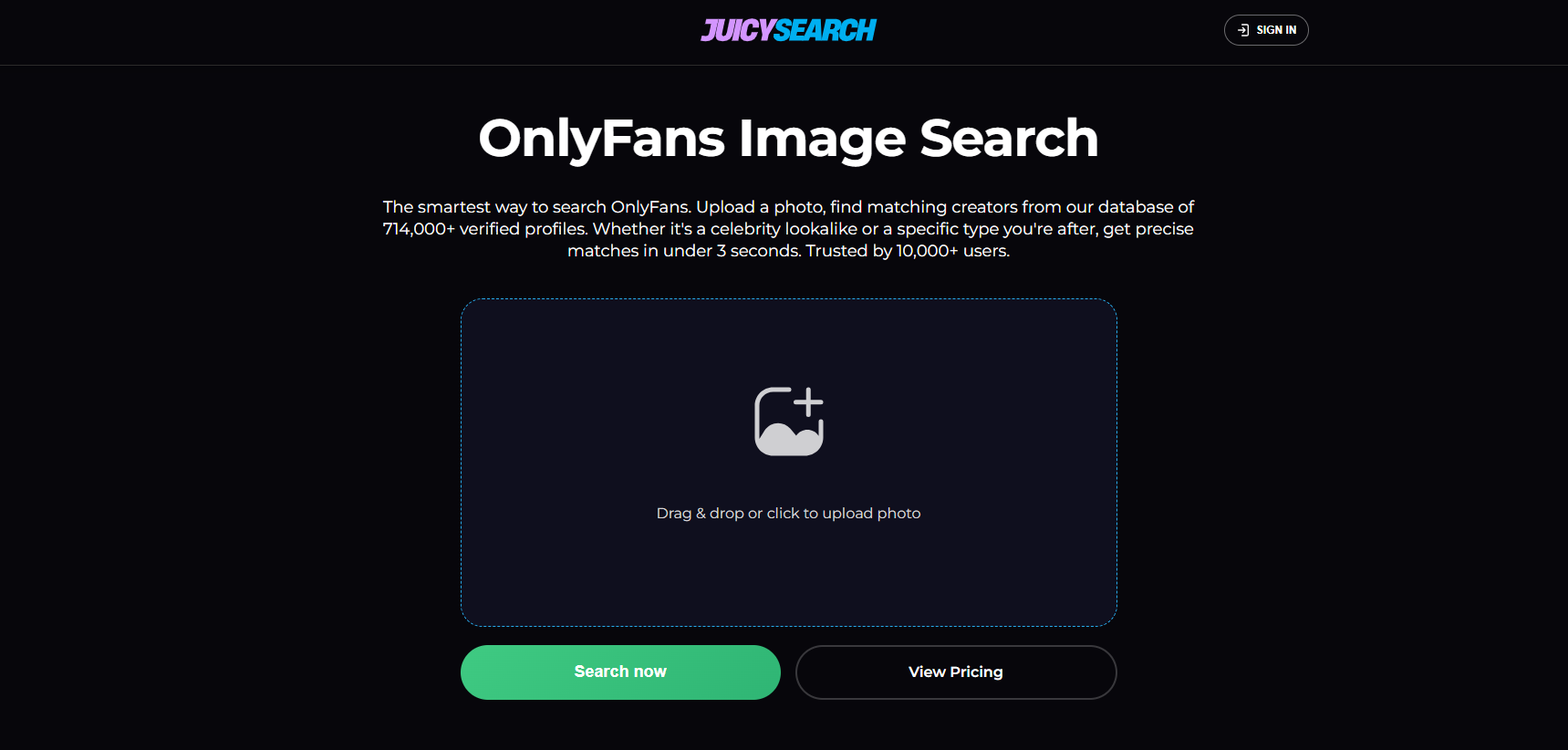
Azo ampiasaina hikaroka olona na mombamomba amin'ny alalan'ny sary ny JoiceSearch. Tsy miankina tanteraka amin'ny anarana mpampiasa na fangatahana an-tsoratra fotsiny, fa afaka manomboka amin'ny sary kosa ny mpampiasa ary mandinika ny valiny azo avy amin'ny serivisy.
Mety hahasoa izany rehefa voafetra ny fampahalalana momba ny mpamorona anao. Ny fandefasana sary mety dia mety hanampy anao hahita pejy na kaonty mifandraika amin'izany izay mety hanome fanazavana fanampiny.
1.3 Torolalana fotsiny
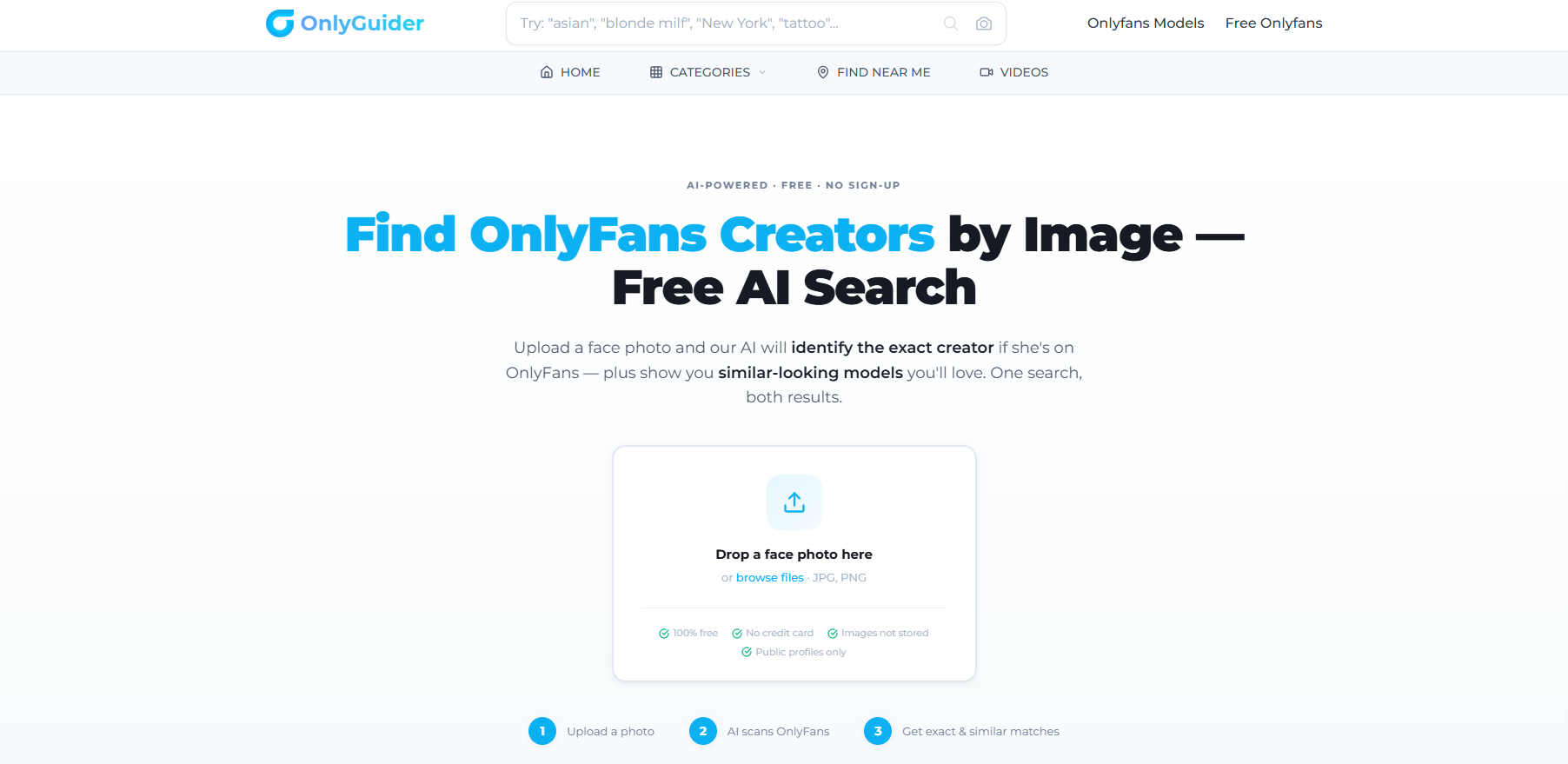
Natao hikarohana ireo mpamorona ny OnlyGuider ary mety ilaina rehefa efa fantatrao hoe iza no tadiavinao. Miankina amin'ny endri-pikarohana misy ao aminy, afaka mijery na mikaroka fampahalalana momba ny mpamorona ny mpampiasa fa tsy miankina amin'ny interface OnlyFans fotsiny.
Raha nahita sary tamin'ny alalan'ny fitaovana fikarohana sary mivadika hafa ianao, dia azo ampiasaina ho toerana hafa hijerena ny mombamomba ny mpamorona mifanaraka amin'izany ny OnlyGuider. Ny fampiarahana ny fikarohana sary amin'ny lahatahiry mpamorona dia afaka mahatonga ny fizotran'ny fikarohana amin'ny ankapobeny ho mahomby kokoa.
1.4 FaceSpy
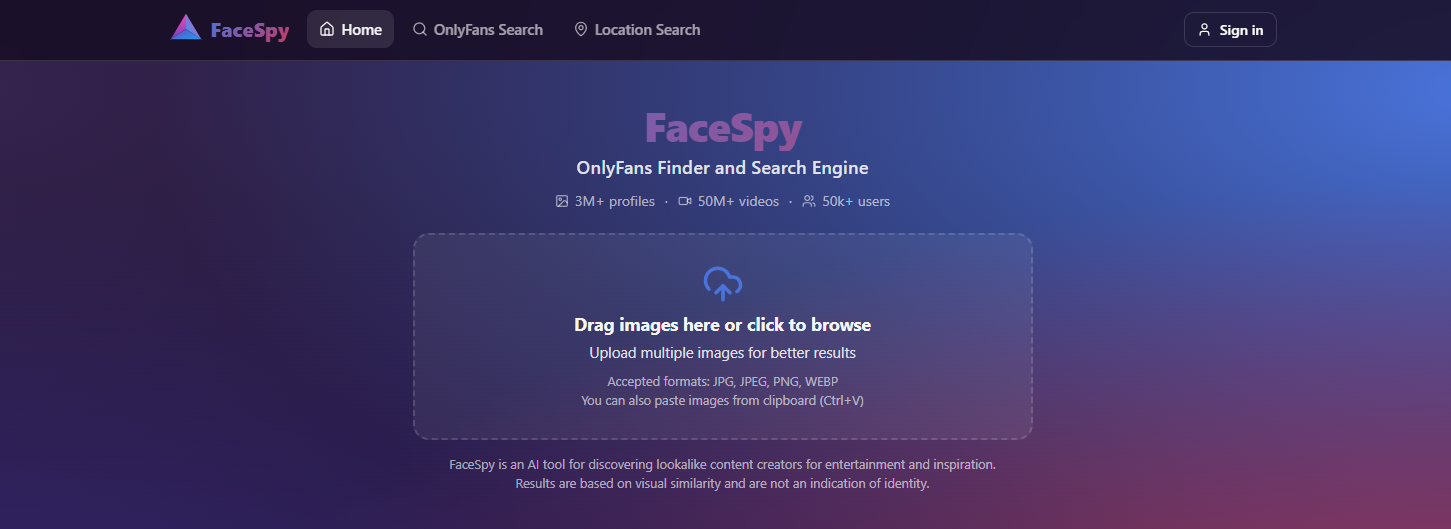
Mampiasa fomba fiasa mifototra amin'ny sary ny FaceSpy mba hitadiavana olona an-tserasera. Amin'ny ankapobeny, ireo fitaovana ato amin'ity sokajy ity dia mamakafaka ny endriky ny tarehy ary mampitaha ny sary nakarina amin'ny tahiry sary misy na votoaty an-tserasera voasokajy.
Mety hahasoa izany rehefa mazava tsara ny mombamomba ny olona iray nefa tsy misy anarana mpampiasa. Raha tokony hikaroka ny sary marina ianao, ny teknolojia fikarohana tarehy dia mety hamantatra ireo sary mifandraika amin'ny maso na dia tsy mitovy tanteraka aza ny endrika nisehoan'ny sary tany am-boalohany.
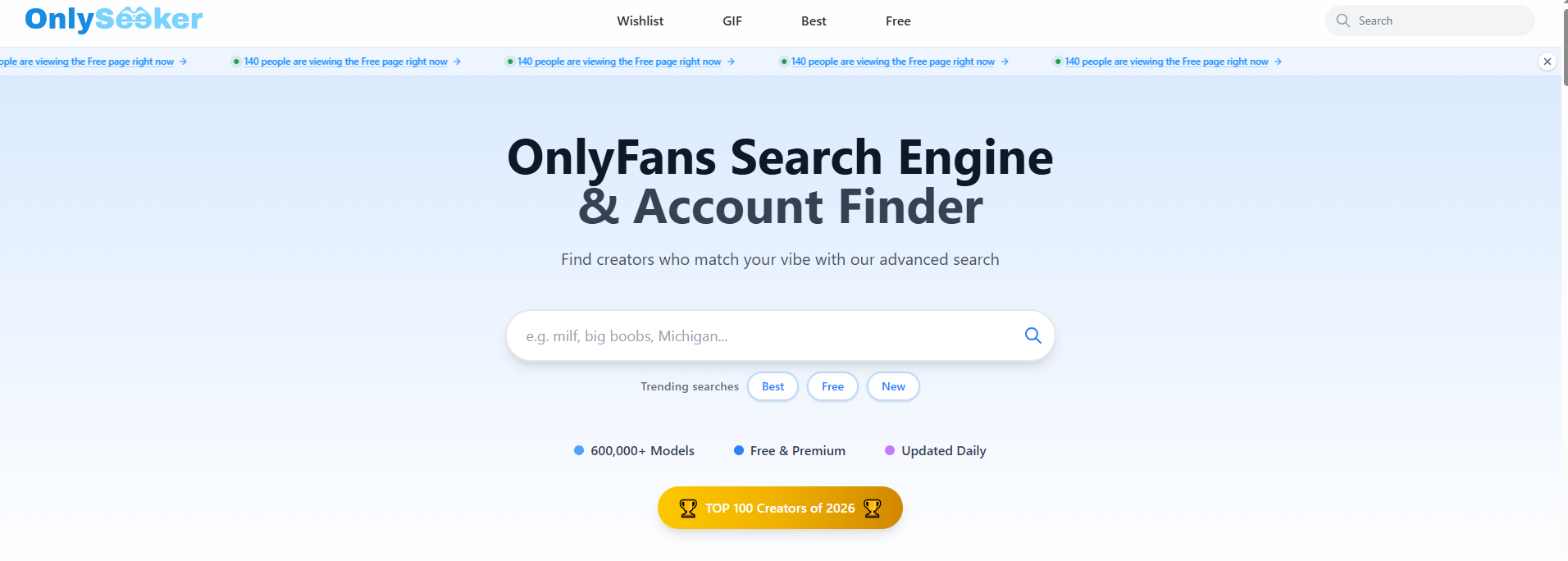
1.5 OnlySeeker
Safidy iray hafa mikendry ny hahita piraofilina mifandraika amin'ny OnlyFans ny OnlySeeker. Mety hahasoa ho an'ireo mpampiasa izay te-hahita mpamorona mifototra amin'ny fampahalalana azo alaina fa tsy hijery piraofilina maro amin'ny tanana.
Rehefa ampiarahina amin'ny fikarohana sary, ny fitadiavana mifantoka amin'ny OnlyFans dia afaka manampy amin'ny fampihenana ny mety ho fifandraisana. Ohatra, azonao atao aloha ny mampiasa fikarohana sary mivadika mba hamantarana ny anarana mpampiasa na ny anaran'ny mpamorona ary avy eo dia mampiasa ny OnlySeeker mba handinihana ny mombamomba mifandraika amin'izany.
Ny tombony lehibe amin'ny fampiasana serivisy manokana dia ny fahafahany mampihena ny habetsaky ny fikarohana tanana ilaina rehefa mitady mpamorona iray manokana.
1.6 FaceCheck.ID
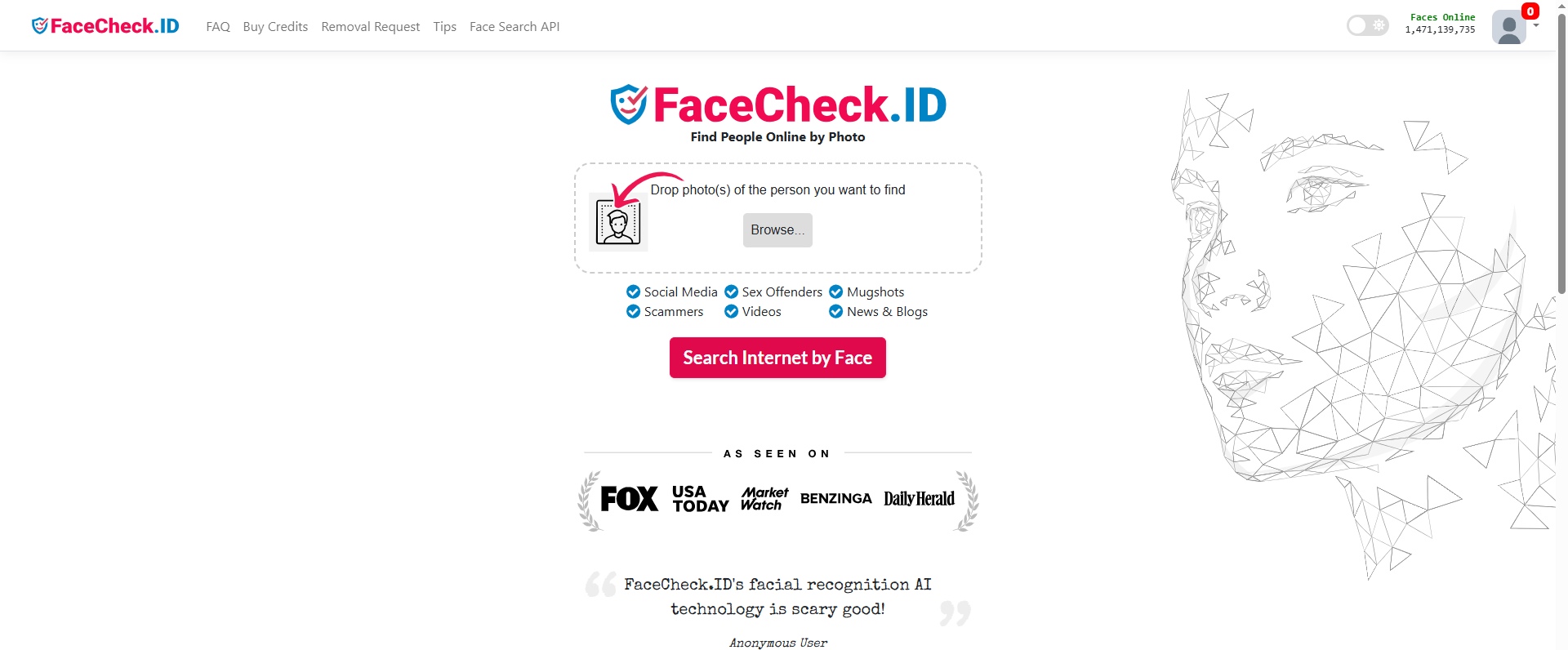
Serivisy fikarohana mifototra amin'ny famantarana tarehy ny FaceCheck.ID izay ahafahan'ny mpampiasa mampakatra sarin'olona sy mikaroka endrika mitovy amin'izany miseho an-tserasera. Mety ho ilaina indrindra izany rehefa sary sarin'olona no anananao fa tsy sary fampiroboroboana miavaka.
Rehefa avy mampakatra sary ilay serivisy dia mandinika ny tarehy ary mamerina sary na pejy mety mifanaraka amin'izany. Azonao jerena avy eo ny valiny ary fantarina raha misy mifandraika amin'ny fikarohanao.
Satria mety hiteraka vokatra diso ny famantarana ny endrika, dia raiso ho toy ny "leads" ny "fifandraisana" fa tsy ho toy ny porofo mazava momba ny maha-izy azy. Aza mampiasa fitaovana toy izany mba hampiharihary olona manokana na hanangonana fampahalalana manokana saro-pady tsy nahazoana alalana.
2. Tombony: Manaova backup ary misintona ny Creator Media rehetra miaraka amin'ny OnlyLoader
Ny fitadiavana mpamorona dia dingana voalohany fotsiny raha ny tanjonao dia ny hitazona backup manokana an'ireo rakitra media azonao tehirizina. Mety ho manahirana ny misintona sary sy horonan-tsary tsirairay amin'ny alàlan'ny navigateur, indrindra rehefa mikarakara rakitra be dia be.
OnlyLoader dia fitaovana fampidinana rakitra ho an'ny solosaina natao hanamorana ny fitahirizana horonan-tsary sy sary maro be avy amin'ny mpamorona. Raha tokony hanokatra lahatsoratra tsirairay sy hisintona rakitra tsirairay ianao dia afaka mitantana fampidinana maromaro amin'ny alàlan'ny fomba fiasa manokana ho an'ny solosaina.
Ahoana ny fomba fanaovana backup ny Creator Media amin'ny OnlyLoader :
- Misintona ary mametraka OnlyLoader amin'ny Windows na Mac-nao, dia sokafy ny fampiharana.
- Midira ao amin'ny kaontinao OnlyFans raha ilaina ao anatiny OnlyLoader ary mandehana any amin'ilay mpamorona izay nahazoanao alalana hisintona ny media.
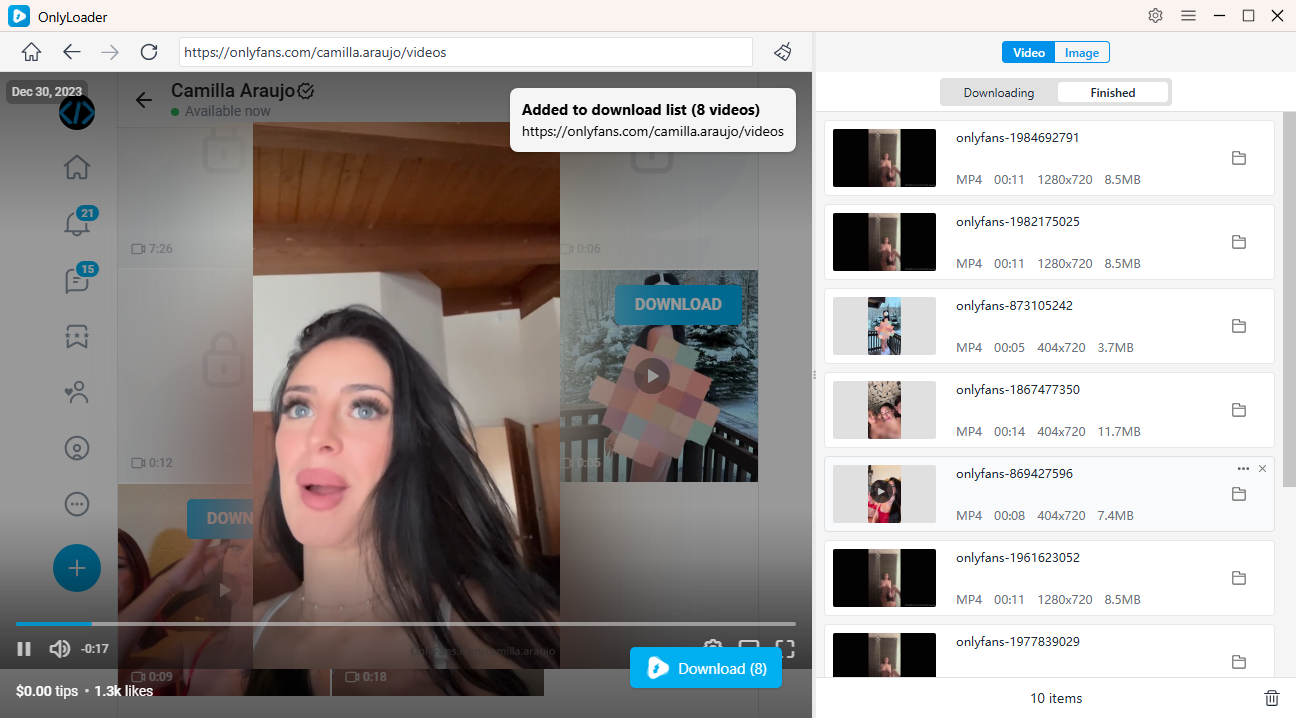
- Mandehana any amin'ny fizarana Lahatsary ary atombohy ny fandefasana ny lahatsary tianao. OnlyLoader hamantatra ho azy ireo lahatsary misy, ahafahanao misafidy rakitra maromaro ho an'ny fampidinana andiany tokana.
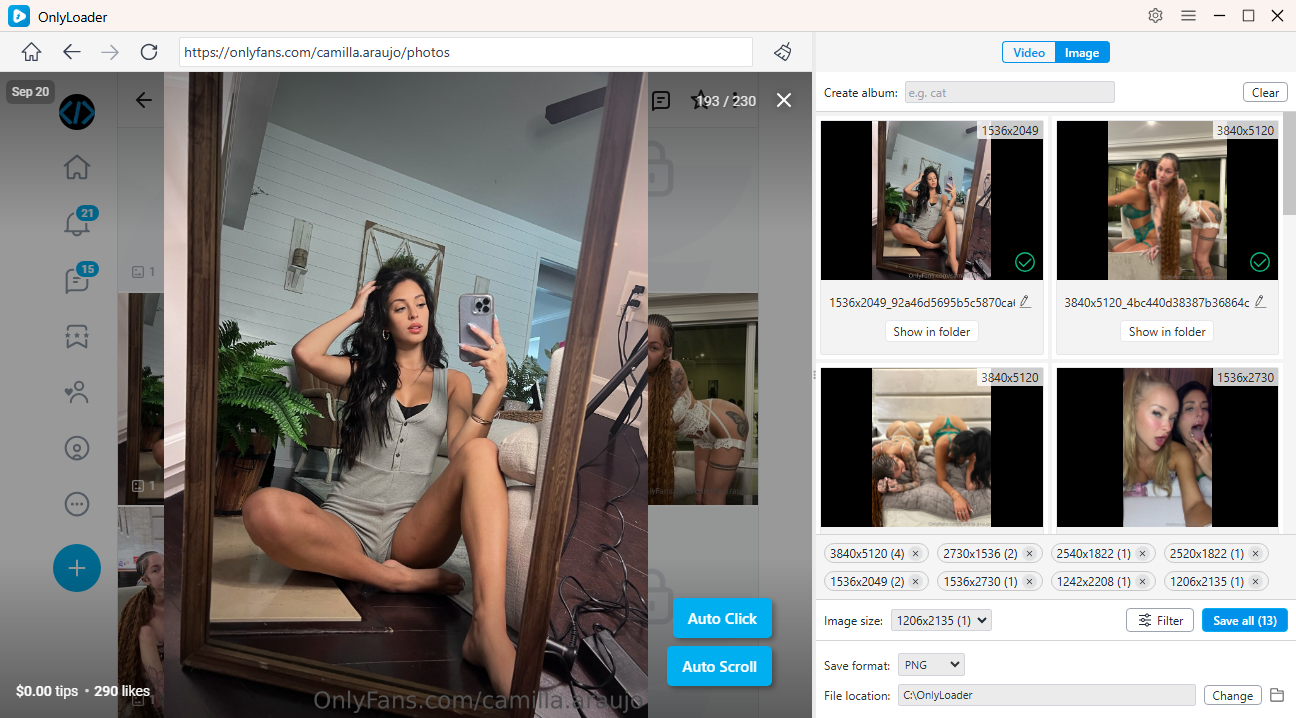
- Ho an'ny sary, ampiasao ny Auto-Click mba hijerena ho azy ny pejy sy hamantarana ireo sary misy. Fidio ireo sary tianao, dia alaivo amin'ny tsindry iray monja izy rehetra.
3. Fehiny
Rehefa sary fotsiny no anananao ary te hahita mpamorona OnlyFans ianao, dia afaka manome anao fomba fanombohana mahasoa ireo fitaovana fikarohana mifototra amin'ny sary. Manampy amin'ny fitadiavana sary mifanaraka amin'izany ny TinEye, raha toa kosa ny JoiceSearch, OnlyGuide, FaceSpy, OnlySeeker, ary FaceCheck.ID dia manolotra fomba fiasa samihafa amin'ny fitadiavana sary na mpamorona.
Raha vao mahita mpamorona izay nahazo alalana ara-dalàna hitahiry ny votoatiny ianao, OnlyLoader dia afaka manamora kokoa ny dingana manaraka. Ny fomba fiasany amin'ny solosaina sy ny fahafahany misintona betsaka dia manampy amin'ny fampihenana ny ezaka atao amin'ny fanaovana backup sary sy horonan-tsary marobe. Raha mila mitahiry media avy amin'ny mpamorona nahazo alalana matetika ianao, OnlyLoader dia vahaolana mety tsara amin'ny fampidinana sy fitantanana ny fanangonanao amin'ny fomba mahomby.
- Ahoana ny fomba fampidinana ny votoatin'ny OnlyFans amin'ny alàlan'ny MassLoader?
- Tsy mandeha ve ny lahatsary OnlyFans? Andramo ireto fanamboarana ireto
- Ahoana no fomba hamahana ny olana amin'ny fidirana OnlyFans amin'ny X raha tsy afaka manova mailaka?
- Ahoana ny fampiasana Cat-Catch mba hisintonana horonan-tsary DRM OnlyFans
- Ahoana ny fomba fampidinana ny Kirstentoosweet OnlyFans Media?
- Inona no asehon'ny OnlyFans ao amin'ny fanambarana avy amin'ny banky?
- Ahoana ny fomba fampidinana ny votoatin'ny OnlyFans amin'ny alàlan'ny MassLoader?
- Tsy mandeha ve ny lahatsary OnlyFans? Andramo ireto fanamboarana ireto
- Ahoana no fomba hamahana ny olana amin'ny fidirana OnlyFans amin'ny X raha tsy afaka manova mailaka?
- Ahoana ny fampiasana Cat-Catch mba hisintonana horonan-tsary DRM OnlyFans
- Ahoana ny fomba fampidinana ny Kirstentoosweet OnlyFans Media?
- Inona no asehon'ny OnlyFans ao amin'ny fanambarana avy amin'ny banky?