 OnlyLoader
How to Download OnlyFans Content with MassLoader?

OnlyFans connects creators with subscribers through exclusive videos, photos, private messages, and other premium content. While users can normally stream or view this content online, they may sometimes want to save content they are authorized to access for offline viewing or personal backup.
MassLoader is one option designed for this purpose. In this guide, we’ll explain what MassLoader is, how to use it to download OnlyFans content, its main advantages and disadvantages, and introduce a more convenient alternative.
1. What Is MassLoader?
MassLoader is a browser-based OnlyFans bulk downloader designed to save accessible media without requiring command-line tools, Python, or manual cookie copying.
MassLoader operates as a client-side browser extension and supports Chrome, Edge, and Brave.
Key features of MassLoader:
- Bulk Downloads – Save multiple photos and videos at once.
- DRM Support – Download supported DRM media.
- Posts & Stories – Save media from posts and stories.
- Messages & PPV – Download from your accessible messages and unlocked PPV content.
- Purchased Content – Save previously purchased media.
- Pause & Resume – Resume interrupted downloads.
2. How to Download OnlyFans Content with MassLoader?
Step 1: Download MassLoader
Visit the official MassLoader website and download the extension package.
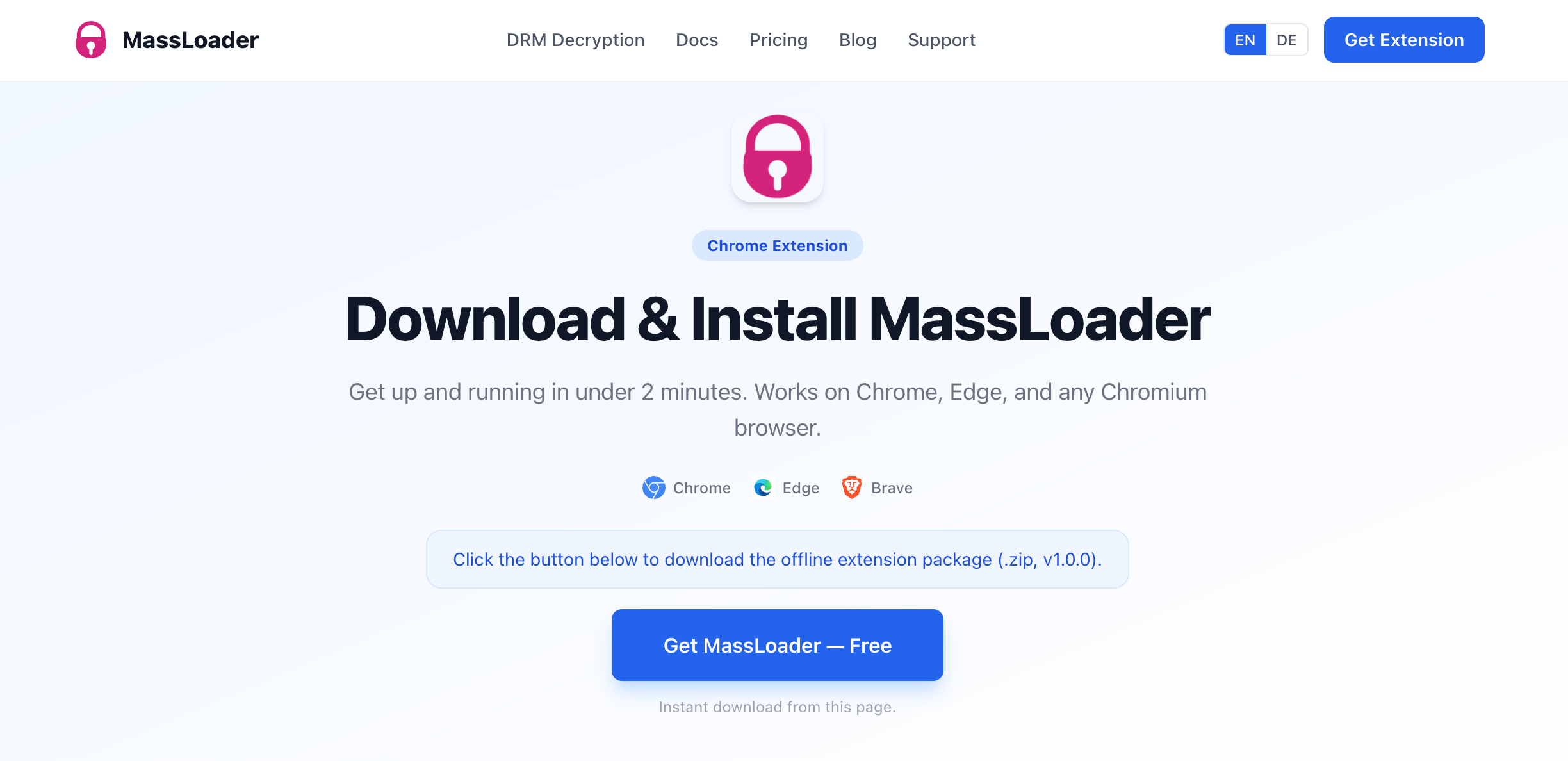
Because MassLoader uses an offline installation method, the extension is provided as a ZIP file rather than being installed directly through the Chrome Web Store.
Extract the downloaded ZIP package to a folder on your computer.
Step 2: Install the Extension
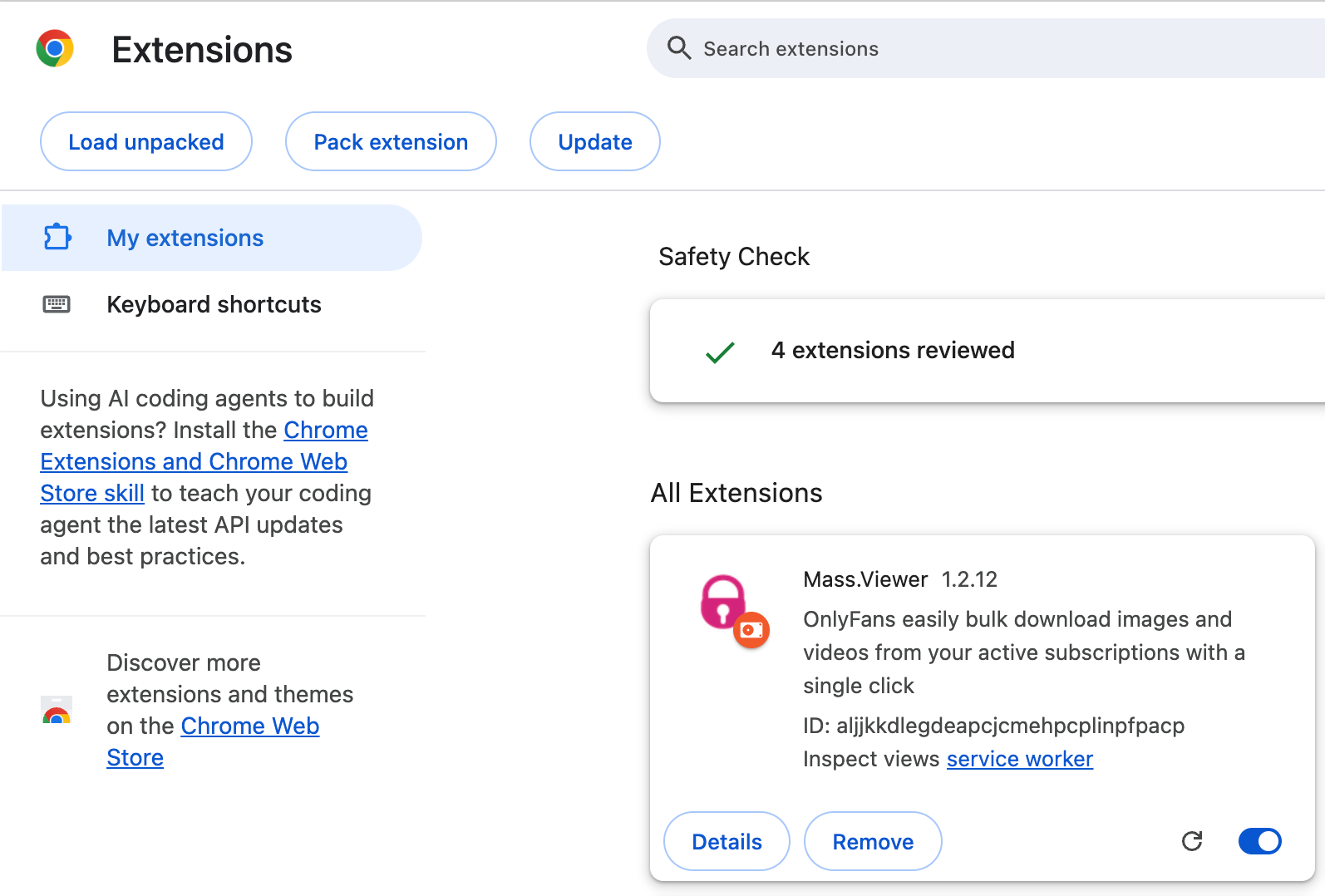
Open Chrome and navigate to the browser’s Extensions management page.
Enable Developer Mode, choose Load unpacked, and select the extracted MassLoader extension folder. After installation, you should see MassLoader among your installed browser extensions.
Pinning the extension to the browser toolbar can make it easier to access while browsing OnlyFans.
Step 3: Launch MassLoader
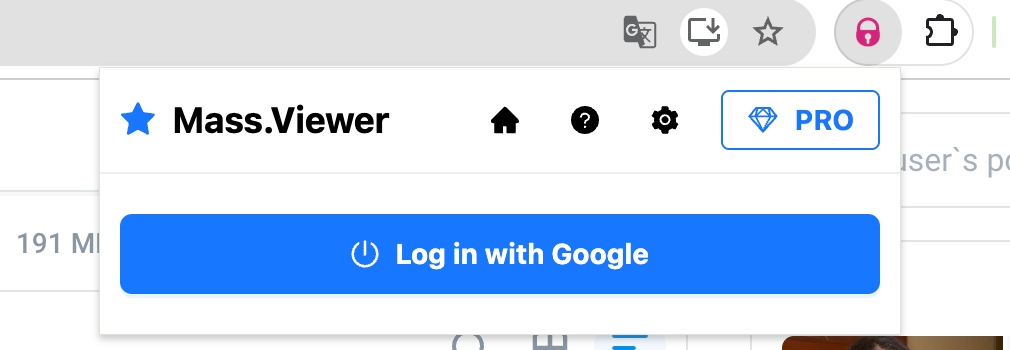
Click the MassLoader extension icon in the browser toolbar and log in with your accountn (Upgrade to unlocked unlimited downloads if needed).
Step 4: Find Content
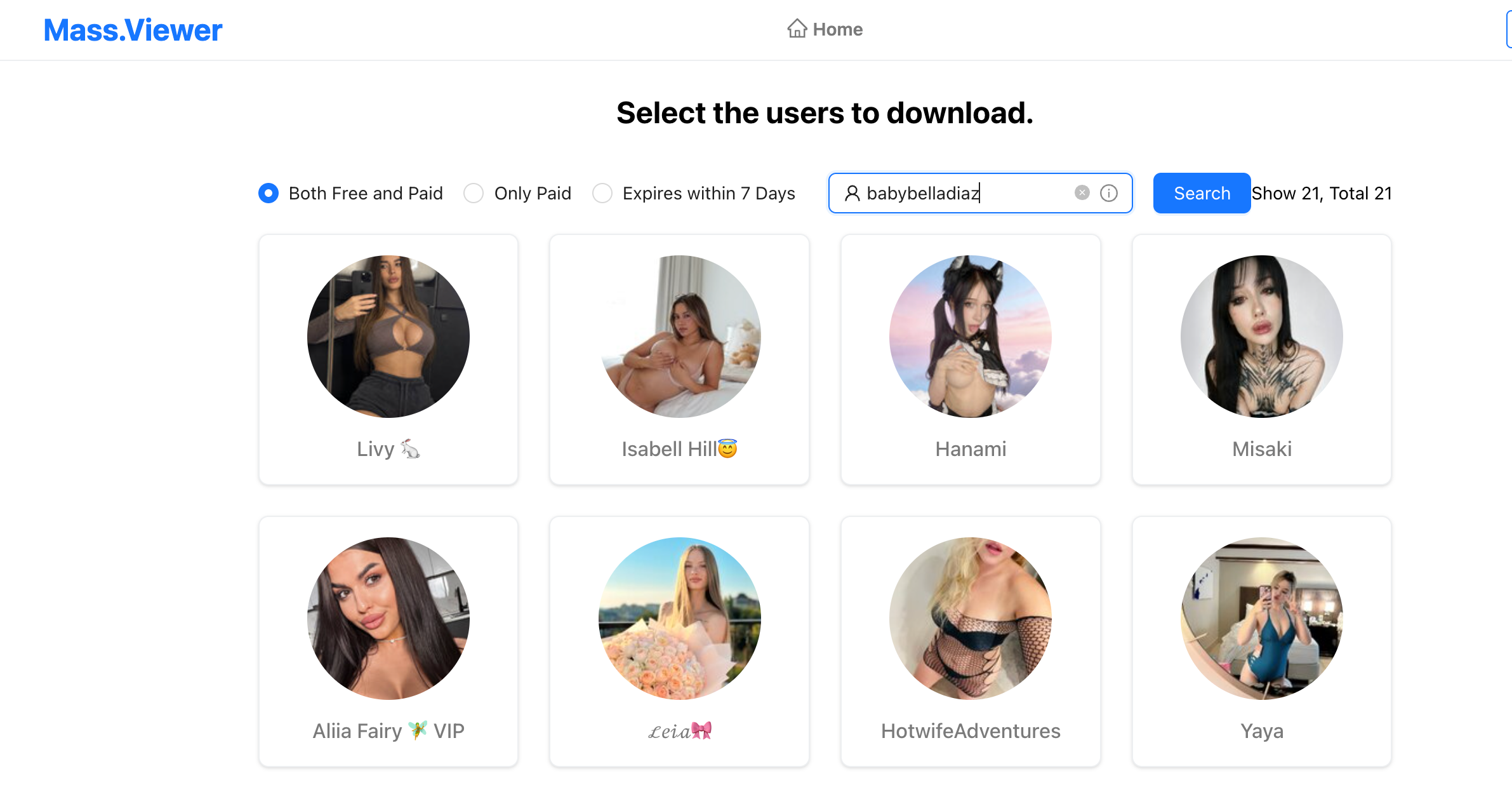
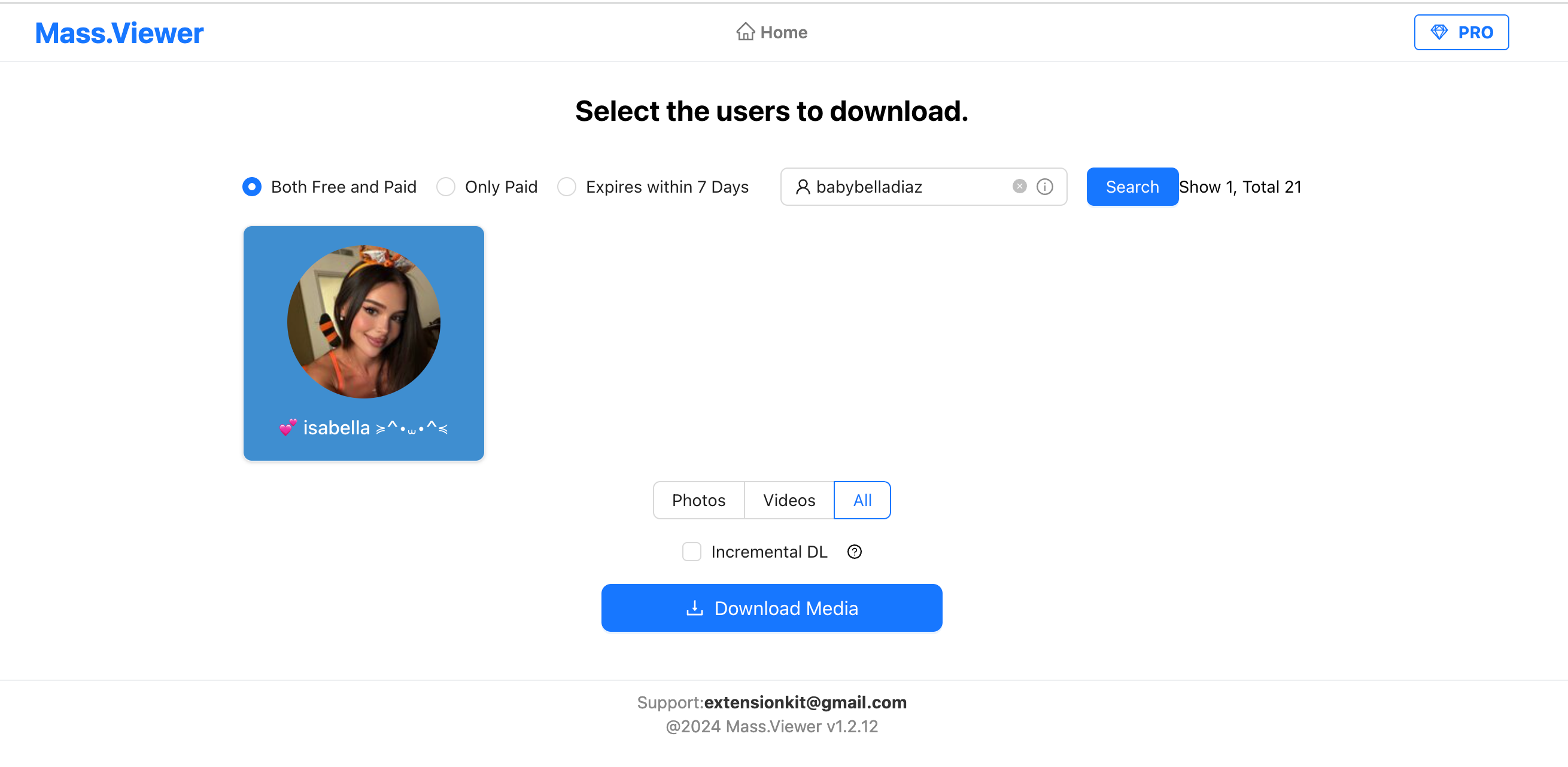
Open the Mass Viewer, enter the creator nickname or username and click “Search”.
Step 5: Select and Download Content
Choose the photos or videos you want to save, select multiple files for batch downloading if needed, then click Download Media. MassLoader will add the selected media to the download queue and automatically save them to your computer.
3. Pros & Cons of MassLoader
Pros:
- Supports bulk photo and video downloads
- Works with posts, messages, and purchased content
- Supports DRM media
- Offers pause and resume for downloads
- No Python or command-line setup required
Cons:
- Requires manual browser extension installation
- Free version has daily download limits
- Mainly works with Chromium-based browsers
- Some features require the high paid price
4. Try the Ultimate OnlyFans Content Downloader – OnlyLoader
If you want an alternative to a manually installed browser extension, OnlyLoader provides a standalone desktop solution for downloading accessible OnlyFans videos and images in bulk.
OnlyLoader includes its own built-in browser, allowing users to sign in to OnlyFans and browse content available to their account without installing a separate browser extension. It supports bulk video and image downloading, selectable video resolutions and formats, image filtering, custom download locations, album creation, and file-renaming options.
Key features of OnlyLoader:
- One-Click Batch Downloads – Grab multiple OnlyFans videos and photos without saving them one by one.
- Browse & Download in One Place – Explore creator profiles directly inside OnlyLoader’s built-in browser.
- Quality Your Way – Choose from available video resolutions ranging from 720p to crisp 4K/8K.
- Format Freedom – Save media as MP4, MOV, MKV, AVI, MP3, M4A, and more.
- Full-Size Photo Saving – Keep available images in JPG, PNG, WebP, and other formats.
- Smart Media Management – Filter photos, organize them into custom albums, and choose where to save your downloads.
Steps to Download OnlyFans Content with OnlyLoader:
- Install OnlyLoader on your Windows or Mac, then open the program to get started.
- Sign in to OnlyFans with your authorized account through OnlyLoader’s built-in browser to access the content available to you.
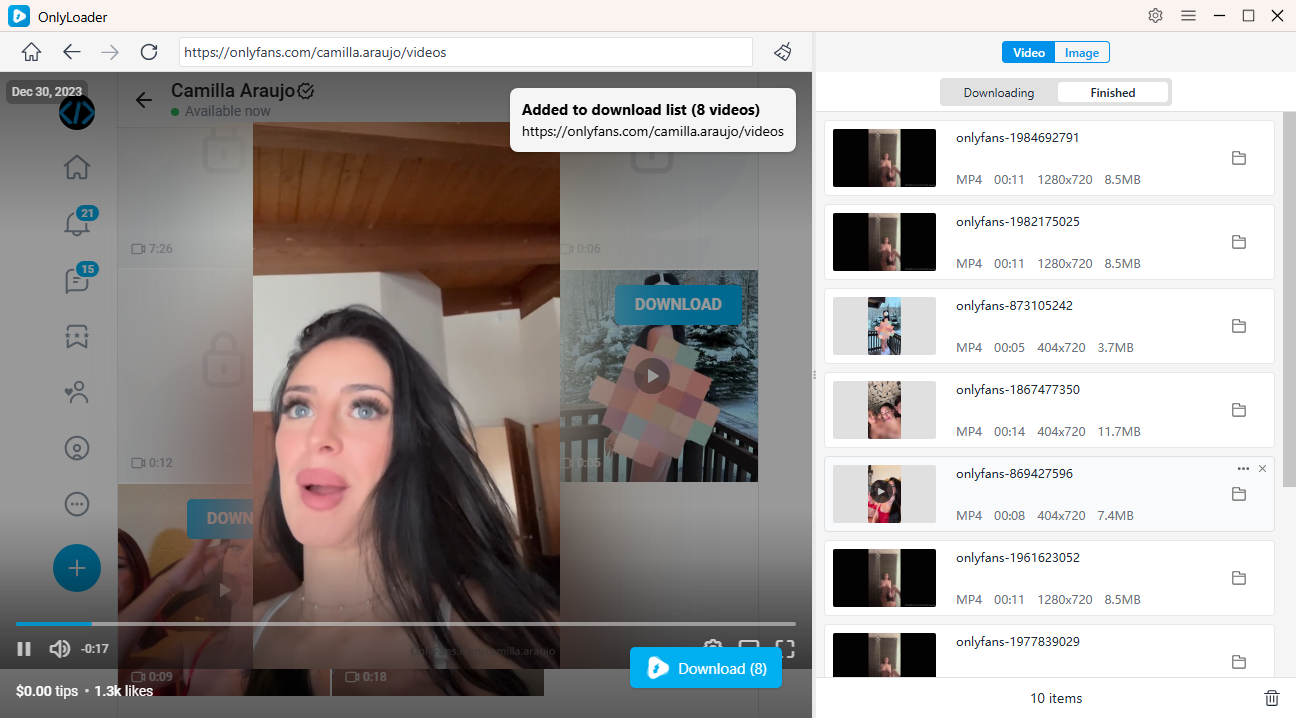
- Go to the Videos section and play the video you want to save. OnlyLoader will automatically detect the available media, allowing you to select multiple videos and download them together in one batch.
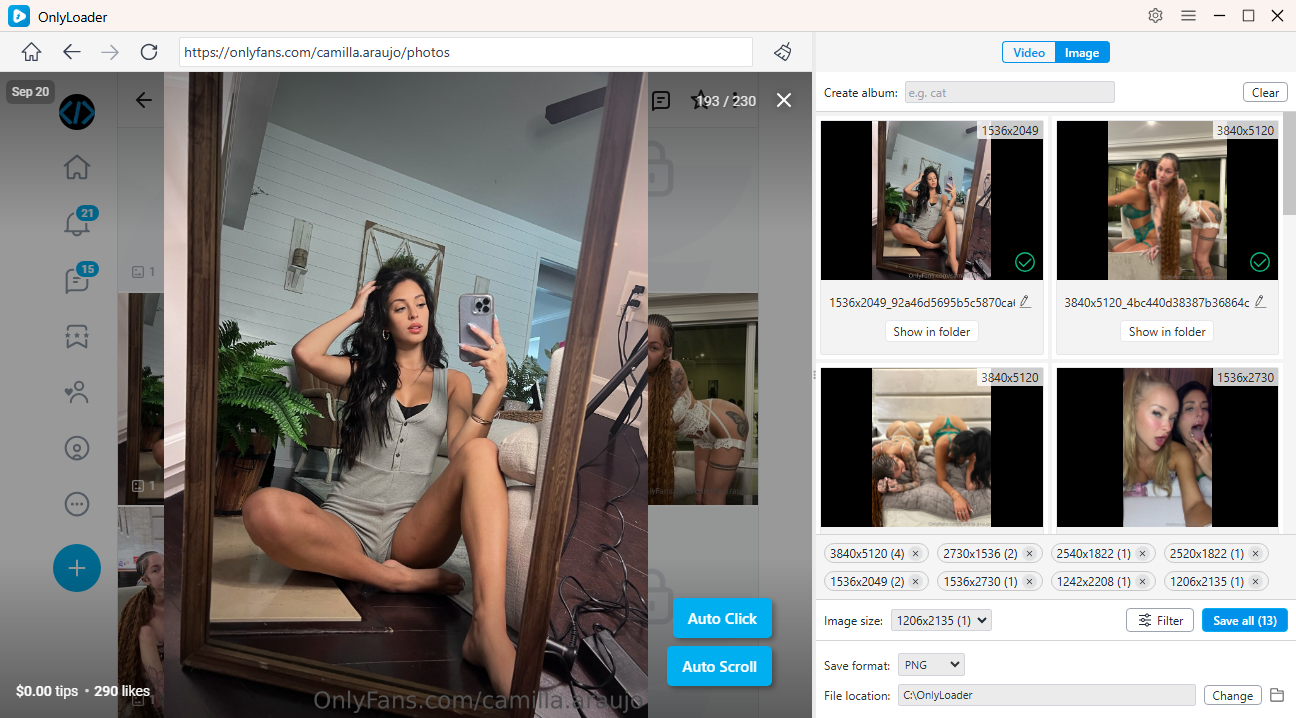
- For photos, activate Auto-Click to collect available images from the page, choose the files what you want, and batch-save them with ease.
5. Conclusion
MassLoader offers a practical way to download OnlyFans content that you are authorized to access. Its browser-based design, bulk downloading, support for posts, messages and purchased media, and resumable queue make it useful for users who prefer working directly inside Chrome or another supported Chromium browser. However, manual extension installation, free-tier limits, and its dependence on the browser may not suit everyone.
For users who want a more complete desktop downloading experience, OnlyLoader is the recommended alternative. Its built-in browser, batch video downloading, automatic image detection, customizable formats and resolutions, and file-management options make it particularly convenient for managing larger collections. If you frequently need to back up OnlyFans videos and images you are permitted to save, OnlyLoader provides a streamlined all-in-one approach.