 OnlyLoader
How to Use OnlyFans Lookup to Find Profiles Fast?

OnlyFans has grown into one of the most popular platforms for exclusive, subscription-based content. With millions of creators sharing photos, videos, and personalized content, finding a specific profile can sometimes feel challenging—especially if you don’t have a direct link or username.
Unlike traditional social media platforms, OnlyFans has limited search functionality. You can’t always search freely by name or browse profiles easily, which makes “OnlyFans lookup” methods increasingly popular. These methods help users locate creators quickly using different types of information such as phone numbers, emails, names, or even images.
In this guide, we’ll break down the most effective OnlyFans lookup methods and show you how to find profiles fast and efficiently.
1. How to Use OnlyFans Lookup to Find Profiles Fast
1.1 OnlyFans Lookup by Phone Number
Searching for an OnlyFans account using a phone number is one of the most commonly discussed methods—but it comes with limitations.
What you should know:
- OnlyFans does not provide a public phone number search feature
- Phone numbers are private and protected for security reasons
- You cannot directly enter a phone number to find a profile
Workarounds:
- Check if the person has linked their phone number to other social media platforms (like WhatsApp, Telegram, or Instagram)
- Use those platforms to identify their username or profile links
- Look for shared links in bios or contact pages
Conclusion:
Direct lookup by phone number is not supported, but cross-referencing other platforms may help you find the profile indirectly.
2. OnlyFans Lookup by Email
Many users wonder if they can search OnlyFans accounts using an email address. Similar to phone numbers, this method has strict limitations.
Important points:
- OnlyFans does not allow public email searches
- Email addresses are kept private for user security
- There is no official tool to locate accounts by email
Alternative approaches:
- Search the email on platforms like Google or social media
- Check if the email is associated with a public profile or website
- Look for newsletters or creator pages linked to that email
Conclusion:
While direct email lookup isn’t possible, external searches may help you uncover associated profiles.
3. OnlyFans Lookup by Name
Searching by name is one of the most practical and commonly used methods.
How to do it:
- Use search engines like Google and type:
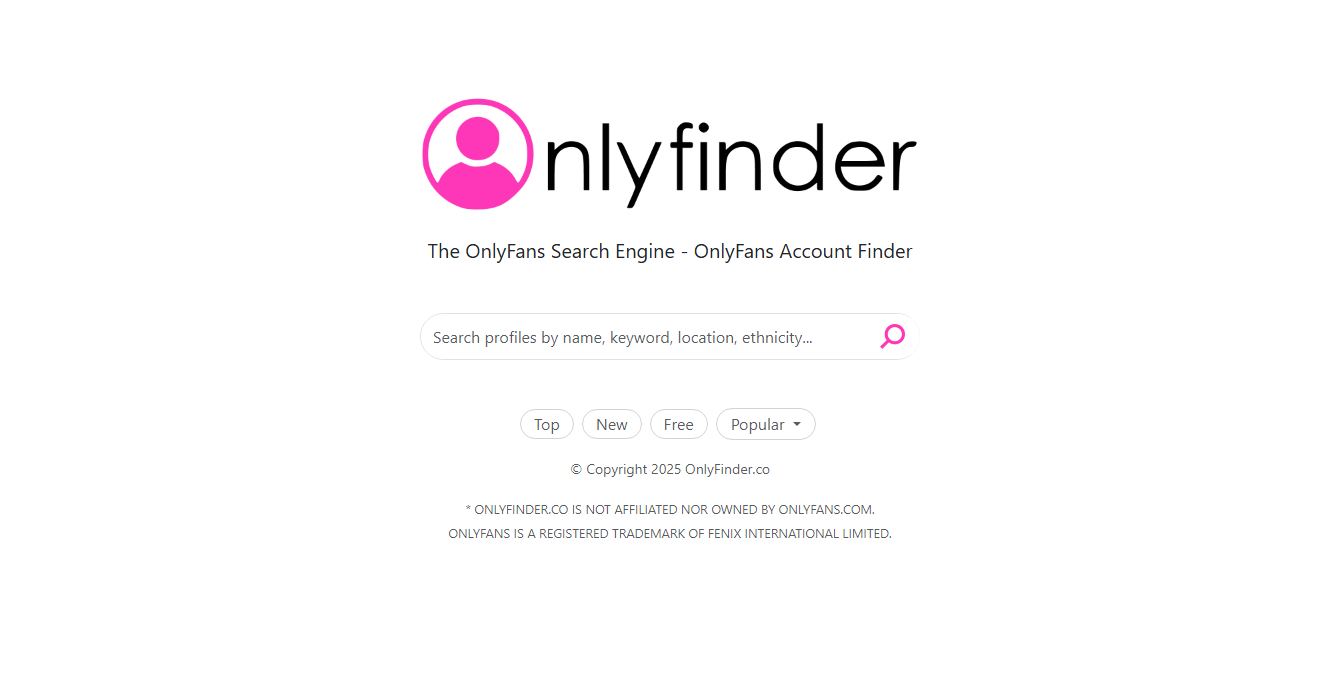
“[Name] OnlyFans” - Use OnlyFans finders to enter the creator name to find the profile.
- Check social media platforms such as Twitter, Instagram, or Reddit
- Look for creator link aggregators like Linktree
Tips for better results:
- Add keywords like “model,” “creator,” or “OnlyFans”
- Try variations or nicknames
- Combine location or niche keywords
Why it works:
Most creators promote their OnlyFans profiles on other platforms, making name-based searches one of the fastest ways to find accounts.
4. OnlyFans Lookup by Picture
Reverse image search is another powerful method for finding OnlyFans profiles.
Steps:
- Take the image you want to search
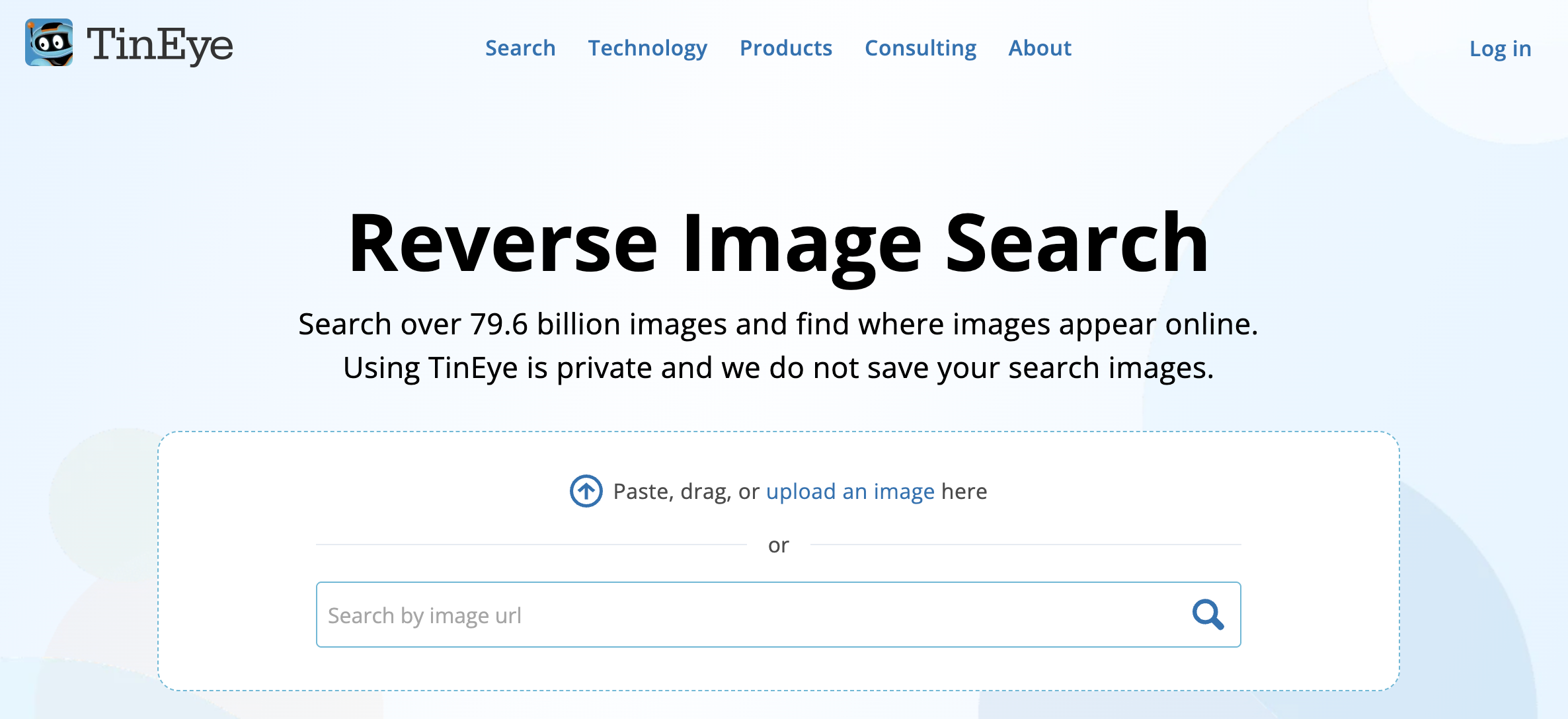
- Upload it to tools like Google Images or TinEye
- Analyze the search results for matching profiles
- Look for links to social media or OnlyFans pages
Best use cases:
- Identifying a creator from a shared image
- Finding the original source of content
- Discovering linked profiles across platforms
Tips:
- Use clear, high-quality images for better results
- Cut the image down to emphasize the subject
- Test multiple reverse image search tools
Conclusion:
Image lookup can be very effective, especially when other information is limited.
Bonus: Quick Download OnlyFans Media with OnlyLoader
Once you’ve found the profiles you’re looking for, you may want to save and organize your favorite content. However, OnlyFans doesn’t offer built-in download or management features. This is where OnlyLoader comes in.
OnlyLoader is a powerful tool designed to help users download and organize OnlyFans media quickly and efficiently. It simplifies the process of saving videos and images for offline access.
Key Features:
- One-click download all videos and images from OnlyFans profiles.
- Extract and download media in original quality.
- Export and save OnlyFans media in popular MP4, PNG and more formats.
- Filter creator images by choosing resolutions and types.
- Built-in browser to access OnlyFans content directly.
How to use OnlyLoader:
- Install OnlyLoader on your Windows or Mac device and open the software.
- Log in to your OnlyFans account using the built-in browser, then go to the creator’s profile (make sure you’re subscribed).
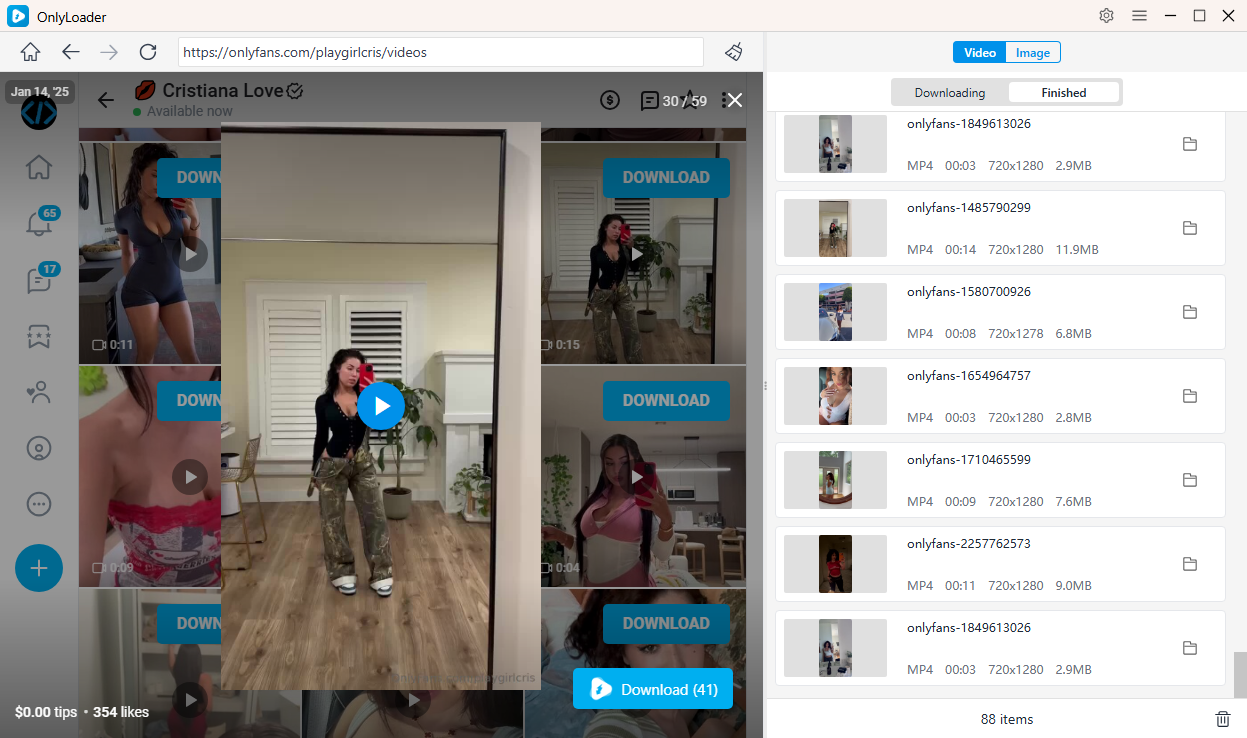
- Play a video and click the download button to add it to the queue—OnlyLoader will automatically download all queued videos.
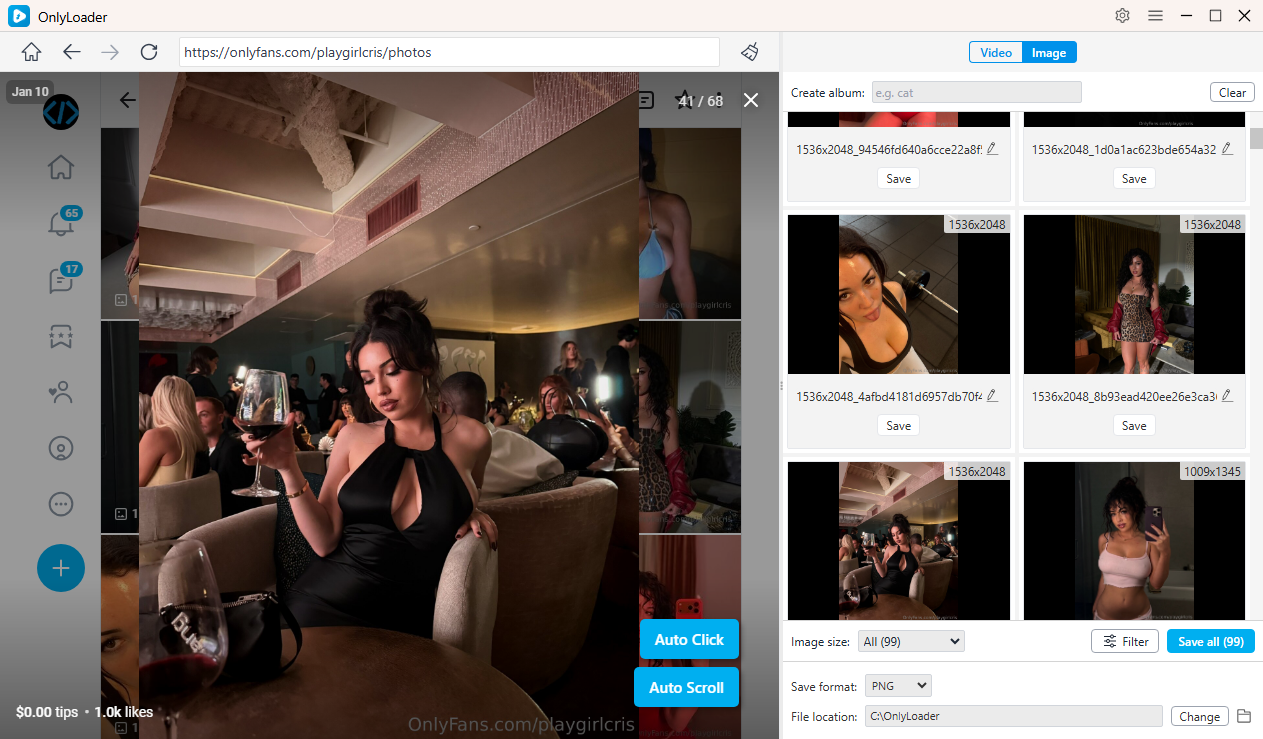
- Activate OnlyLoader’s auto-click feature to automatically scan and load all images from the creator’s profile. After loading, apply filters if needed and download all photos in one click.
3. Conclusion
Finding profiles on OnlyFans can be tricky due to its limited search functionality, but using the right lookup methods makes the process much easier. Whether you’re searching by name, exploring reverse image tools, or leveraging external platforms, each method offers a practical way to locate creators quickly.
While phone number and email lookups are restricted for privacy reasons, combining multiple strategies can significantly improve your chances of success. Once you’ve found the profiles you’re interested in, managing and saving content becomes the next challenge.
That’s why tools like OnlyLoader are highly recommended. With its one-click and batch downloading capabilities, it allows you to build a well-organized, accessible media library effortlessly.
If you want a faster, smoother, and more efficient OnlyFans experience, pairing smart lookup methods with OnlyLoader is the best way to get started.
- OnlyFans Videos Not Playing? Try These Fixes
- How to Resolve OnlyFans Login with X Cannot Change Email?
- How to Use Cat-Catch to Download DRM OnlyFans Videos
- Best OnlyFans Finders by Image to Search Profiles
- How to Download Kirstentoosweet OnlyFans Media?
- What Does OnlyFans Show Up As on Bank Statement?
- A Complete Guide on How to Tip on OnlyFans