 OnlyLoader
OnlyFans Map Guide: How to Find OnlyFans Creators Near You

OnlyFans has become one of the most popular subscription-based platforms for creators to share exclusive photos, videos, and other content with their audiences. With thousands of creators joining the platform, discovering profiles that match your interests can sometimes be difficult. While many users find creators through social media, recommendations, or direct profile links, others prefer a more location-focused approach.
In this article, we’ll explain what an OnlyFans Map is, introduce six popular tools for finding creators, and show you how to use them.
1. What Is an OnlyFans Map?
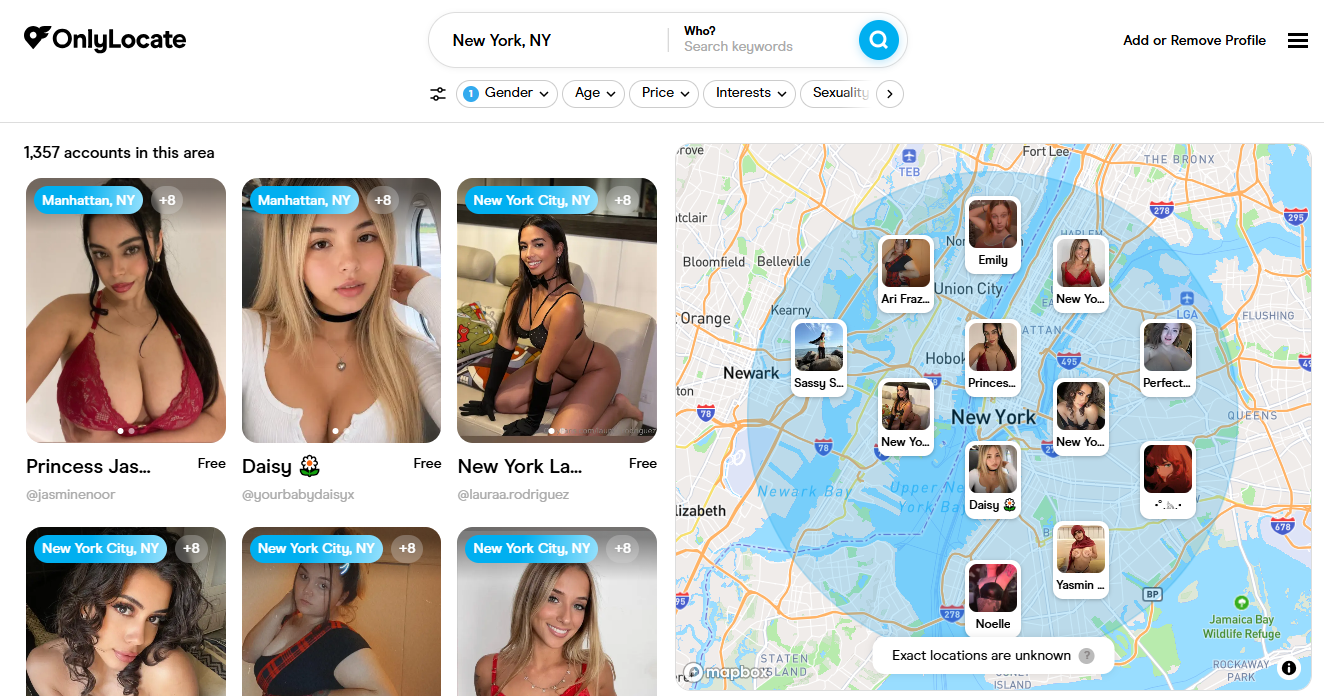
An OnlyFans Map is a third-party discovery tool that helps users find OnlyFans creators based on geographical information. Depending on the service, it may display creator profiles on an interactive map or organize them into searchable location-based directories.
Unlike OnlyFans itself, which does not offer an official interactive creator map, these external services provide another way to explore publicly available creator listings.
Most OnlyFans Map tools offer some of the following features:
- Location-based searches: Find creators associated with specific cities, states, or countries.
- Interactive maps: Explore available profiles through geographical markers.
- Creator previews: View publicly available profile information before visiting a creator’s page.
- Search filters: Narrow down listings using available filters, such as subscription prices or content categories.
- Regional browsing: Discover creators through location-based directories.
These tools can make creator discovery more convenient, but their information is not always complete or accurate. Most rely on publicly available or creator-provided information, so a listed location should not be considered a verified current residence or exact whereabouts.
2. Best OnlyFans Map Tools to Find Creators
Several third-party websites offer OnlyFans creator discovery features. Here are some options worth exploring, including interactive maps and location-based directories.
2.1 OnlyFinds
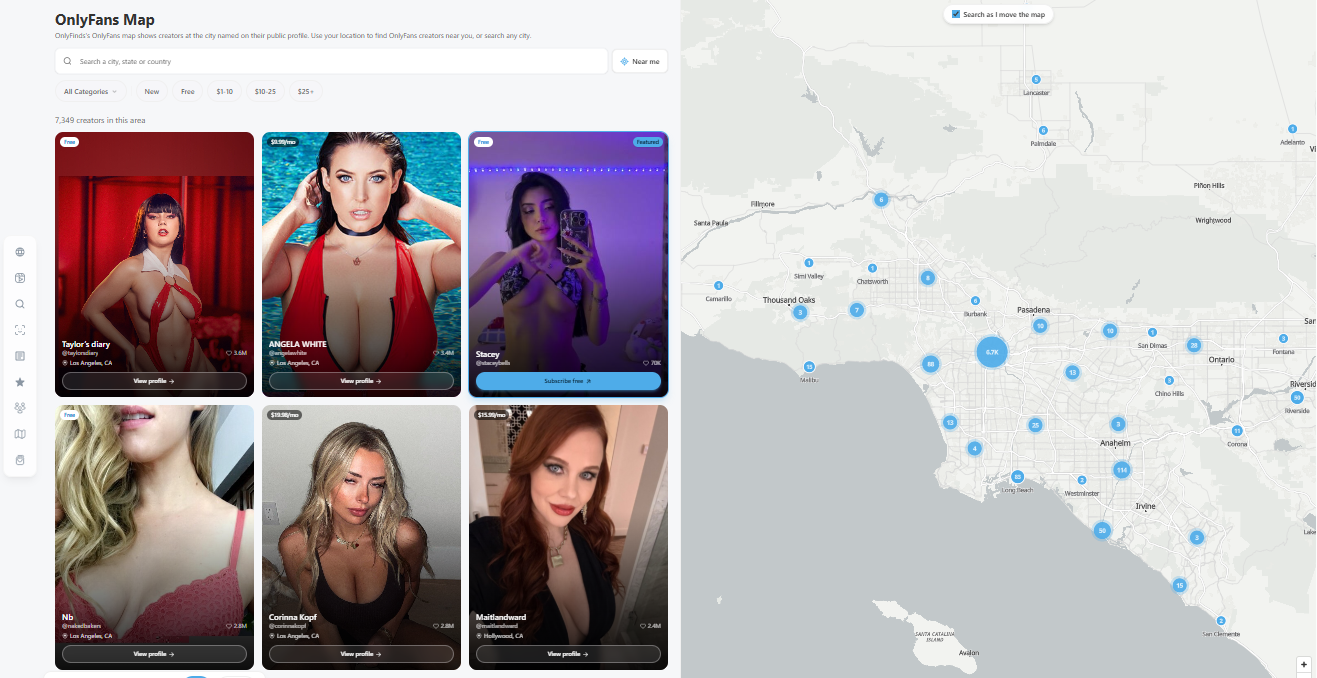
OnlyFinds features an interactive map that helps users explore OnlyFans creators based on their city, state, or country. Users can zoom into geographical areas, browse creator listings, and apply filters for free accounts, subscription prices, and content categories.
2.2 OnlyLocate
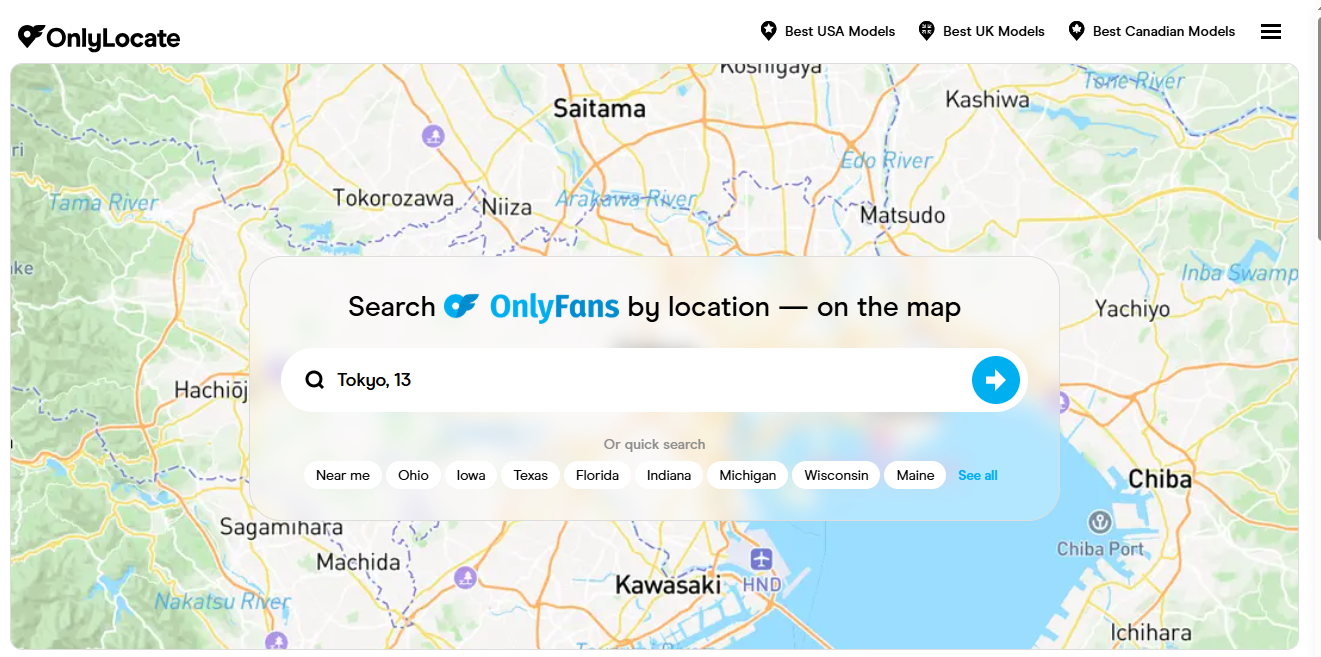
OnlyLocate is a location-focused OnlyFans finder. Its map lets users search by city, state, or country, use a Near Me option, and browse creators through available category filters.
2.3 Ranking.bio
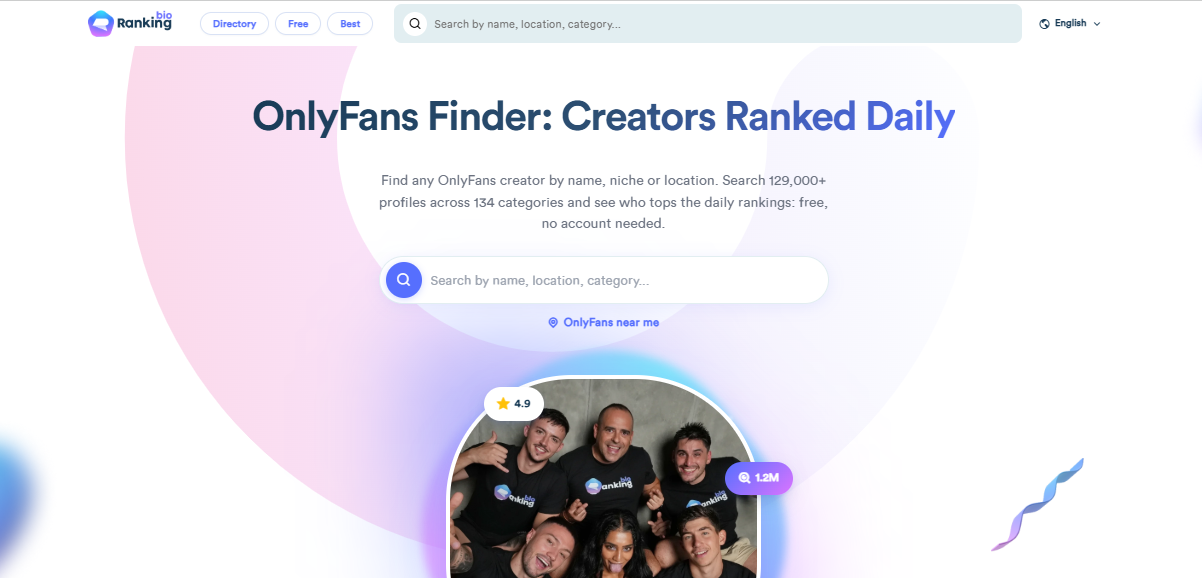
Ranking.bio is a creator search engine and directory that organizes profiles by categories, countries, and cities. It also provides a Near Me discovery feature, making it useful for users who prefer searchable directories and rankings alongside location-based browsing.
2.4 OnlyFinder
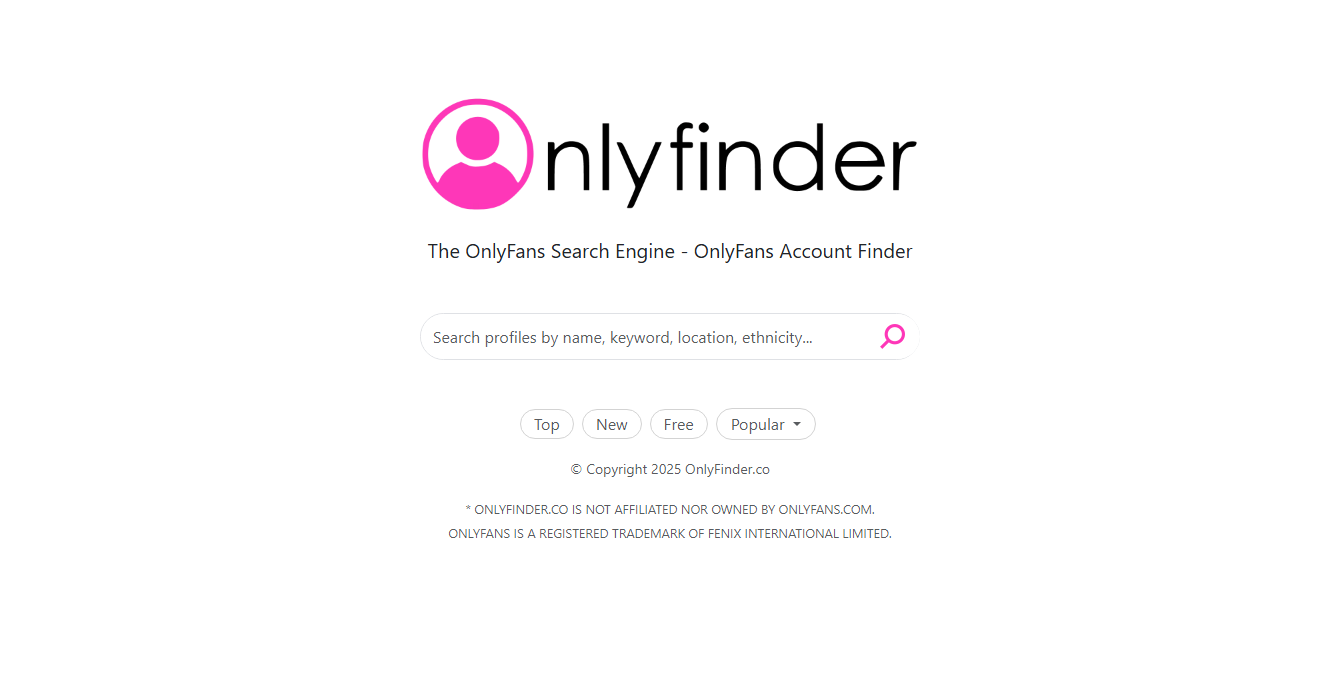
OnlyFinder is an OnlyFans search engine that supports searches by creator name, username, category, keyword, and location. It also offers a Near Me feature and map-based discovery, alongside options for browsing popular, new, and free profiles.
3. How to Use an OnlyFans Map to Find Creators
Most OnlyFans Map websites have similar interfaces. Follow these simple steps to get started:
- Open a website such as OnlyFinds, OnlyLocate or OnlyFinder.
- Search for a city, state, or country, or use the Near Me feature if available and you are comfortable sharing location permission.
- Zoom in and out to browse available creator listings in different geographical areas.
- Narrow down results using available options such as subscription prices, free accounts, or content categories.
- Open a listing to review the creator’s public profile and subscription information.
4. Bonus: Download OnlyFans Videos and Images in Bulk with OnlyLoader
After discovering interesting creators through an OnlyFans Map, you may also want to save content you are authorized to download for offline viewing or personal backup. However, downloading videos and images individually can be inconvenient, especially when managing content from multiple subscribed creators.
OnlyLoader is a desktop OnlyFans downloader designed to simplify bulk video and image downloads. It includes a built-in browser that allows users to access their OnlyFans accounts, browse available content, and manage downloads without constantly switching between applications.
Main Features of OnlyLoader:
- Detect and download multiple videos and images from accessible creator profiles in batches.
- Support available video resolutions and full-size image downloads.
- Export videos in formats such as MP4, MOV, and MKV, and images in JPG, PNG, and WebP.
- Filter detected photos by available formats and resolutions.
How to Download OnlyFans Videos and Images with OnlyLoader:
- Download the appropriate version of OnlyLoader for Windows or Mac, and complete the installation.
- Launch OnlyLoader and open OnlyFans through its built-in browser, then sign in using your account to access content available to you.
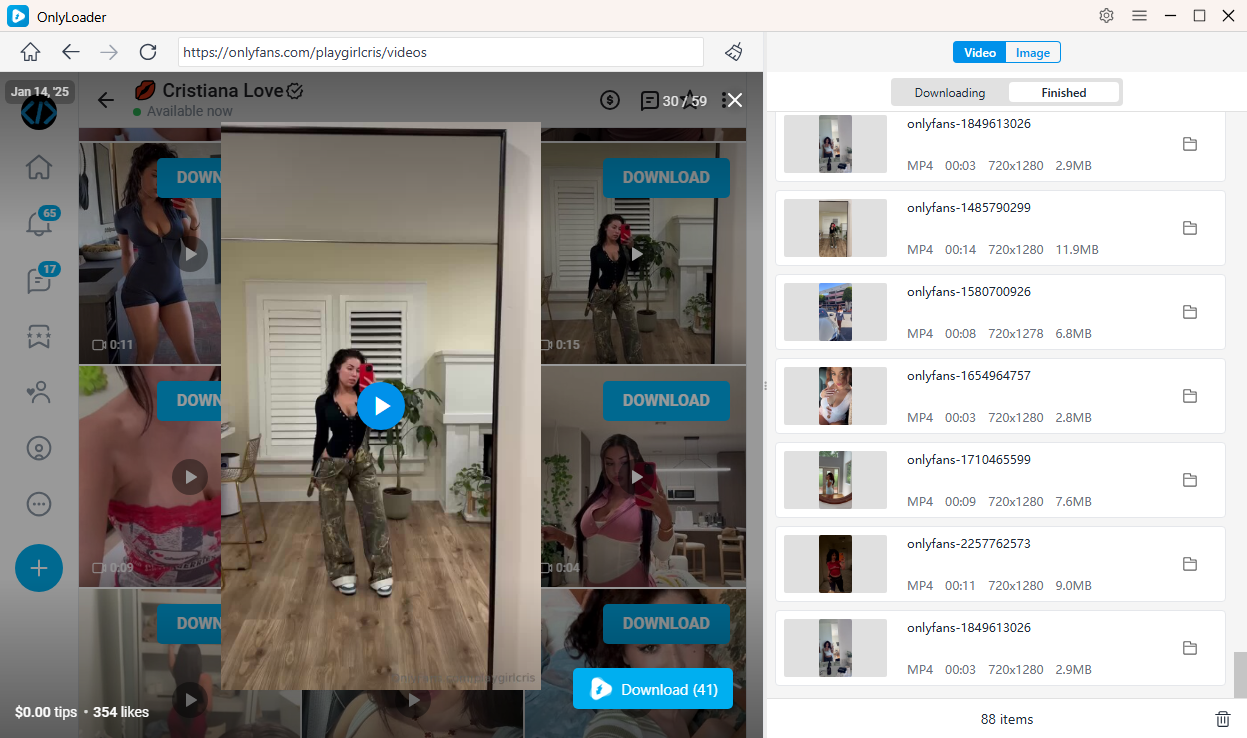
- Navigate to a creator’s Videos section under Media, play the videos you want to save, OnlyLoader can detect available videos and allow you to select multiple files for batch downloading.
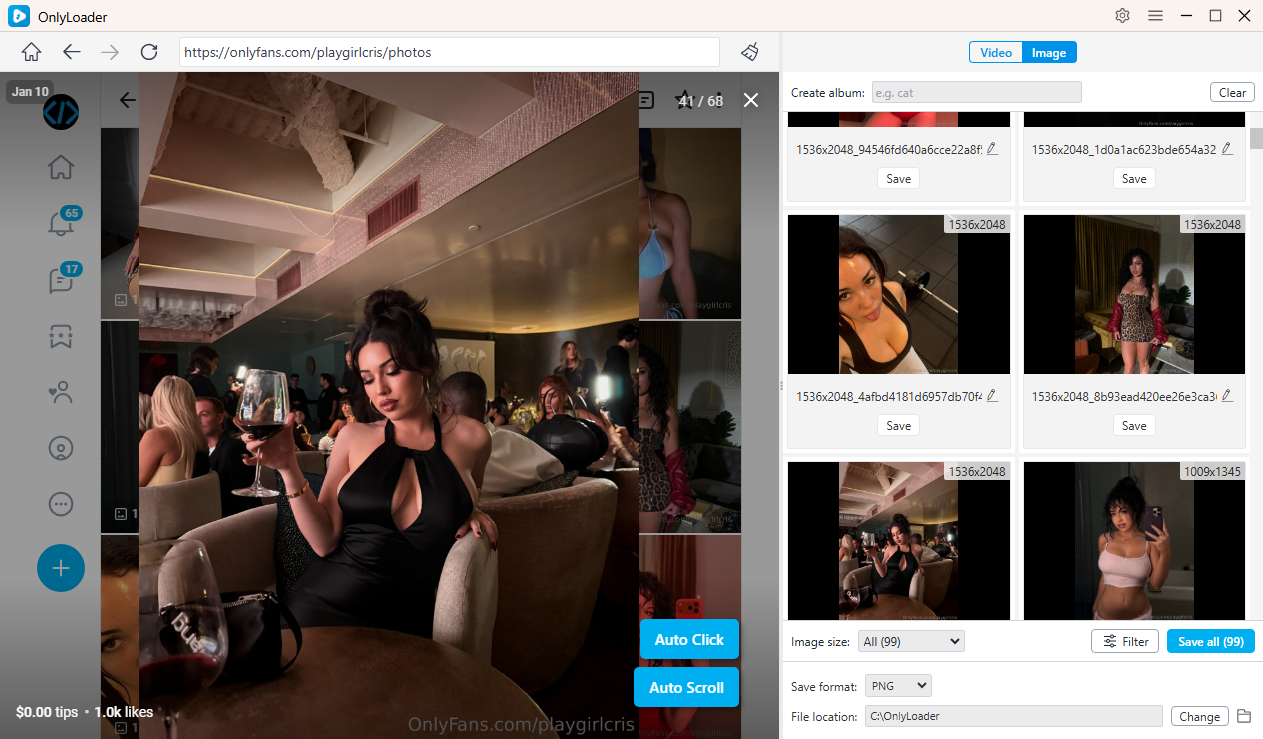
- Open the creator’s Photos section and click the Auto Click button to detect available images. Preview the detected photos, apply filters if needed, and click Save All to download your selected images together.
5. Conclusion
An OnlyFans Map provides a convenient way to discover creators through geographical searches. Tools such as OnlyFinds, OnlyLocate, CreatorFaceSearch, and OnlyFinder offer different approaches to exploring creator profiles by city, state, or country.
However, finding interesting creators is only one part of the experience. If you also want to manage and save content you are authorized to access, OnlyLoader is worth trying. Its bulk video and image downloading, automatic media detection, customizable output settings, and convenient file management make it a practical solution for handling larger media collections.
For users who want to save time and simplify their OnlyFans media management, OnlyLoader is a useful desktop tool to consider.
- OnlyFans DRM Explained: How It Works and What You Need to Know
- How to Download OnlyFans Content with MassLoader?
- OnlyFans Videos Not Playing? Try These Fixes
- How to Resolve OnlyFans Login with X Cannot Change Email?
- How to Use Cat-Catch to Download DRM OnlyFans Videos
- Best OnlyFans Finders by Image to Search Profiles
- OnlyFans DRM Explained: How It Works and What You Need to Know
- How to Download OnlyFans Content with MassLoader?
- OnlyFans Videos Not Playing? Try These Fixes
- How to Resolve OnlyFans Login with X Cannot Change Email?
- How to Use Cat-Catch to Download DRM OnlyFans Videos
- Best OnlyFans Finders by Image to Search Profiles